
Bold BI dashboard designer supports connecting Nicereply web services through REST API.

Release Announcement:
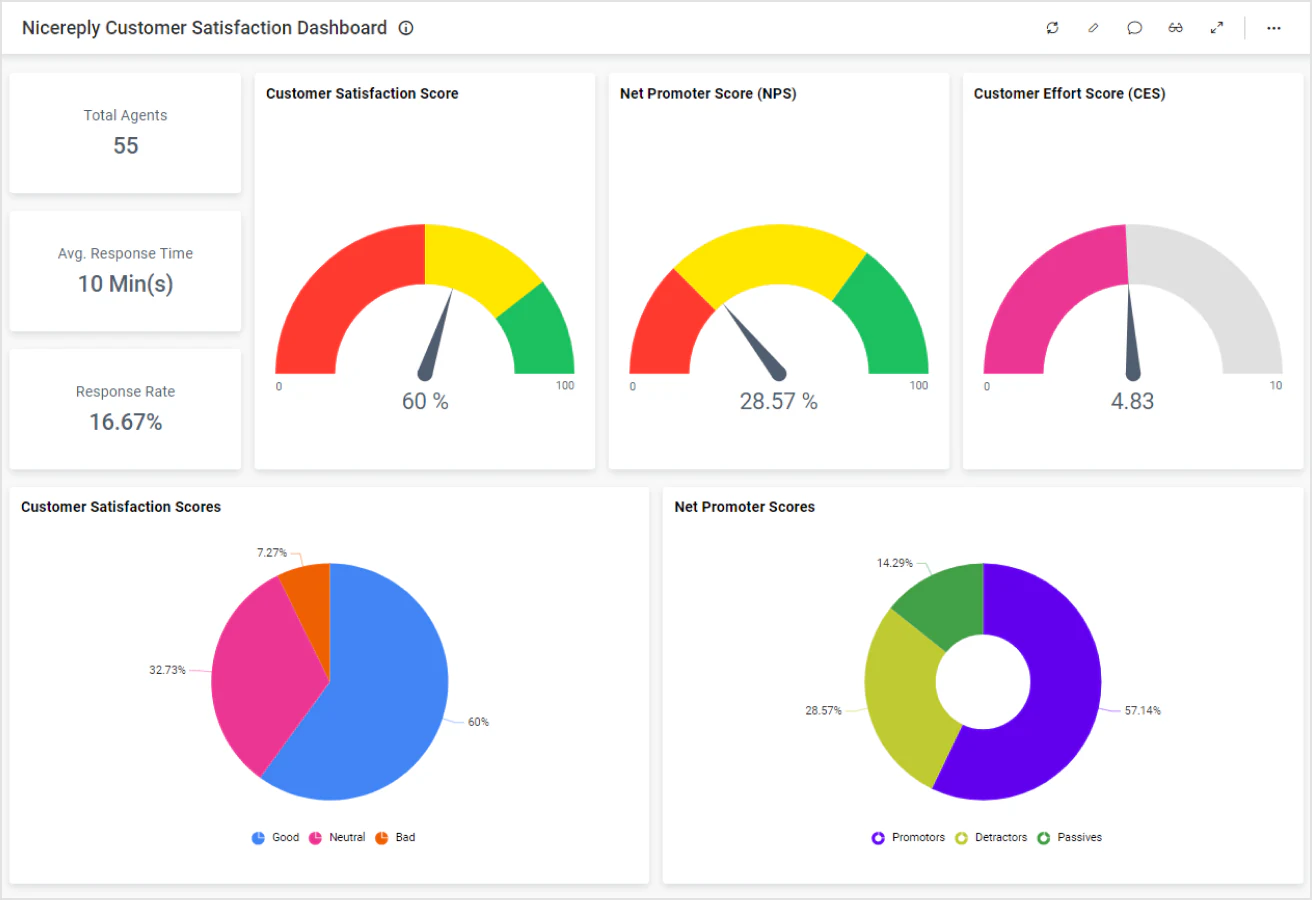
Bring your NiceReply data to Bold BI® and create beautiful dashboards with useful widgets. By embedding dashboards inside your application, you can visualize the story behind your data and make effective business decisions.

Create your query URL with valid REST API Endpoints that retrieves data from the NiceReply account.

Set the maximum number of rows to be fetched from the NiceReply connector.

Join the NiceReply data with data from different sources using shared tables.

Configure data refreshes to keep your dashboard up to date.
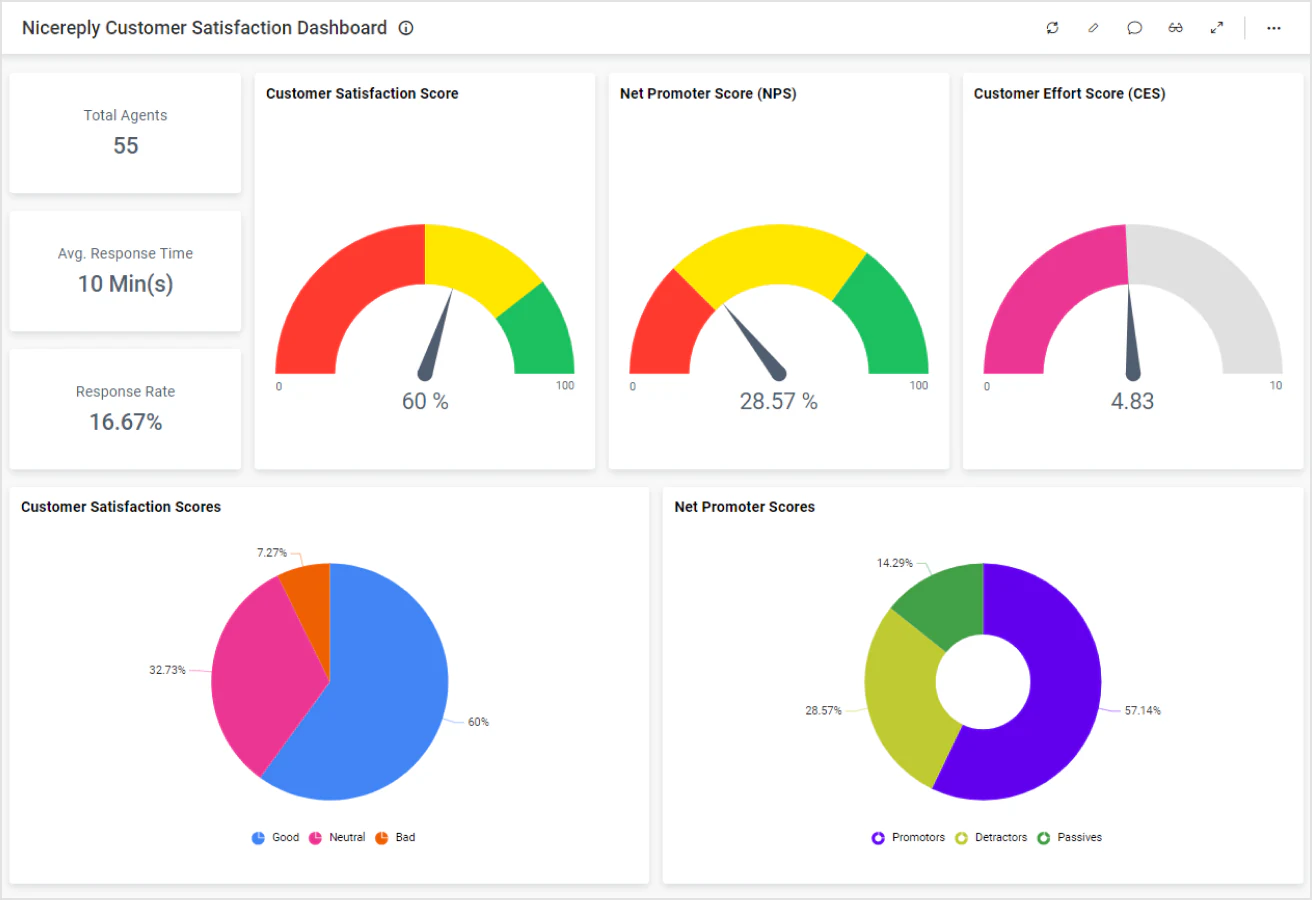
The Nicereply Customer Satisfaction Dashboard empowers users to gain valuable insight into customer feedback and support interactions. It provides a clear visualization of satisfaction trends, enabling support teams to enhance customer relationships and deliver exceptional service experiences.
Integrate NiceReply data with other integrations, like of SQL or web data sources, and create dashboards with multiple data sources. Embed these dashboards into your application for powerful data visualization.
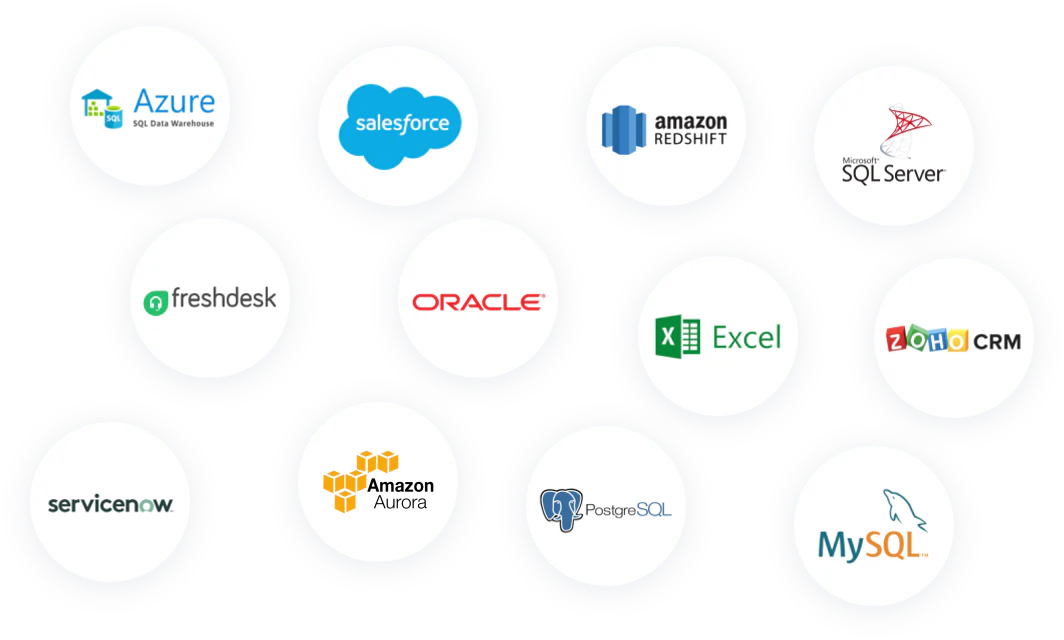
Check Out Our 140+ Supported Integrations
Explore Bold BI with a 30-day free trial. Embed dashboards, connect data sources, and empower your team with actionable insights.
No credit card required.