
Authentication
SSO Authentication for Secure Bold BI Analytics
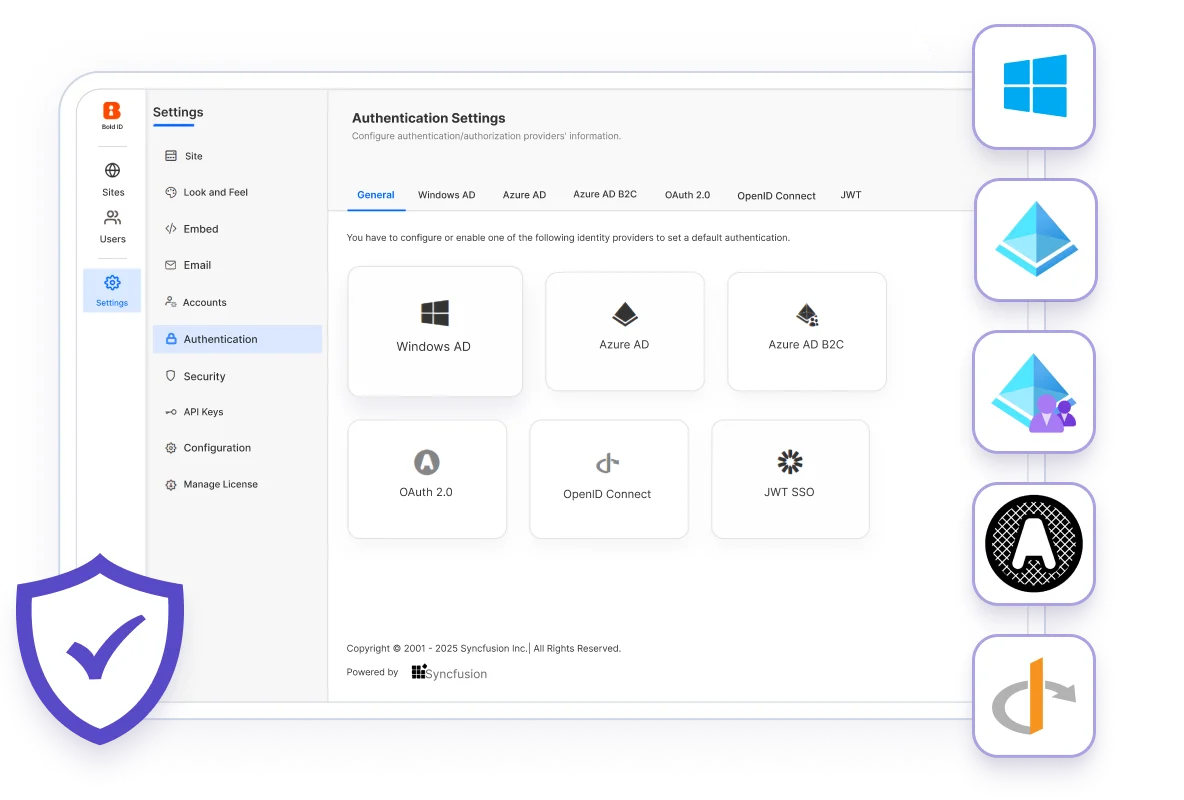
Bold BI supports SSO authentication in Cloud and On-Premises through 7 methods: Microsoft Entra ID (Azure AD), Azure AD B2C, OpenID Connect, OAuth 2.0, JWT-based SSO, Windows Active Directory and ADFS. It works with 6 identity providers, including Okta, Auth0 and Keycloak, through SAML, OIDC and OAuth flows.
No credit card required.
- Syscon
- Networcx
- A4B
- DigiQuip
- CarNow
- Revver
- Smartway2
- GeniusVets
- Talentegy
Sign-in methods
Which SSO and sign-in methods does Bold BI support?
Bold BI single sign-on lets users sign in once with the identity provider they already use.
Microsoft Entra ID, Azure AD B2C and ADFS
Sign users in with their Microsoft Entra ID (Azure AD) or Azure AD B2C accounts, or through Active Directory Federation Services (ADFS).
SAML and OpenID Connect
Connect an identity provider such as Keycloak or Auth0 through SAML or OpenID Connect (OIDC) flows.
OAuth 2.0
Use OAuth 2.0 with providers such as Okta or AWS Cognito. Okta SSO runs through the OAuth and OpenID connectors in Bold BI Embedded Analytics.
JWT-based SSO for embedded dashboards
Sign users in from your own application. Embedding uses token-based authentication (JWT), and row-level security is enforced at query time through JWT claims.
Windows Active Directory
Let users sign in with their existing Windows Active Directory accounts.
User-bound API keys for the MCP Server
The MCP Server connects with a user-bound API key, so every operation runs with that user's permissions.
Access control
How does Bold BI control access after sign-in?
After sign-in, Bold BI applies role-based access and row-level security to every user. Row-level security works at up to three layers: isolation code, custom attributes and user-based filters.
Role-based access
Assign view, edit or admin rights by role. Role-based access and row-level security also apply to every AI request.
An identity provider per tenant
In Cloud and On-Premises, each tenant can use its own identity provider: Azure AD, Okta, Auth0 or your own. Read how Bold BI multi-tenancy isolates tenants.
Encryption in transit and at rest
Data in transit is encrypted with 256-bit SSL / TLS 1.2. Data at rest is encrypted with AES-256, using unique private keys per setup with periodic key rotation.
Availability
Bold BI SSO limitations: where is SSO available?
Bold BI SSO (OAuth, SAML, OpenID, Azure AD, Okta) is available in Cloud and On-Premises.
- Multi-tenancy and OAuth and SAML SSO are available in Cloud and On-Premises. Both also support role-based access control and row-level security.
- Per-tenant SSO needs multi-tenancy, which is available in Cloud and On-Premises.
Support
Bold BI authentication guides and support
Set up Bold BI SSO with the help center guides, or ask the Bold BI support team.
SSO setup guides
Help center guides for Office 365, Azure Active Directory, OAuth 2.0, OpenID and JWT sign-in.
OpenBold BI support team
Support is included at no extra charge on every paid tier, with unlimited tickets on paid licenses.
Webinar on secure data access
Secure multi-tenant data access for authenticated and anonymous users.
Trusted & recognized
Bold BI ratings and awards
Bold BI, developed by Syncfusion, Inc., is rated 4.4 out of 5 on G2 and 4.9 out of 5 on Capterra, GetApp and Software Advice. G2 named Bold BI a Leader for Fall 2025 and added it to its 2026 Best Software Awards.
RECOGNITION
- G2 Leader - Fall 2025
- G2 High Performer - EMEA, Fall 2025
- G2 Regional Leader - Americas, Fall 2025
- G2 Best Software Awards 2026
- Visual Studio Magazine Reader's Choice 2025
- G2 - 4.4/5
- Capterra - 4.9/5
- GetApp - 4.9/5
- Software Advice - 4.9/5
FAQ
Bold BI SSO and authentication FAQ
Which SSO methods does Bold BI support?
The supported methods are Microsoft Entra ID (Azure AD), Azure AD B2C, OpenID Connect, OAuth 2.0, JWT-based SSO, Windows Active Directory and ADFS.
Which identity providers work with Bold BI SSO?
SSO supports 6 identity providers: Okta, Auth0, Azure AD, ADFS, Keycloak and AWS Cognito, through SAML, OIDC and OAuth flows.
Does Bold BI Cloud Edition support SSO?
Yes. SSO (OAuth/SAML) and multi-tenancy are available in Cloud Edition and On-Premises. Both also support role-based access control and row-level security.
Can users sign in with their Windows credentials?
Yes. In self-hosted deployments, Windows Active Directory is supported, so users sign in with their existing Windows accounts.
How does JWT authentication work for embedded dashboards?
Embedding uses token-based authentication (JWT). The JavaScript SDK loads a dashboard with BoldBI.create() and an embedToken, and row-level security is enforced at query time through JWT claims.
Can each tenant use a different identity provider?
Yes. In Cloud and On-Premises, SSO and OAuth are set up separately for each tenant, with Azure AD, Okta, Auth0 or your own identity provider.
How does Bold BI protect data after sign-in?
Admins assign view, edit or admin rights by role, and row-level security limits the rows each user sees. Data in transit is encrypted with 256-bit SSL / TLS 1.2, and data at rest with AES-256.
Articles
Bold BI articles on SSO and access control
Guides on single sign-on, token-based embedding, two-factor authentication and dashboard permissions.

Mastering Single Sign-On (SSO) for Embedded BI Authentication
Learn how single sign-on simplifies embedded BI authentication while improving user experience, security, and access management.

React JS Embedding: Server Authentication via Access Token
Explore token-based server authentication in React applications to securely embed dashboards and protect analytics access.
Protect Your BI Insights: Two-Factor Authentication
Discover how two-factor authentication adds an extra layer of security to protect users, dashboards, and business data.

Secure Embedded Dashboards with Role-Based Access Control
Learn how role-based access control secures embedded dashboards through granular permissions and user-specific access.

Permission Management in Dashboards: Tips & Examples
Explore dashboard permission strategies that improve governance, strengthen security, and simplify access management.
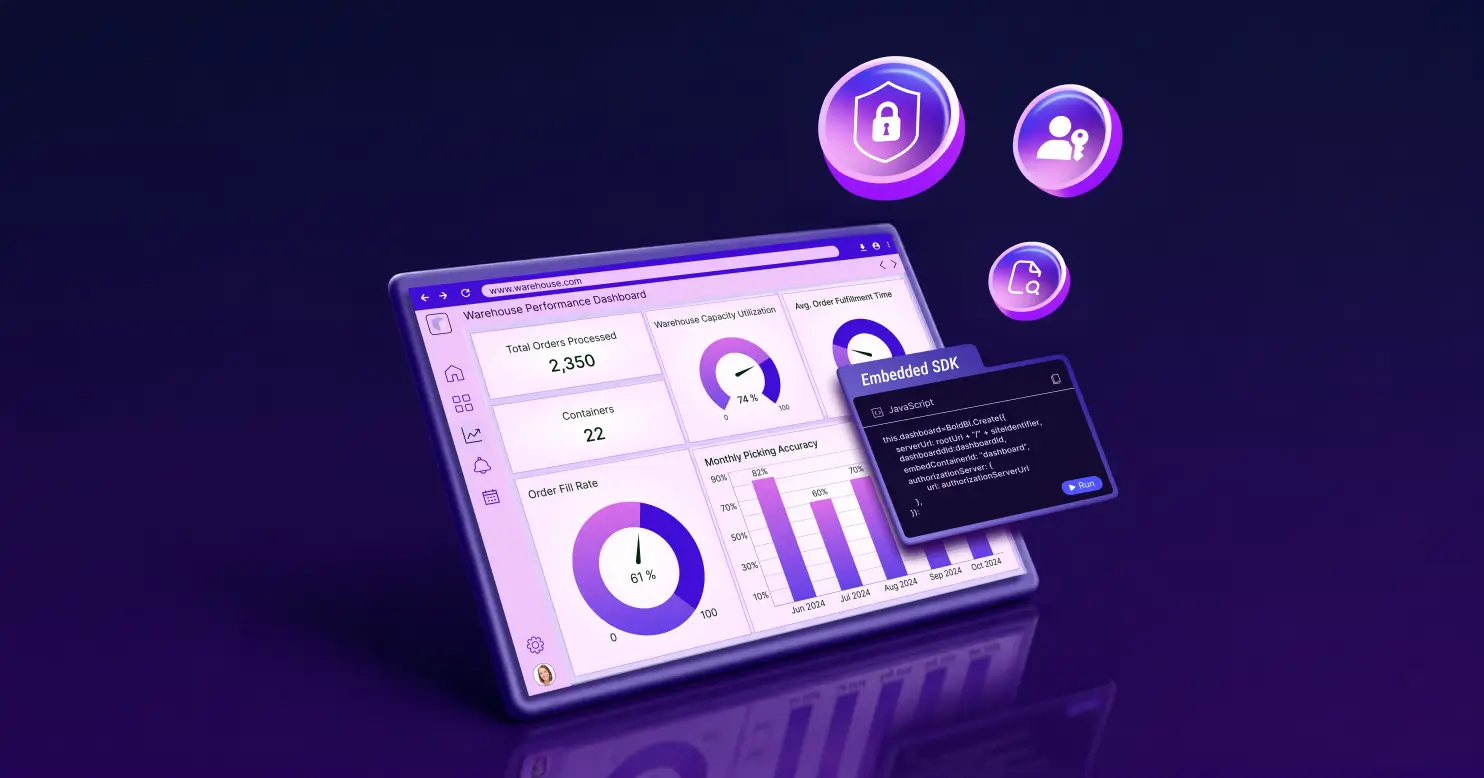
Embedded Analytics Security: Risks and Best Practices
Understand key embedded analytics security risks and discover best practices to safeguard data, users, and applications.
Ready to Get Started?
Simplify Authentication with Bold BI
Try Bold BI SSO, role-based access and row-level security free for 30 days, standalone or embedded.