Learn in Minutes with Simple Tutorials

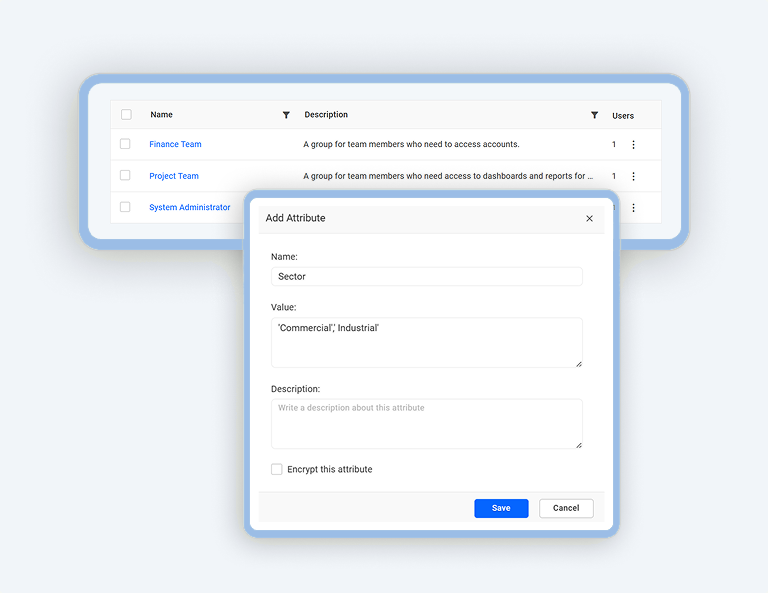
How to Configure Custom Attributes at the Group Level
03:44

How to Configure Custom Attributes at the Group Level

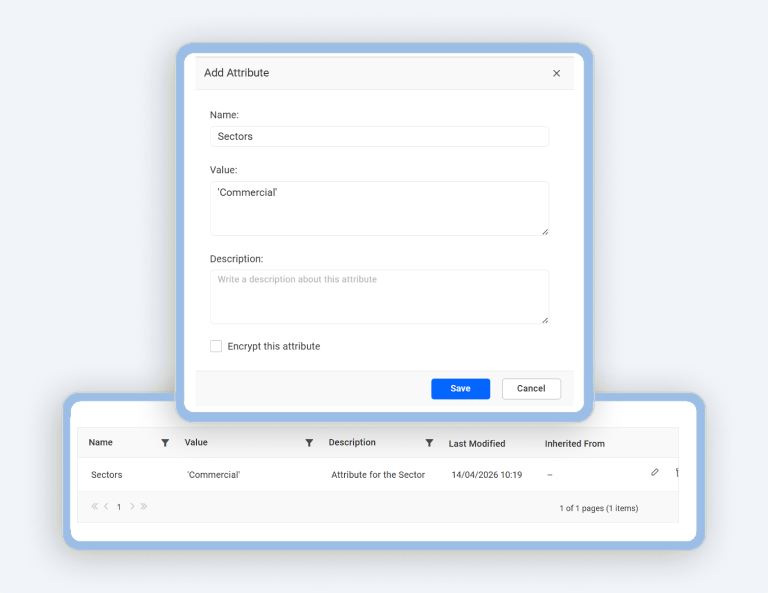
How to Configure Custom Attributes at the User Level
03:28

How to Configure Custom Attributes at the User Level

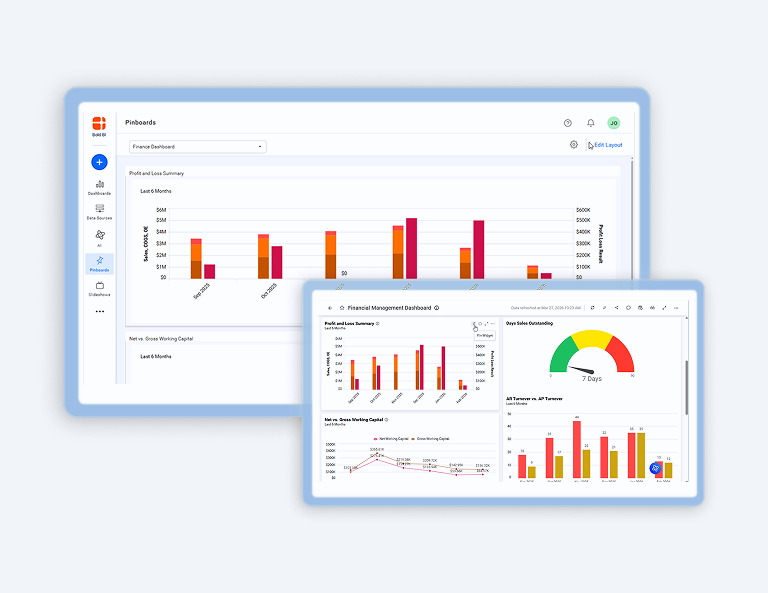
How to Manage Pinboards
03:06

How to Manage Pinboards

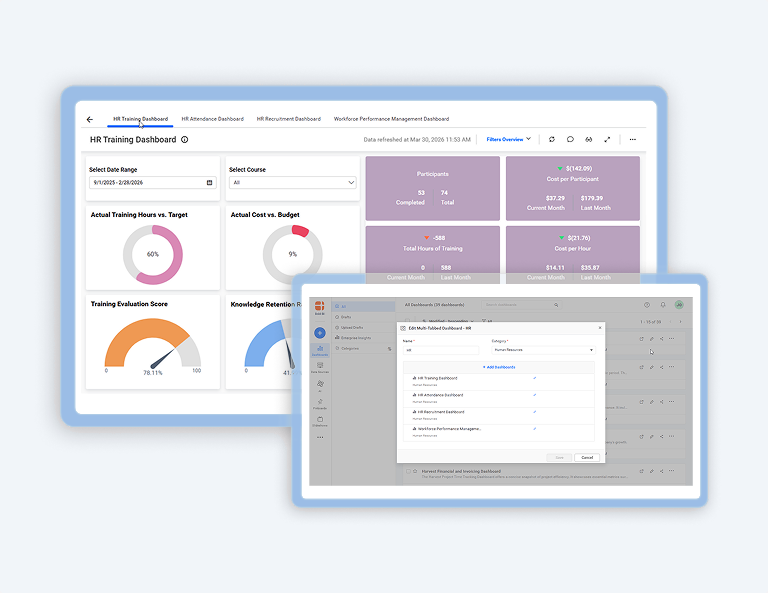
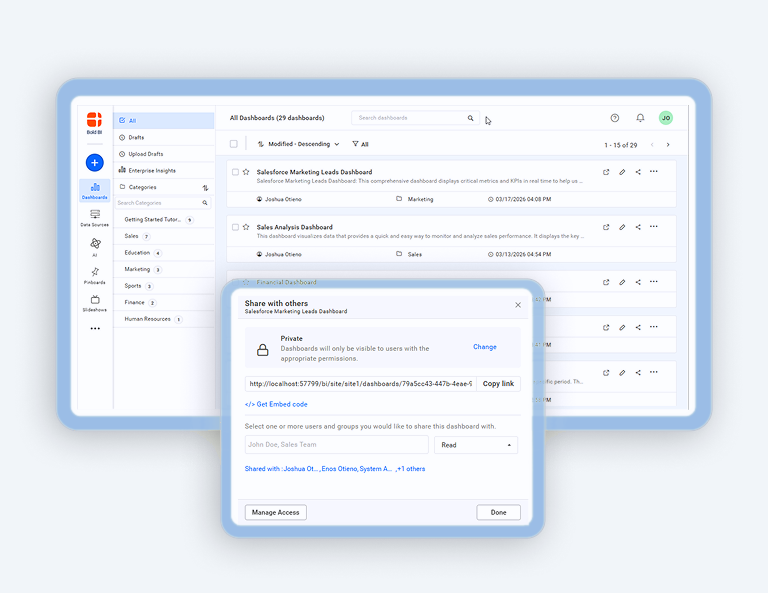
How to Manage a Multi-Tabbed Dashboard
03:14

How to Manage a Multi-Tabbed Dashboard

Dashboard Management: Move, Share, & Delete
03:05

Dashboard Management: Move, Share, & Delete

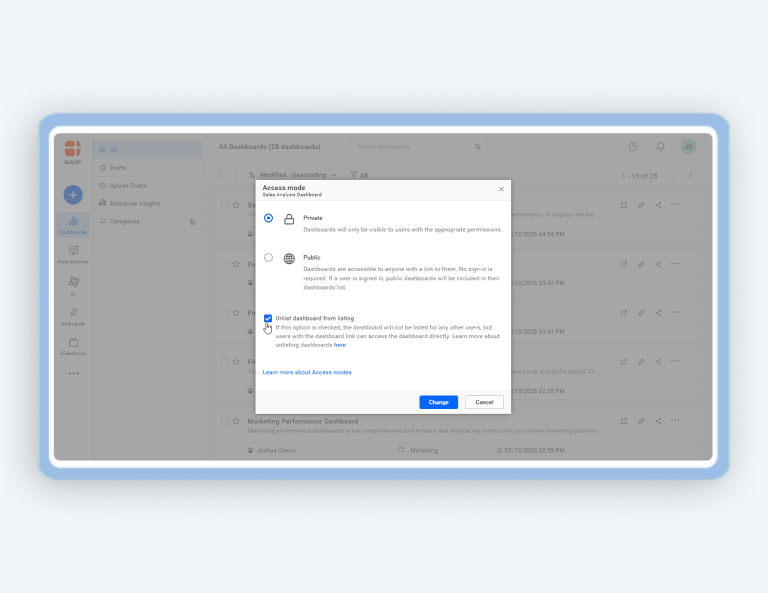
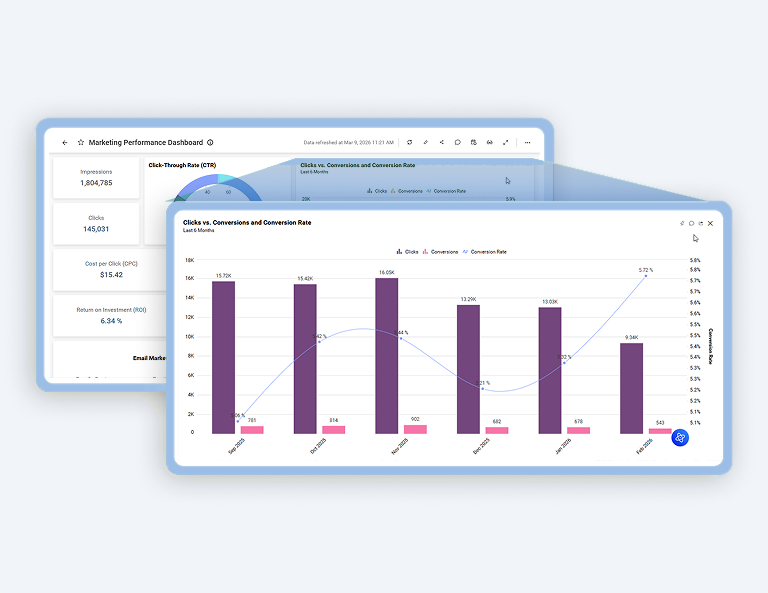
How to Manage Favorites and Unlist Dashboards
04:08

How to Manage Favorites and Unlist Dashboards

How to Get a Dashboard Link and Maximize Widget View
02:41

How to Get a Dashboard Link and Maximize Widget View

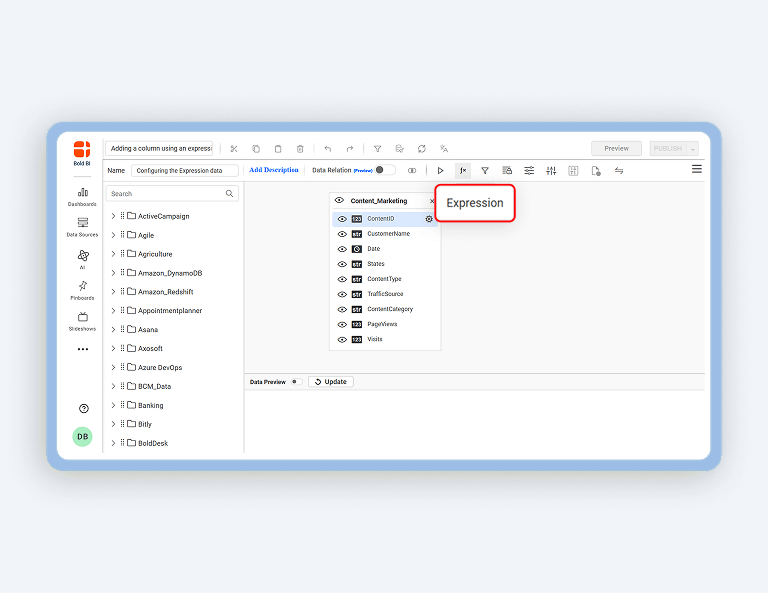
How to Add a Column using an Expression in Query Designer
02:36

How to Add a Column using an Expression in Query Designer

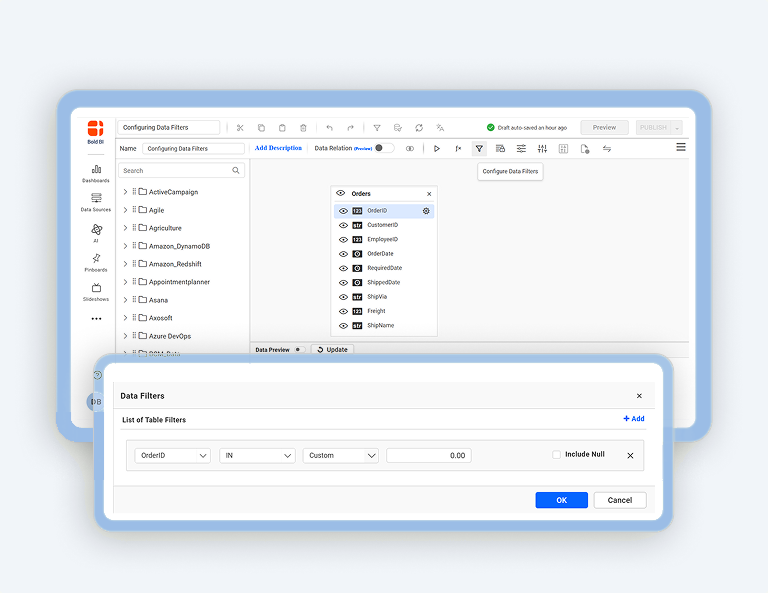
How to Configure Data Filters in Data Sources
03:23

How to Configure Data Filters in Data Sources

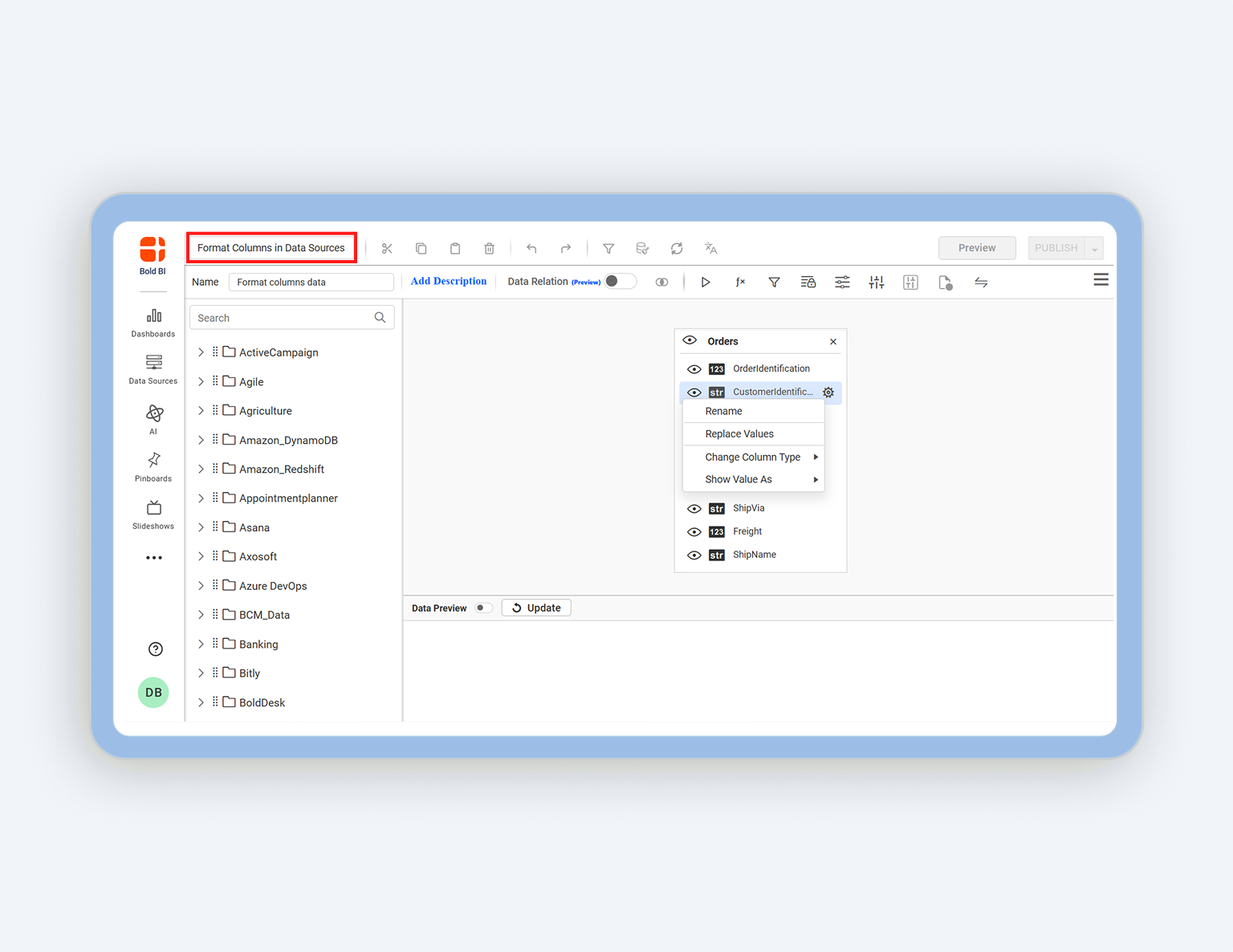
How to Format Columns in Data Sources
02:29

How to Format Columns in Data Sources

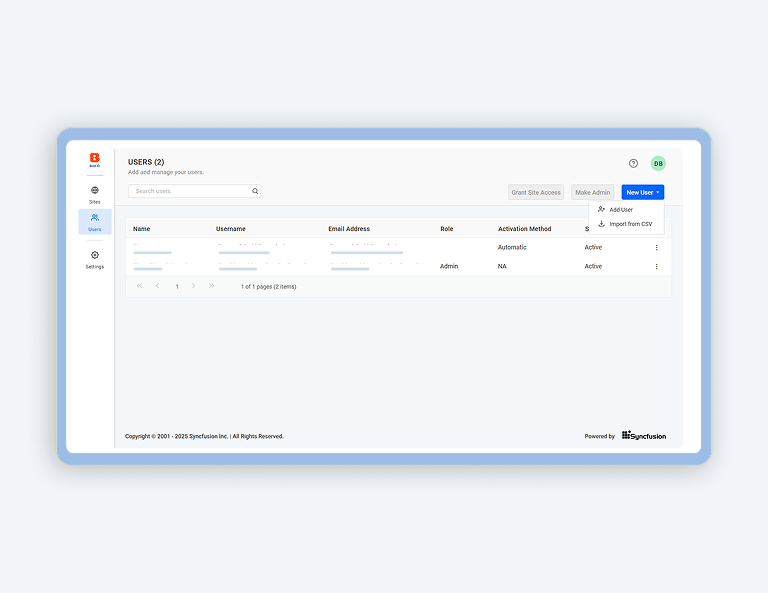
How to Add Users
03:12

How to Add Users

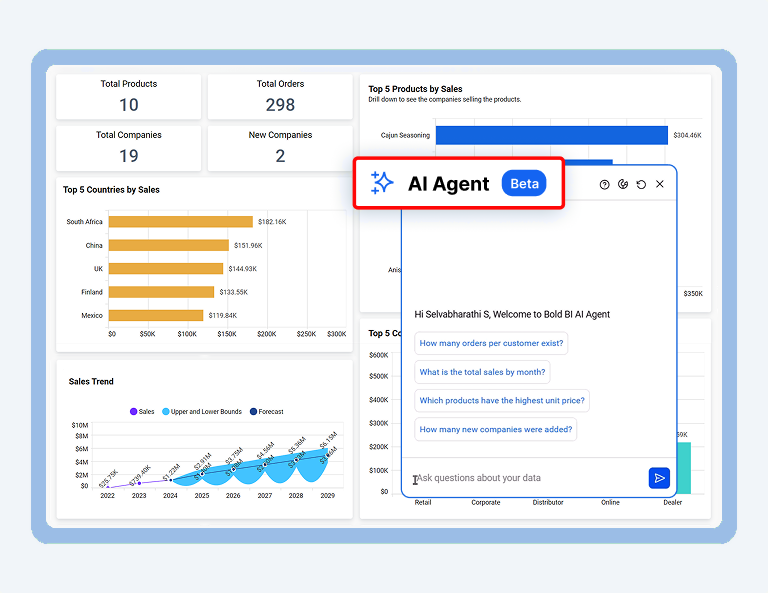
How to Use AI Agent in the Dashboard Viewer
01:35

How to Use AI Agent in the Dashboard Viewer

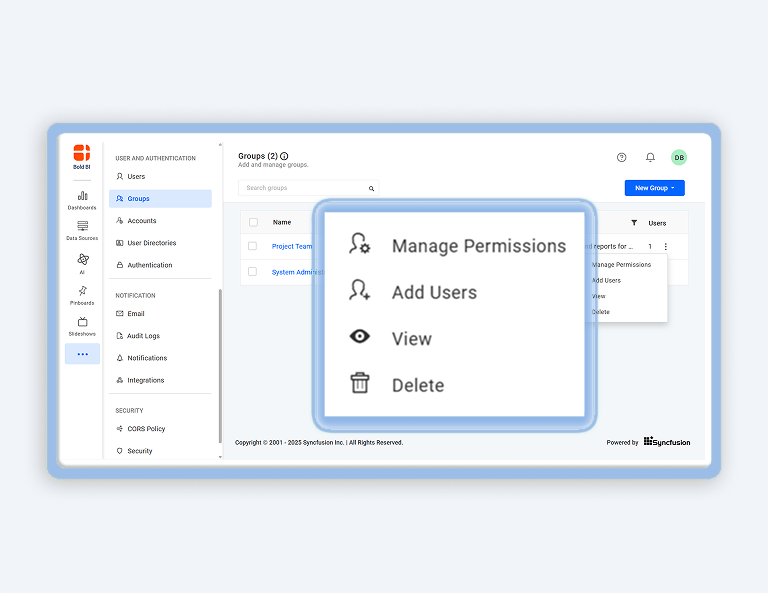
How to Add Groups and Manage Permissions
02:46

How to Add Groups and Manage Permissions

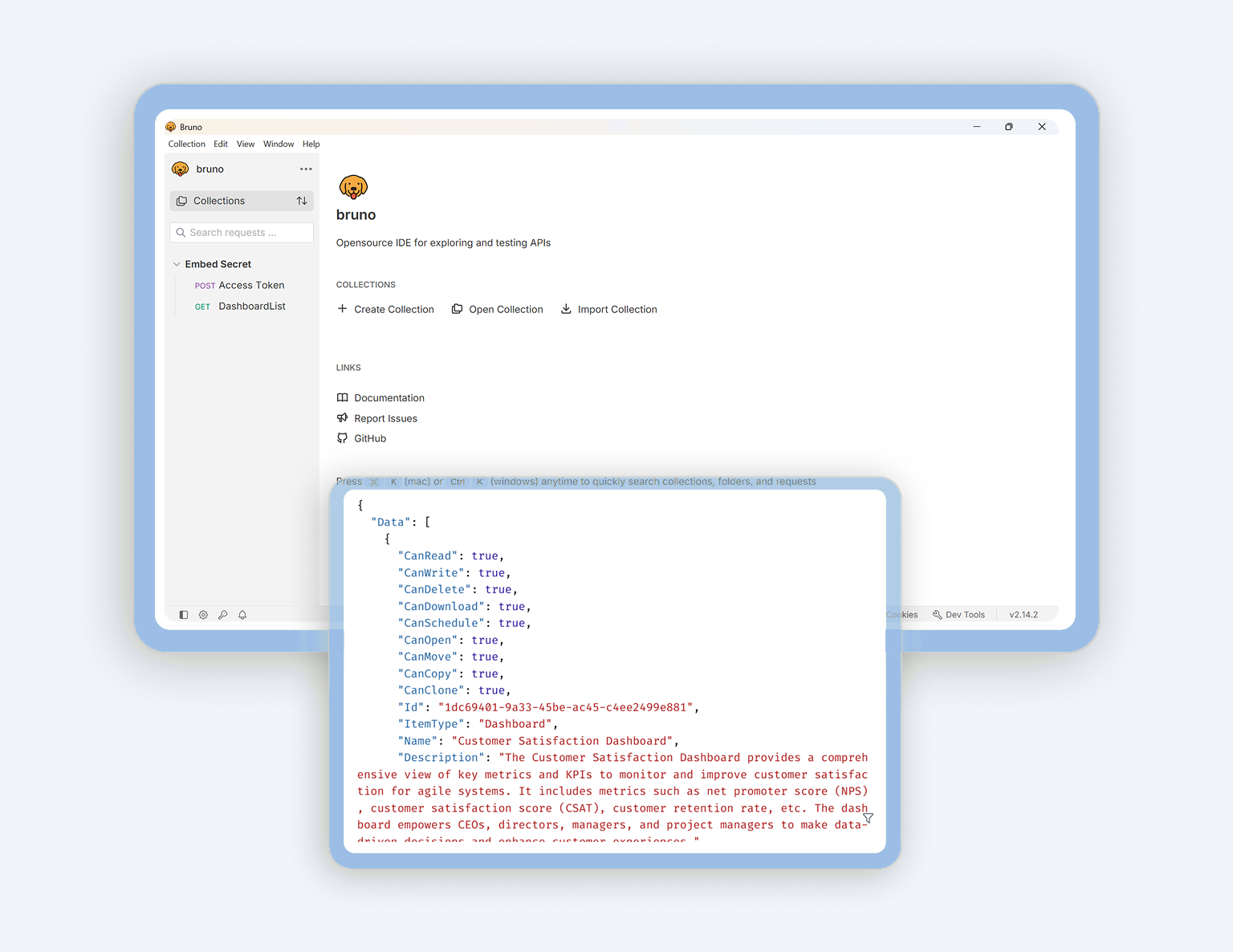
How to Retrieve User-Specific Dashboard Lists via REST API
01:38

How to Retrieve User-Specific Dashboard Lists via REST API

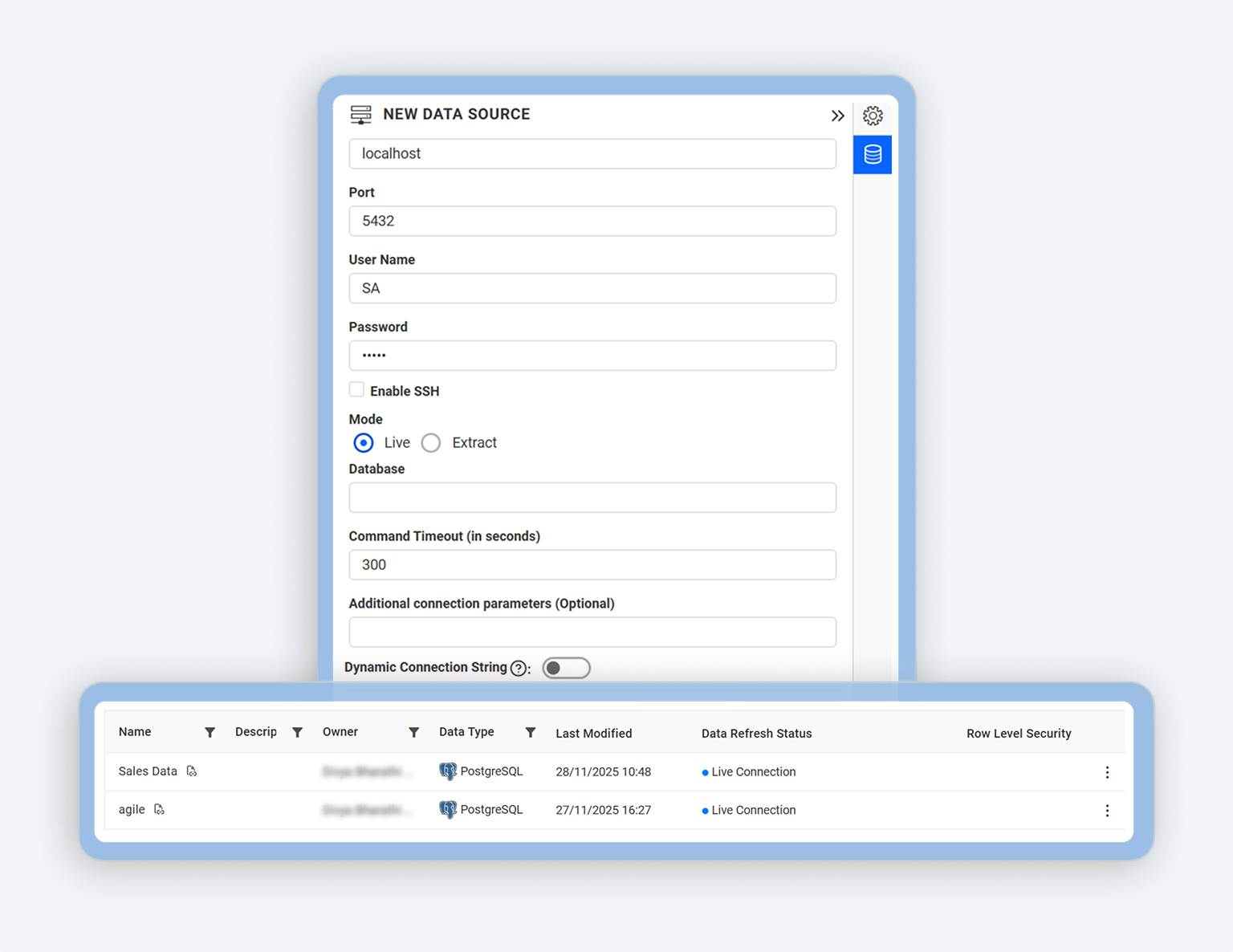
How to Connect to a Data Source in Live Mode
03:55

How to Connect to a Data Source in Live Mode

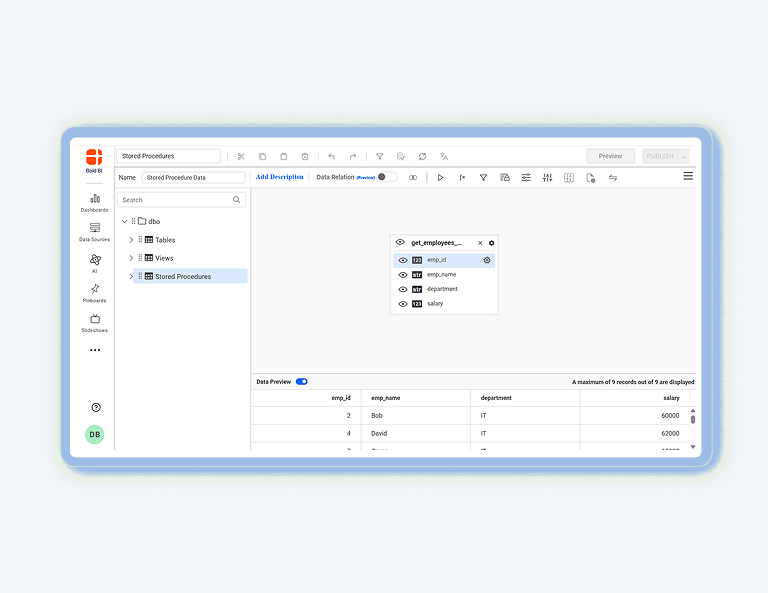
How to Connect to Stored Procedures in a SQL Server Database
02:07

How to Connect to Stored Procedures in a SQL Server Database

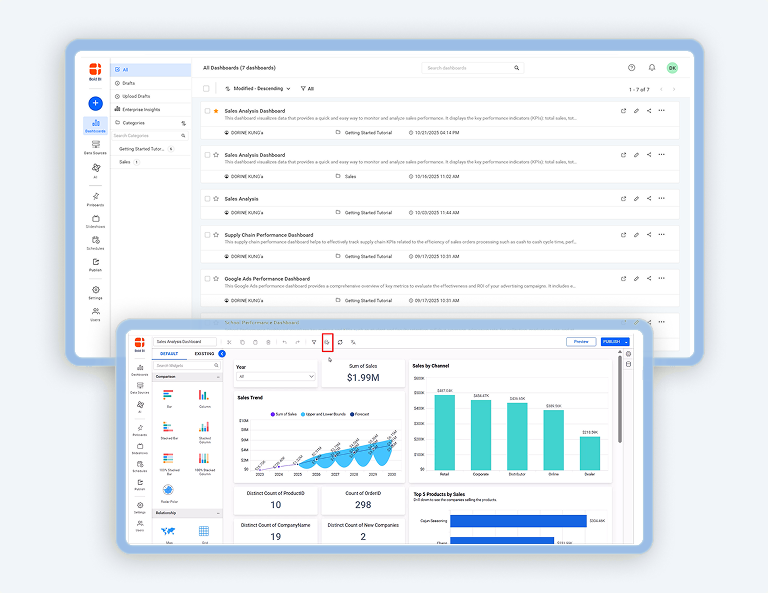
How to Add Data Caching in Dashboards
02:41

How to Add Data Caching in Dashboards

How to Enable Drill Down and Drill Up in Bold BI Widgets
02:47

How to Enable Drill Down and Drill Up in Bold BI Widgets

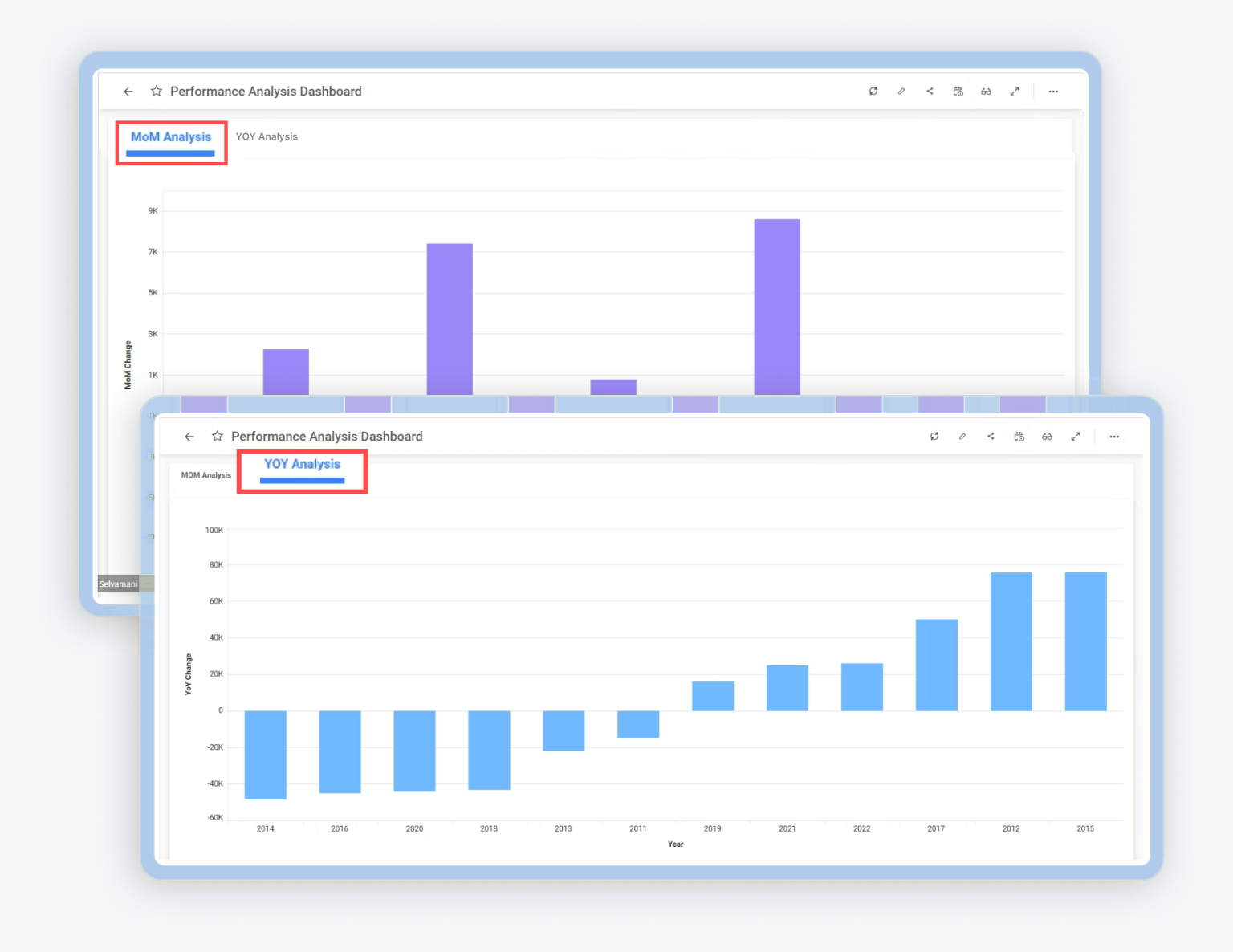
How to Create a Year-Over-Year (YOY) and Month-Over-Month (MOM) Sales Comparison Dashboard
05:07

How to Create a Year-Over-Year (YOY) and Month-Over-Month (MOM) Sales Comparison Dashboard

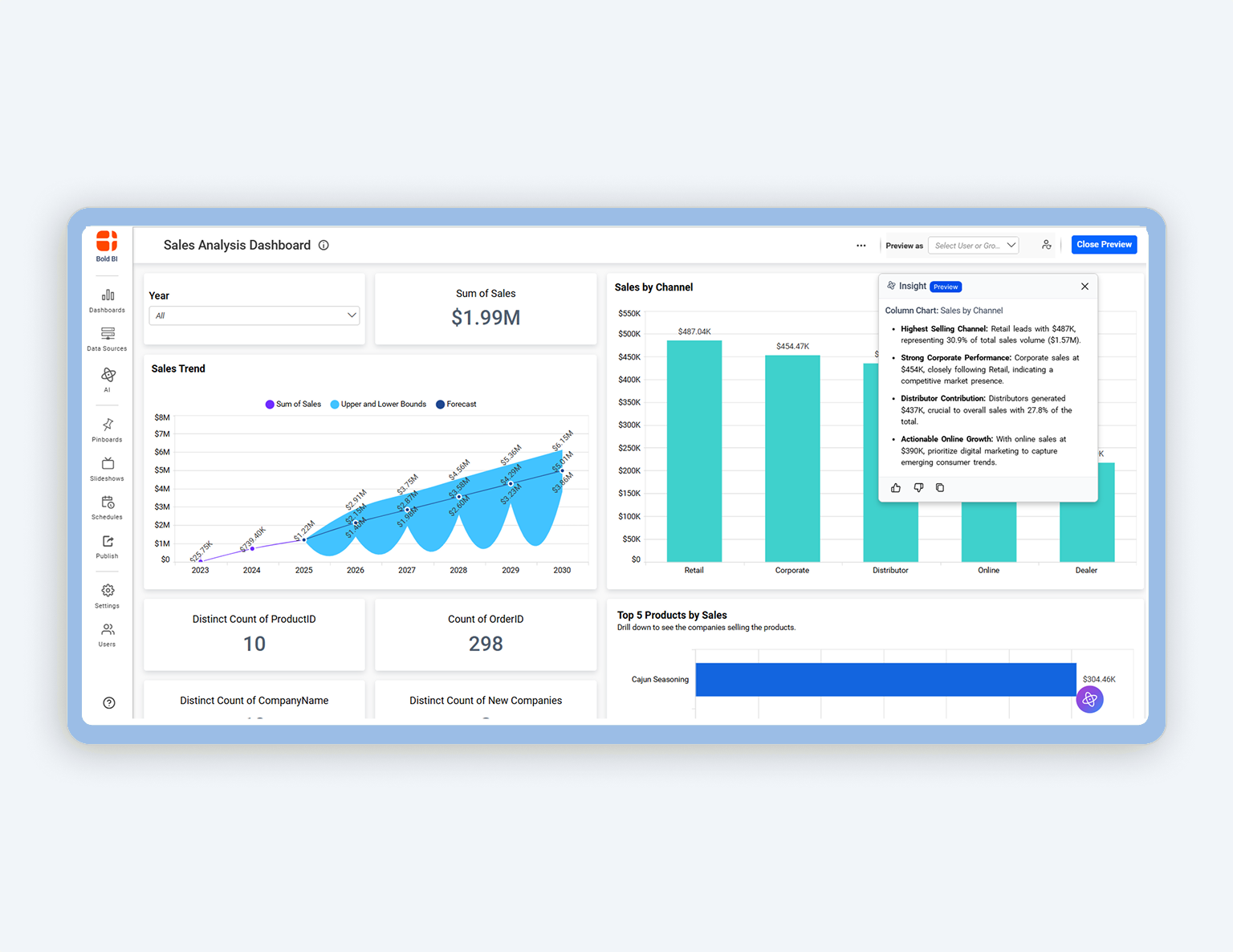
How to Use Widget Insights
01:53

How to Use Widget Insights

How to Manage Dashboard Permissions at the User Level
04:09

How to Manage Dashboard Permissions at the User Level

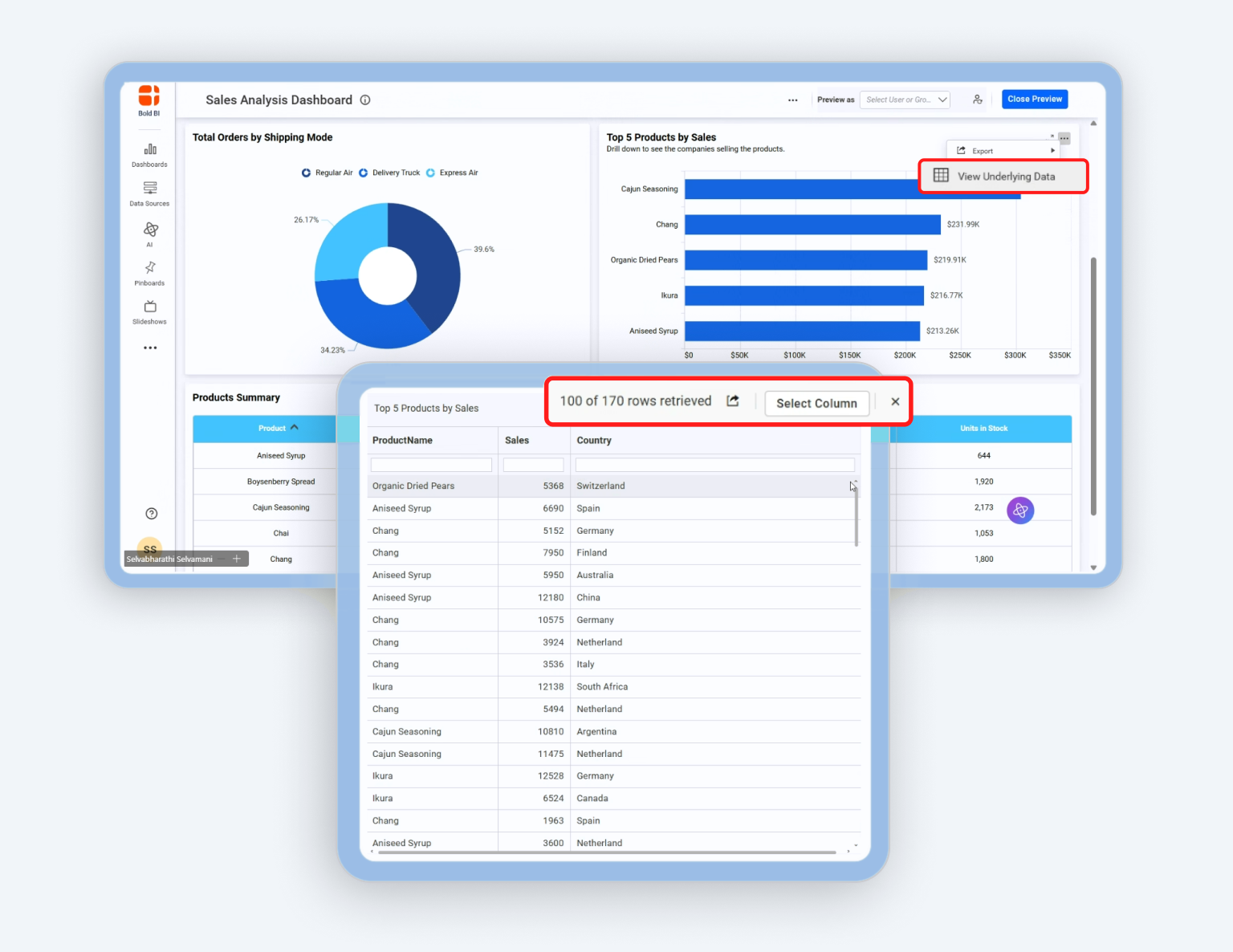
How to Share Error Logs, Console Logs, and a HAR file
03:26

How to Share Error Logs, Console Logs, and a HAR file

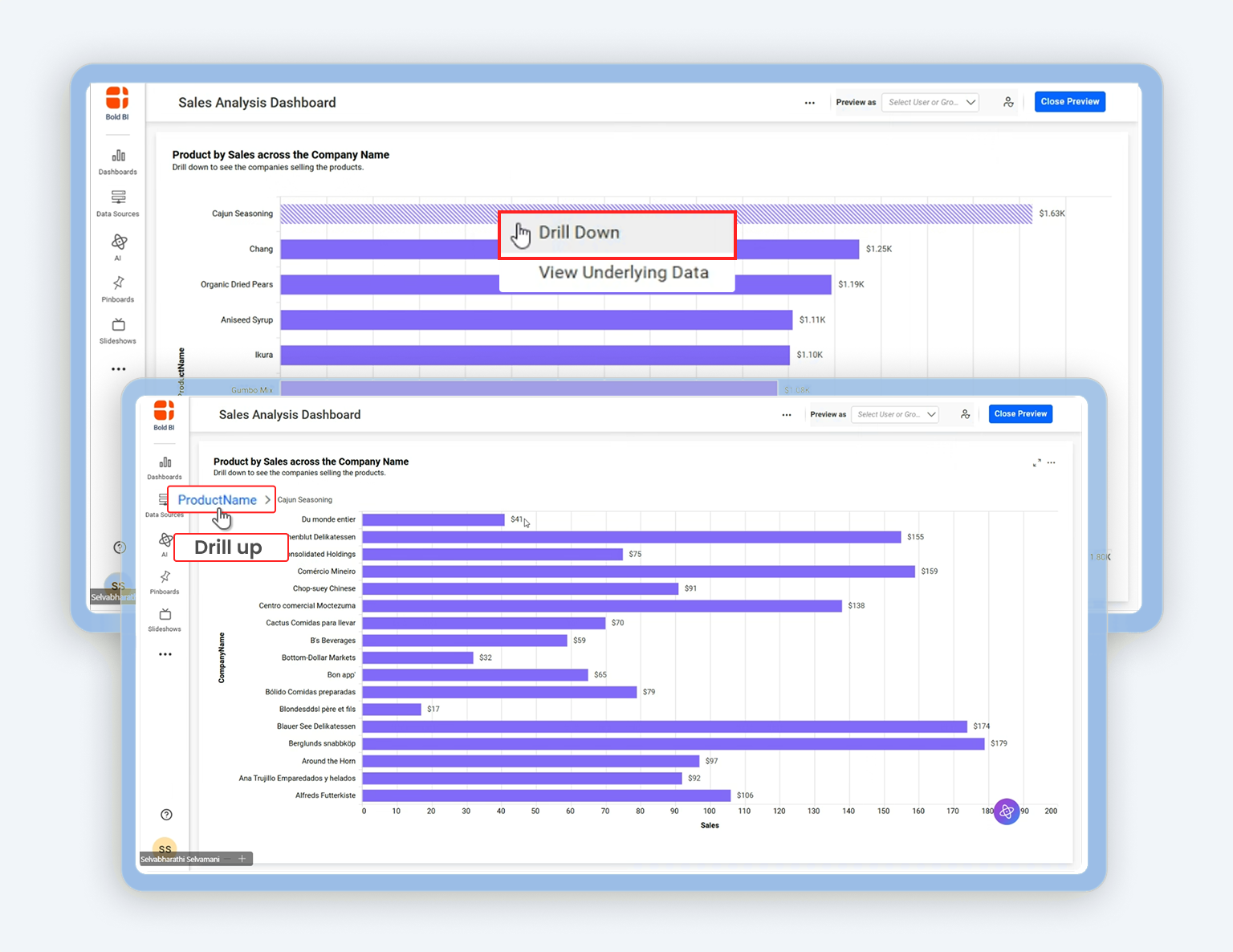
How to View the Widget Data in a Dashboard
04:10

How to View the Widget Data in a Dashboard

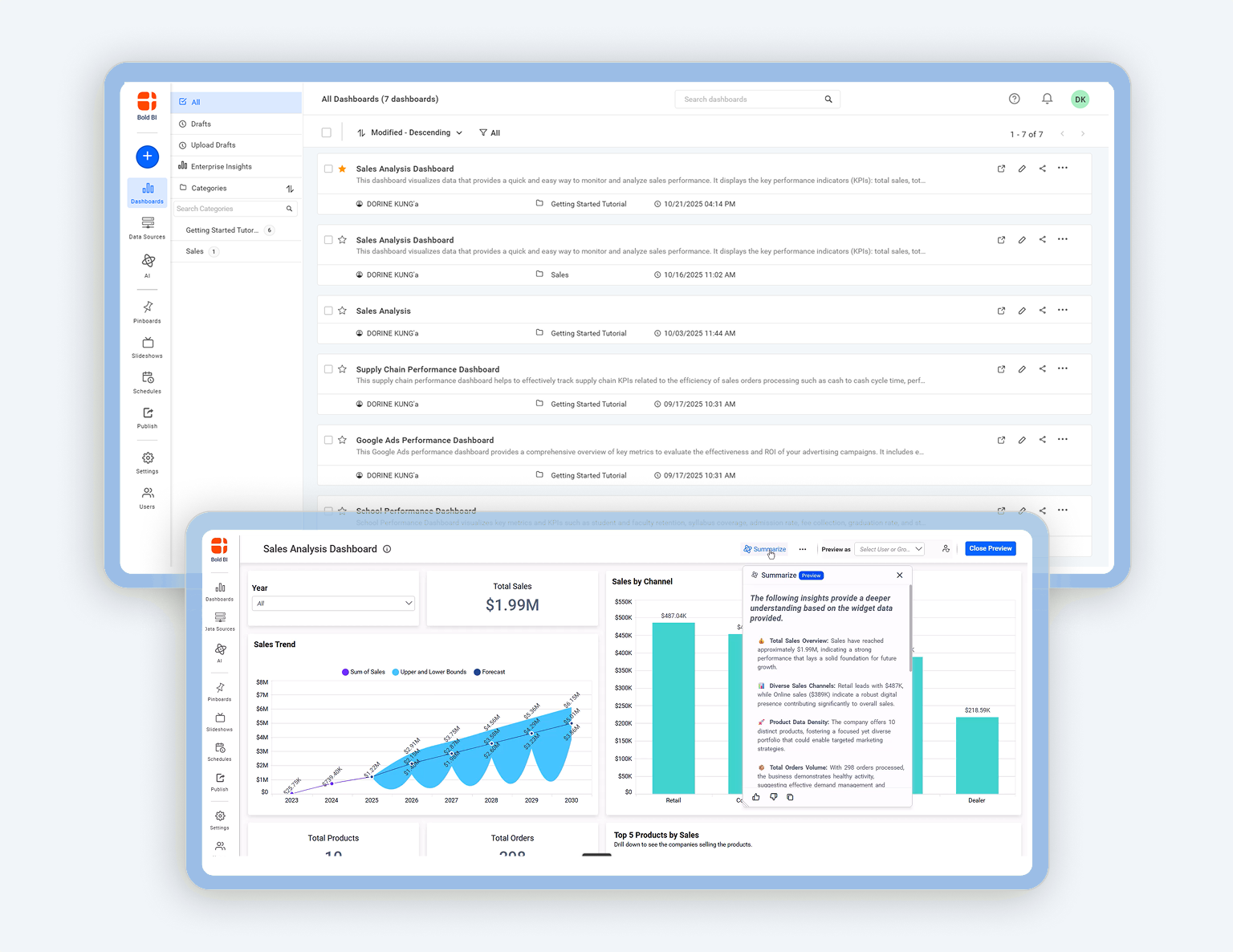
How to Use the Dashboard Summary
01:54

How to Use the Dashboard Summary

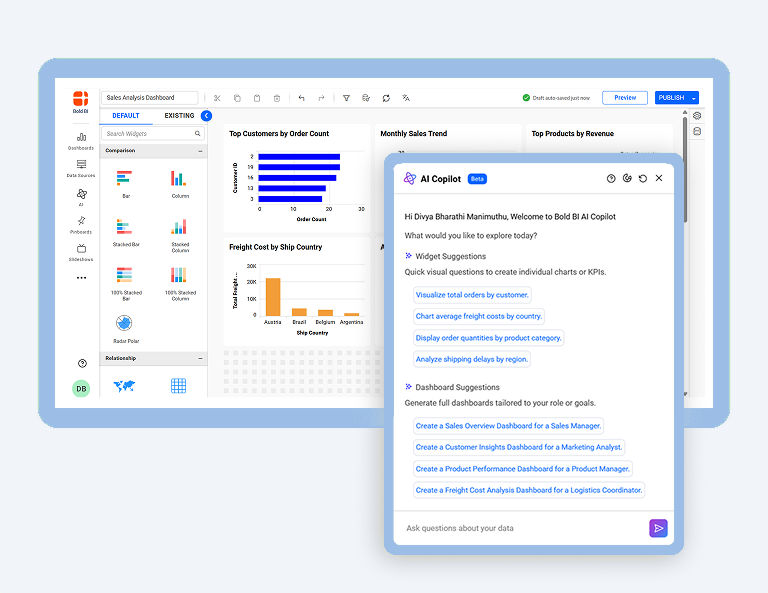
How to Use the AI Copilot in Dashboard Designer
02:10

How to Use the AI Copilot in Dashboard Designer

How to Filter Data from Data Sources Using Custom Attributes
03:17

How to Filter Data from Data Sources Using Custom Attributes

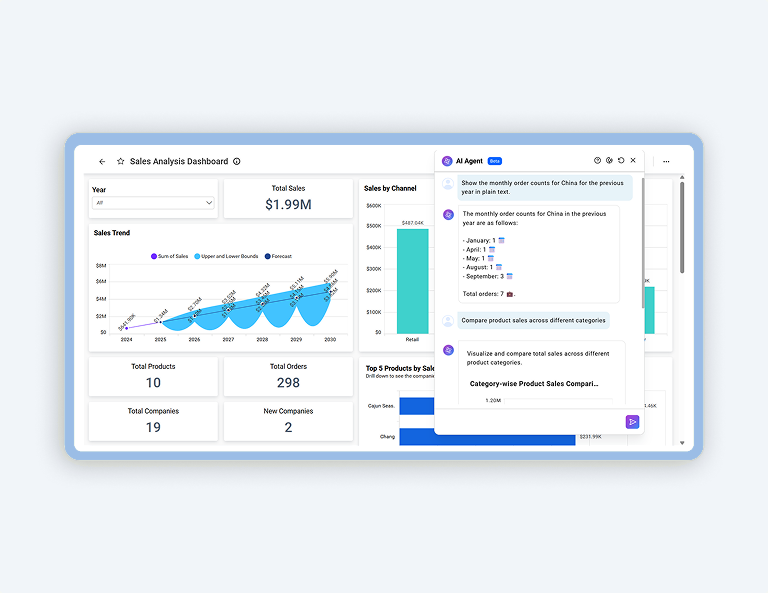
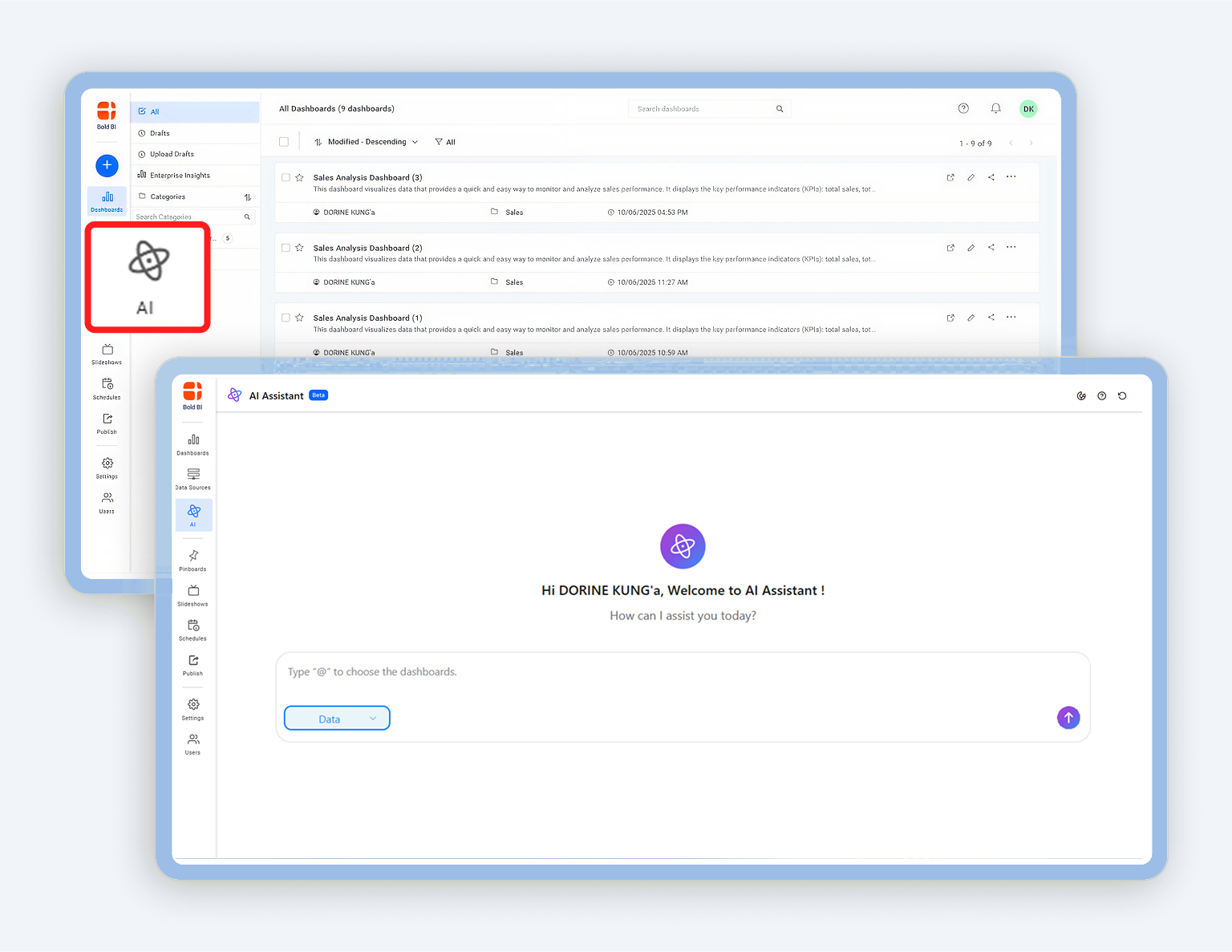
How to Use the Unified AI Agent
02:52

How to Use the Unified AI Agent

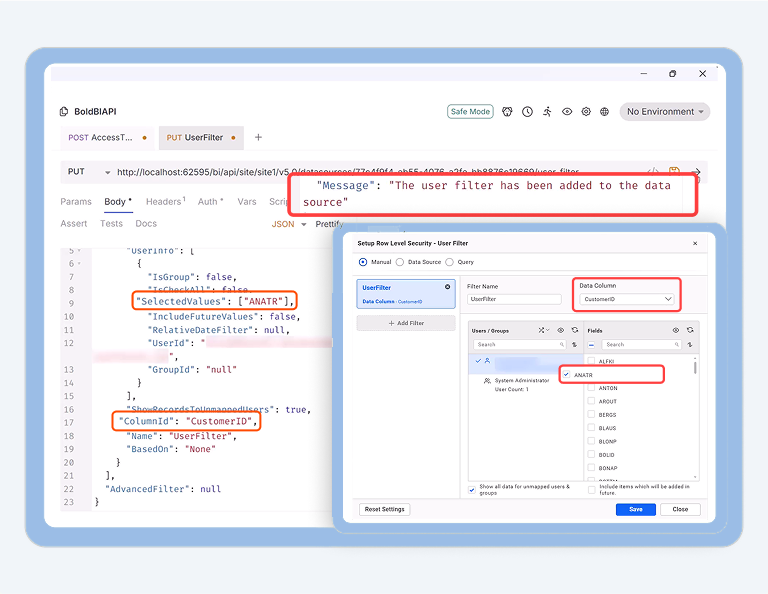
How to Create User-Based Filters via REST API
03:06

How to Create User-Based Filters via REST API

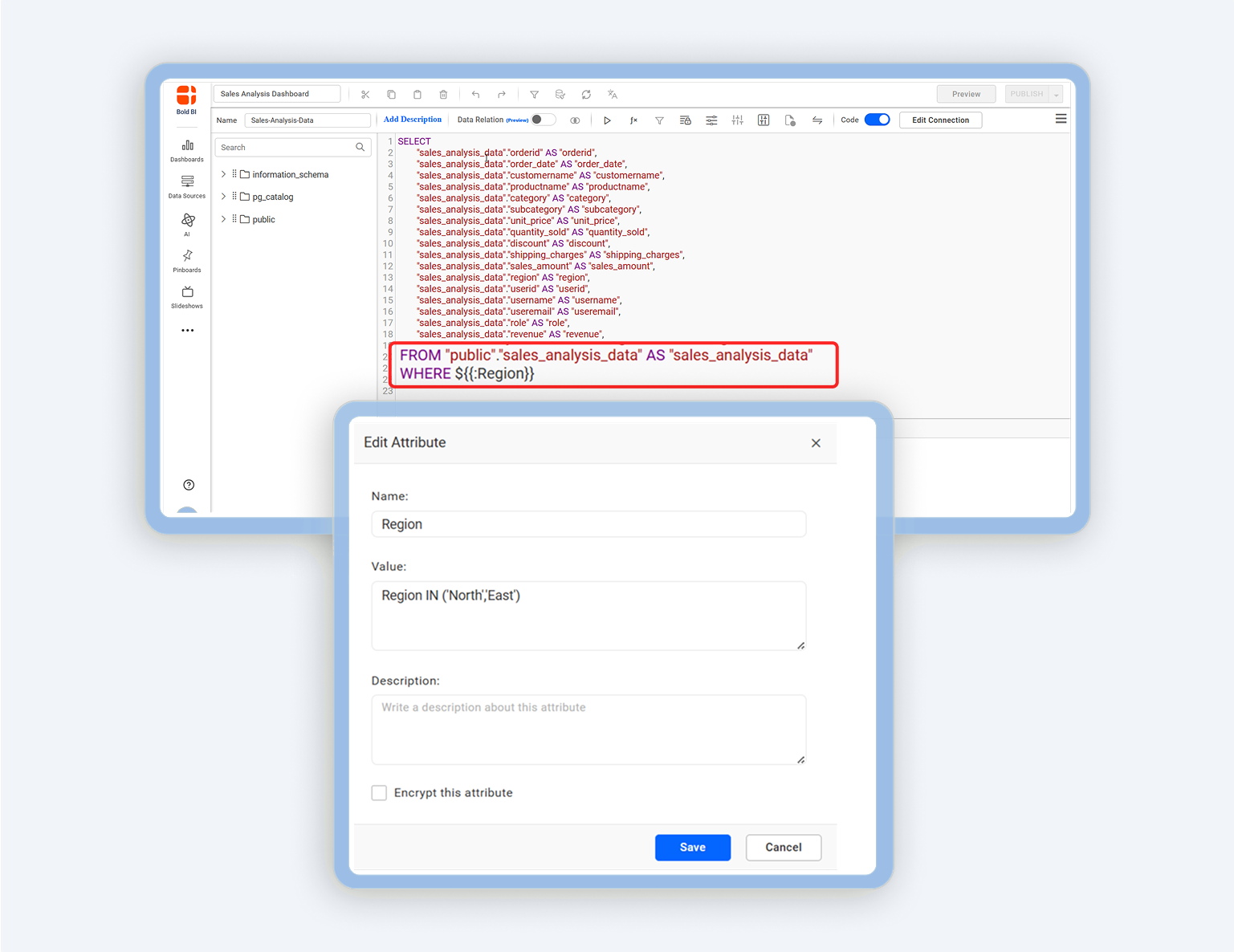
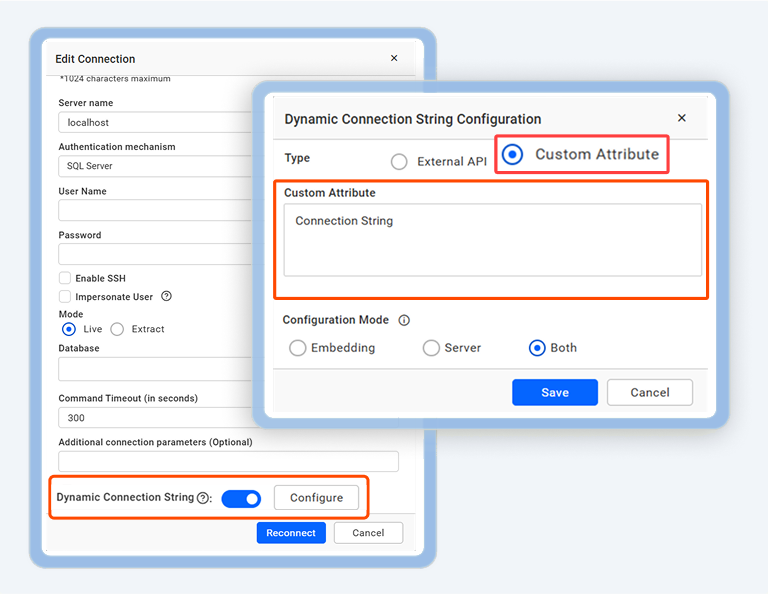
How to Configure Dynamic Connection String Using Custom Attributes in Dashboard
03:39

How to Configure Dynamic Connection String Using Custom Attributes in Dashboard

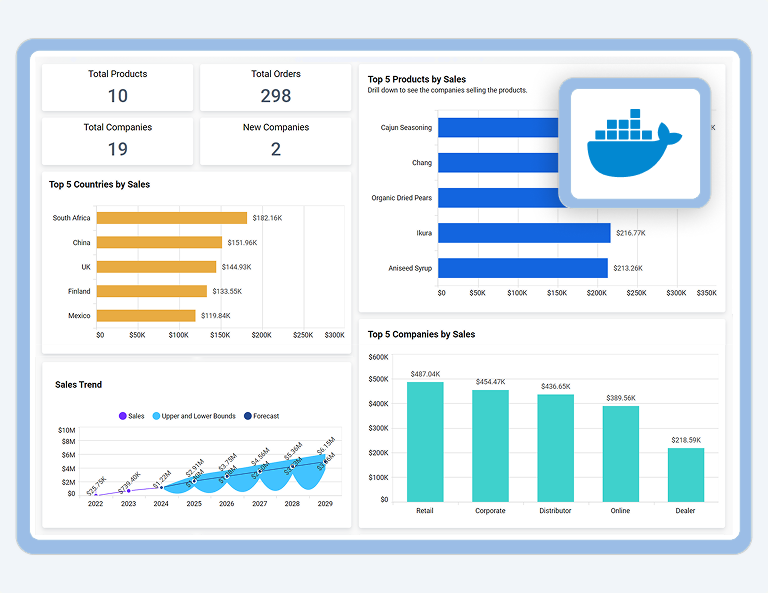
How to Deploy the Dashboard Server Using Docker
02:17

How to Deploy the Dashboard Server Using Docker

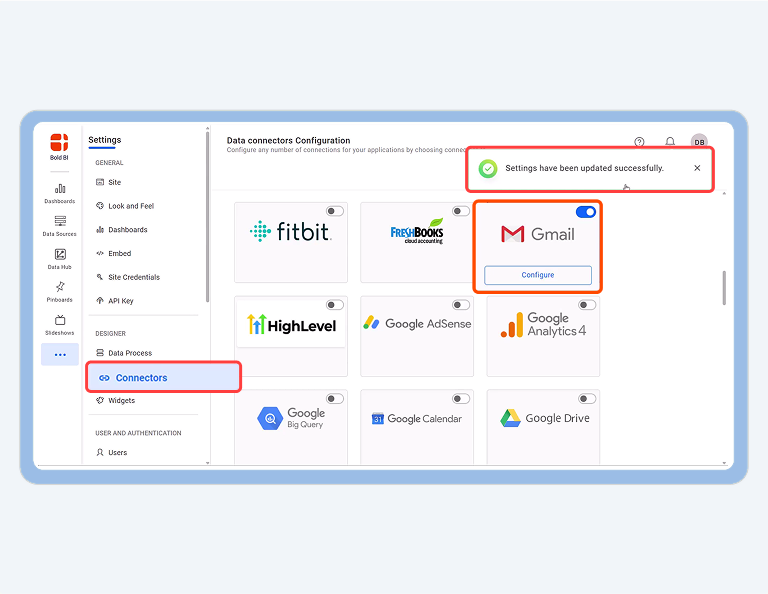
How to Set Up OAuth 2.0 Authorization for Google Apps Integration
01:38

How to Set Up OAuth 2.0 Authorization for Google Apps Integration

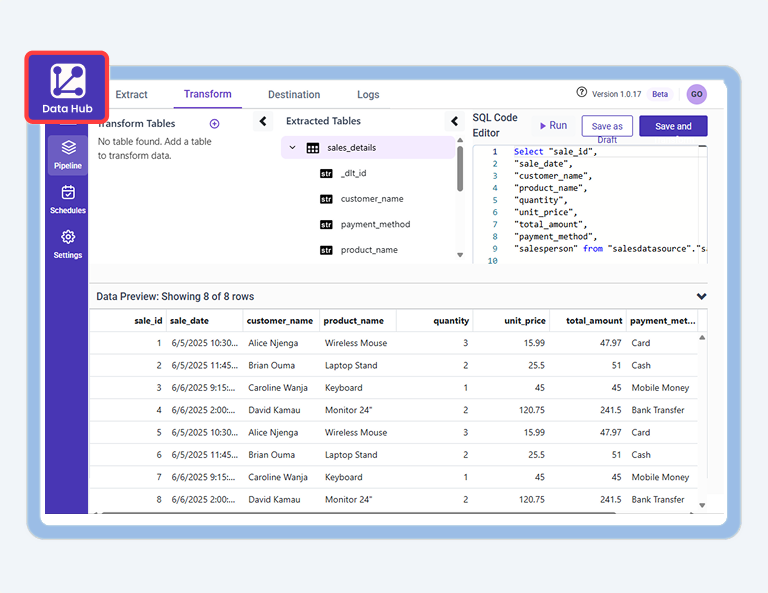
How to Create a Data Source Using Bold Data Hub
02:51

How to Create a Data Source Using Bold Data Hub

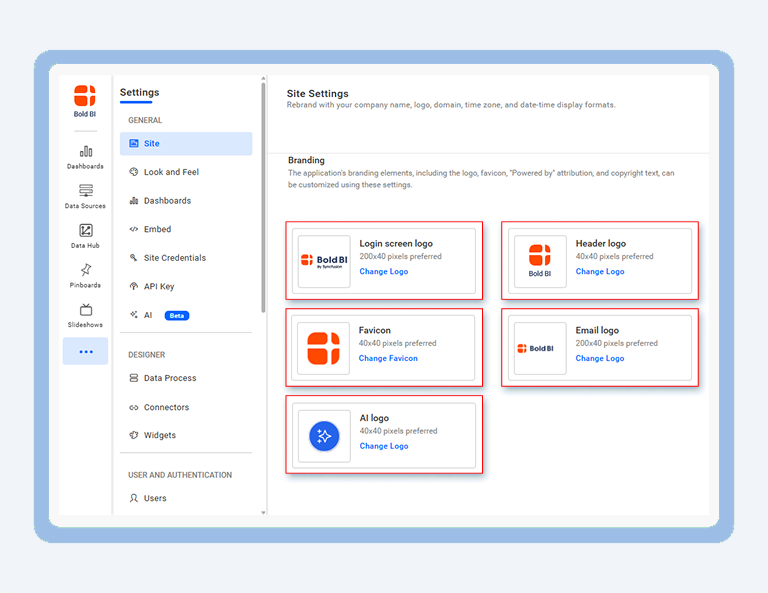
How to White Label Dashboard Server to Match Your Brand
02:37

How to White Label Dashboard Server to Match Your Brand

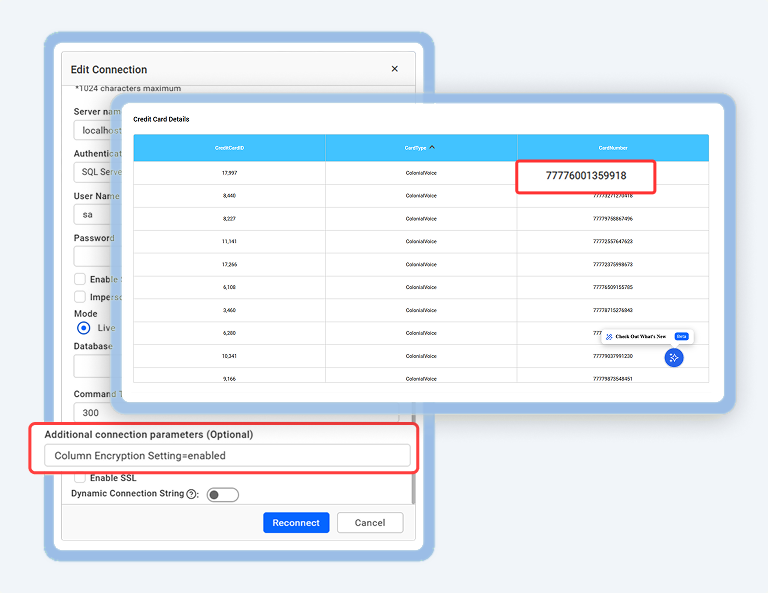
How to Encrypt and Decrypt Data in SQL Server
02:30

How to Encrypt and Decrypt Data in SQL Server

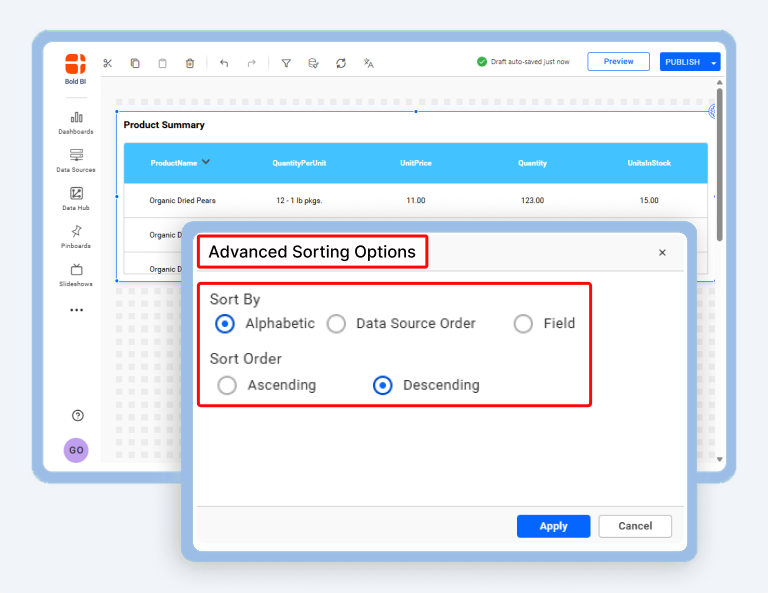
How to Add Custom Sorting to Dashboards
02:33

How to Add Custom Sorting to Dashboards

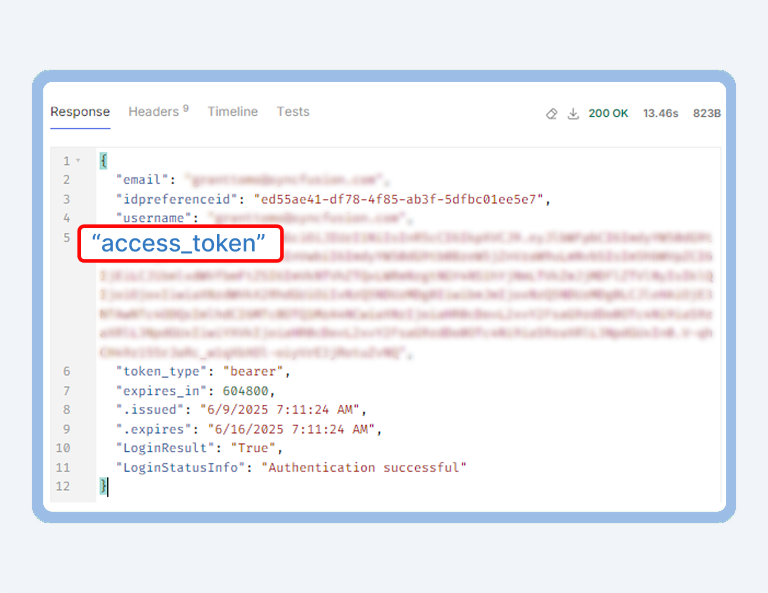
How to Generate Access Tokens Based on User Type via REST API
01:45

How to Generate Access Tokens Based on User Type via REST API

How to Apply Row-Level Security with Multiple CSV Files in Dashboard
03:27

How to Apply Row-Level Security with Multiple CSV Files in Dashboard

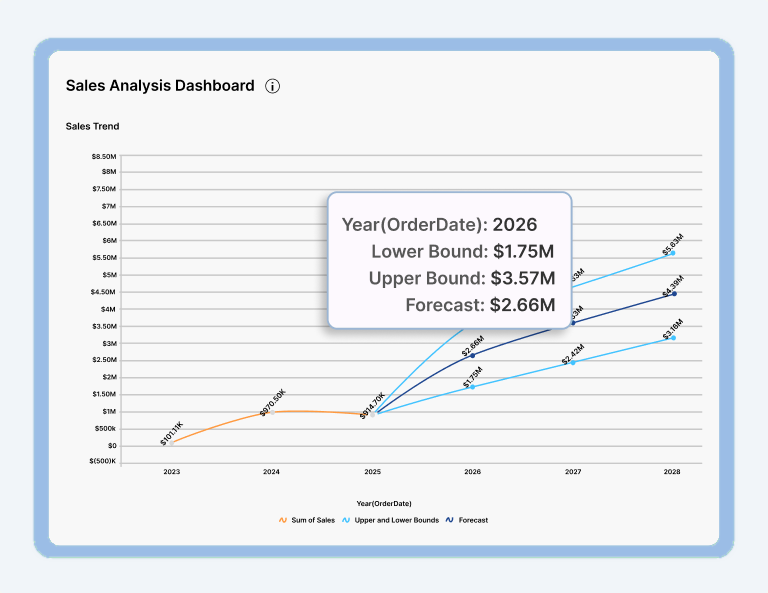
How to Predict Future Trends Using Forecasting Models
03:01

How to Predict Future Trends Using Forecasting Models

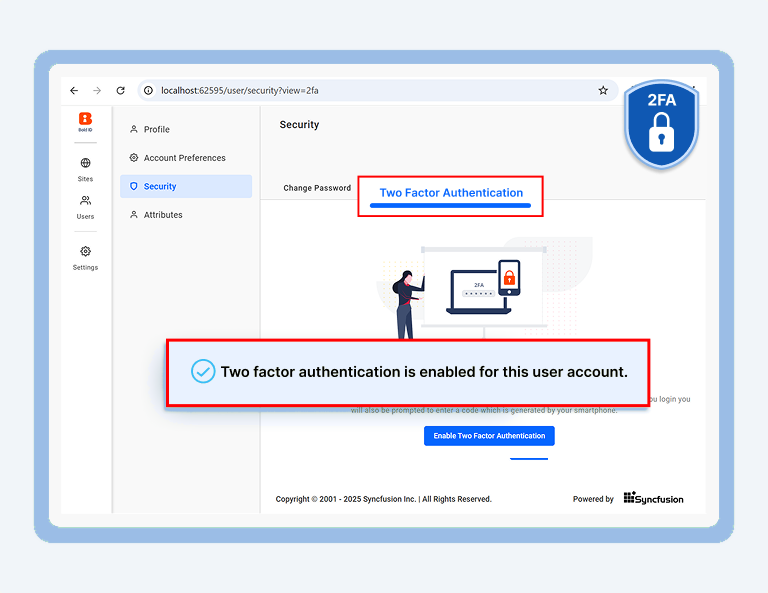
How to Enable Two-Factor Authentication (2FA)  in the Dashboard Server
01:13

How to Enable Two-Factor Authentication (2FA) in the Dashboard Server

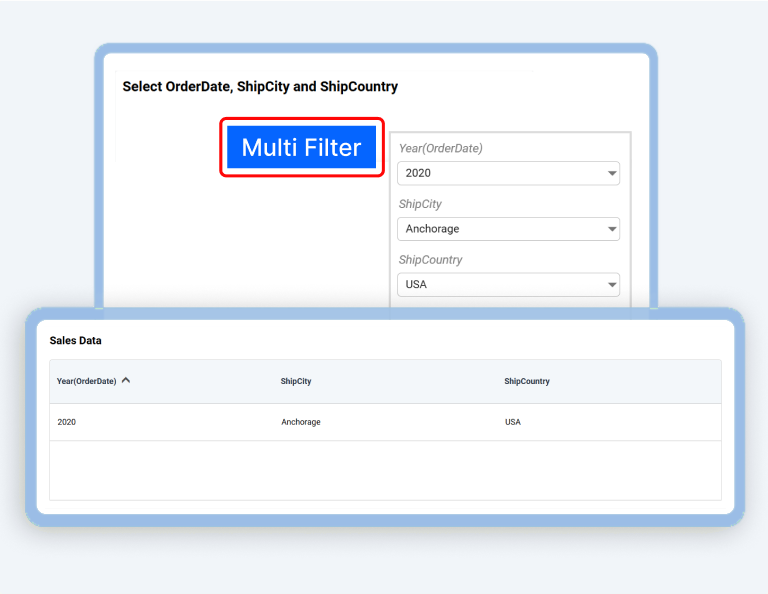
How to Add Multiple Filters to a Dashboard Using Custom Widgets
02:20

How to Add Multiple Filters to a Dashboard Using Custom Widgets

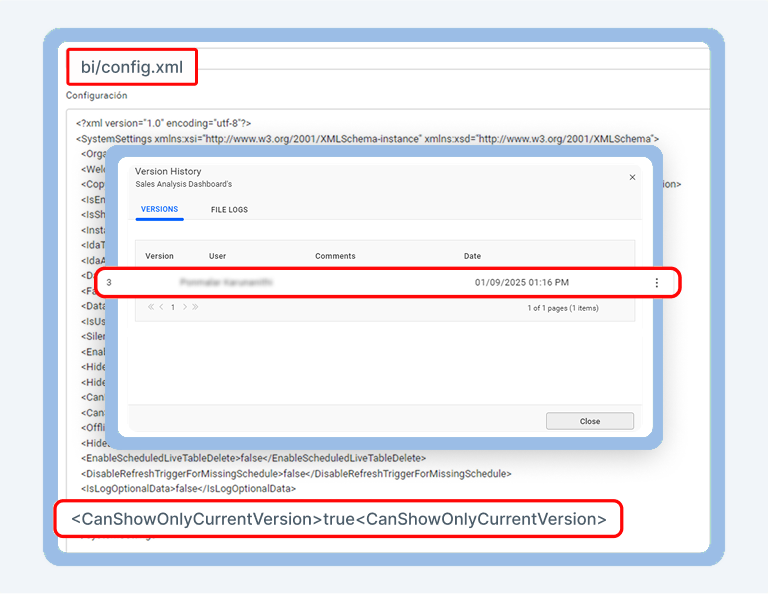
How to Restrict Non-Admin Users from Viewing Dashboard Versions
03:05

How to Restrict Non-Admin Users from Viewing Dashboard Versions

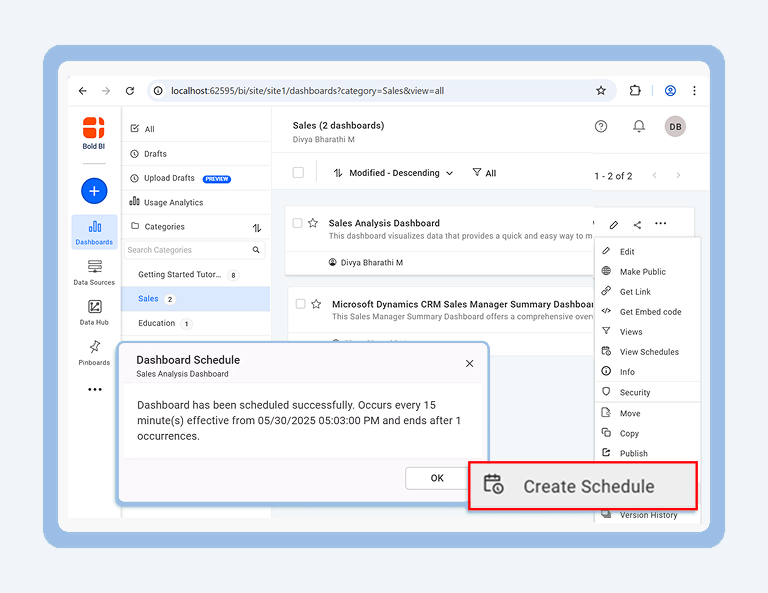
How to Schedule a Dashboard with Parameters
02:38

How to Schedule a Dashboard with Parameters

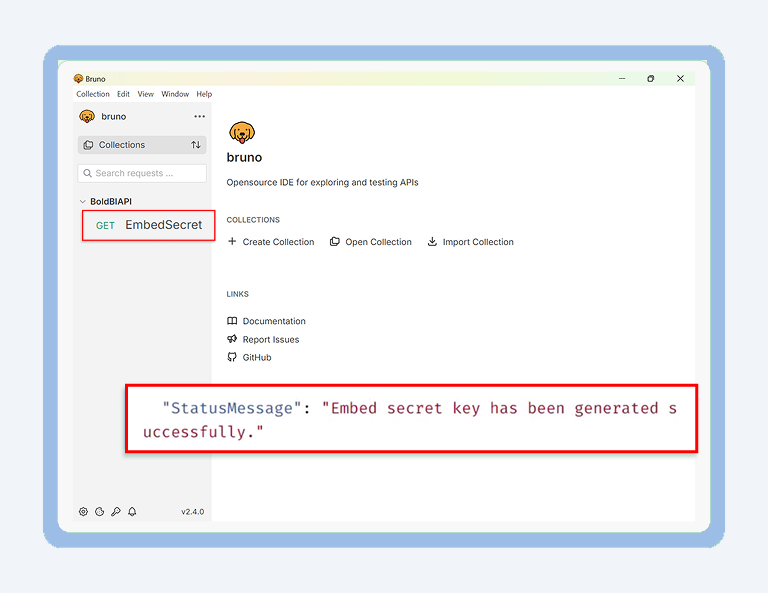
How to Generate an Embed Secret Key via REST API
02:04

How to Generate an Embed Secret Key via REST API

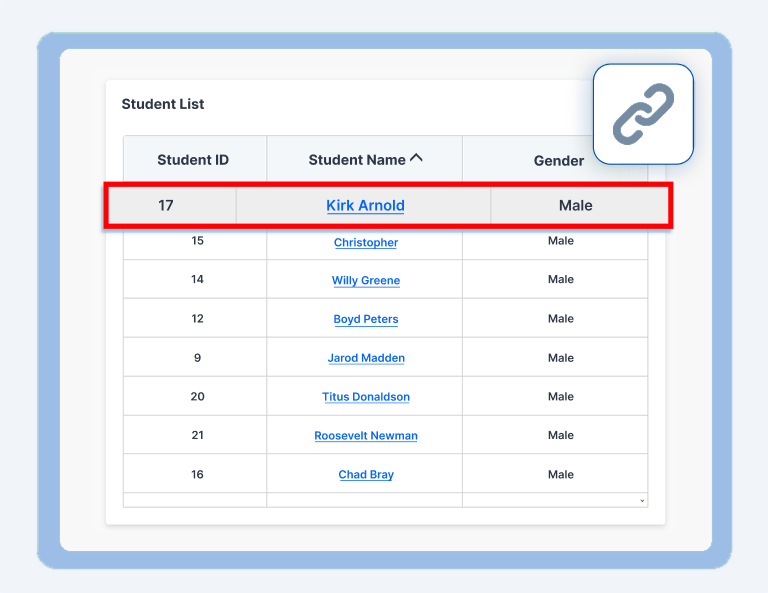
How to Add Drilldown to a Grid Widget Using Linking
02:28

How to Add Drilldown to a Grid Widget Using Linking

How to Use AI Copilot and Agents in Your Dashboards
02:23

How to Use AI Copilot and Agents in Your Dashboards

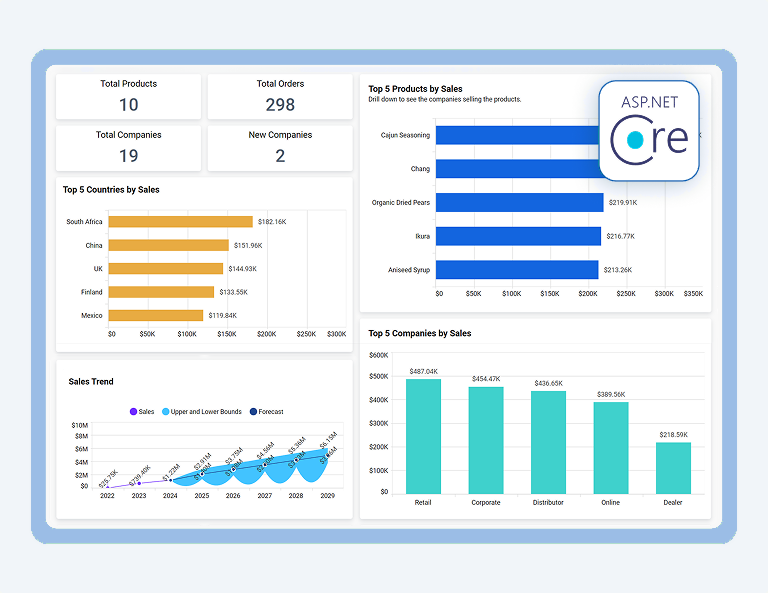
How to Embed Dashboards in ASP.NET Core Applications
01:53

How to Embed Dashboards in ASP.NET Core Applications

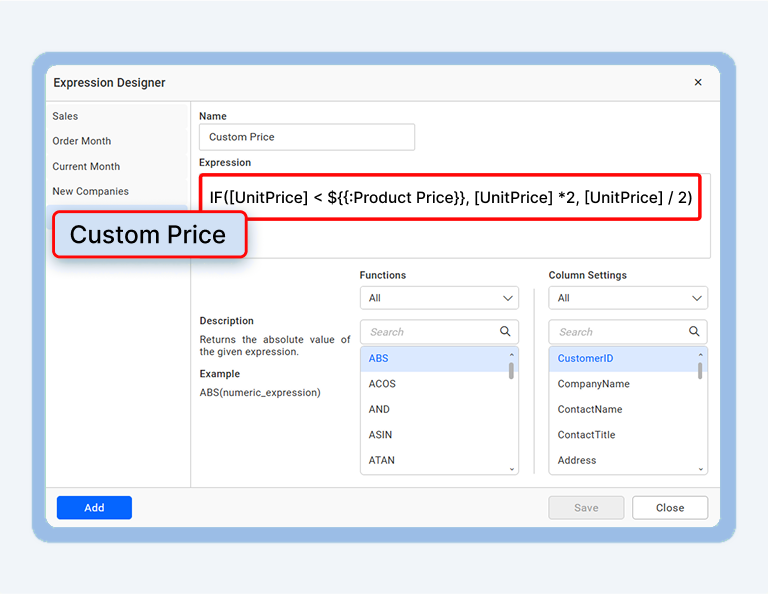
How to Create Expressions with Custom Attributes in Dashboards
03:01

How to Create Expressions with Custom Attributes in Dashboards

Get to Know Who’s Using Bold BI

Ready to unlock powerful insights that transform how you work and decide. Bold BI turns complex data into clear, actionable intelligence designed for you. 

  • Trusted in healthcare, finance, education, and more
  • Supports cloud and on-premises
  • Preferred by analysts, developers, and business user
  • Supported by a responsive customer success team
0 +

Fortune 500 Companies

0 K +

Companies

0 M +

Developers

0 +

Years in Business

Company Overview

Fortune 500 Companies
0 +

Fortune 500 Companies

Developers
0 M+

Developers

Companies
0 K+

Companies

Years in Business
0 +

Years in Business

What Our Customers Say About Us

See what our customers say about us and our embedded analytics and business intelligence product.

What we liked best was the ability to connect to on-prem data sources, easy connectors, embedding visualizations, and a reasonable cost.

Customer logo
Samuel Davidson Application development manager

We evaluated a bunch of dashboard solutions for one of our top clients. Finally, we zeroed down on Syncfusion. We are super happy with the results.

Customer logo
Tushar Apshankar Tudip Technologies

I like a lot of the dashboard features. The new user management server helps me to handle the users and authentication all in one place.

Customer logo
Pedro Hernandez Peopleworks

Now I can basically provide anything the customer needs from their dashboard, and I really don't have limitations. I can customize anything.

Customer logo
Timothy Kenny Traffic Data Exchange

Ready to Try What You Just Saw?

You've seen it in action, now it's your turn. Try it free and start building dashboards with ease.