
New

Release Announcement: Bold BI 17.1.30 has arrived! Explore the latest features

Looker alternative

A faster, more flexible alternative to Looker

If Looker feels harder to build, deploy, or afford as your business grows, Bold BI gives you a simpler way to create dashboards, embed analytics, and scale with confidence.

No credit card required

No LookML

Build with AI, SQL, or drag-and-drop.

Deploy anywhere

Cloud, self-hosted, or on-premises.

Simple pricing

Predictable licensing that scales with you.

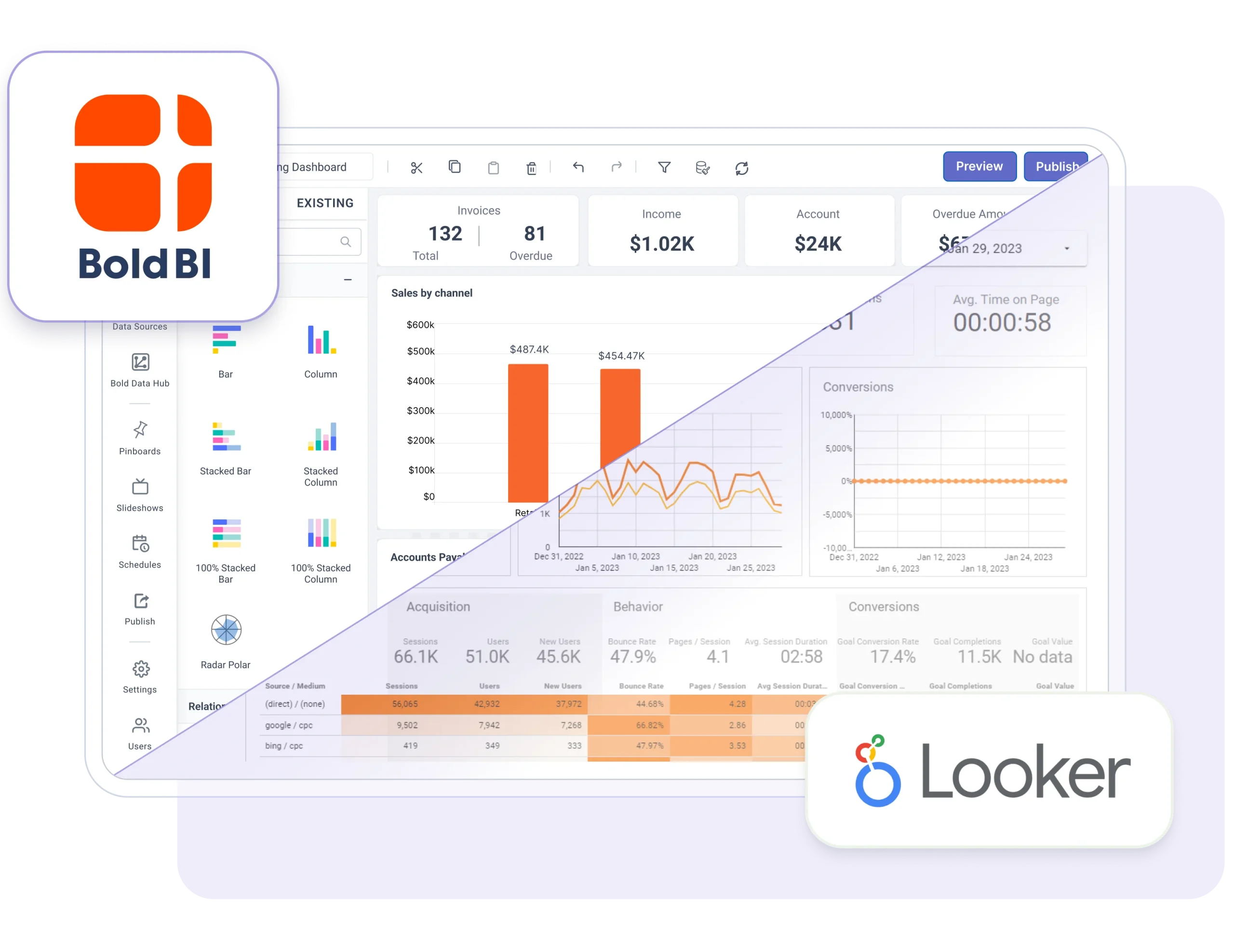
Bold BI as a Looker alternative – drag-and-drop and AI dashboards without LookML, deployable anywhere

Trusted by leading companies

  • Syscon
  • Networcx
  • A4B
  • DigiQuip
  • CarNow
  • Revver
  • Smartway2
  • GeniusVets
  • Talentegy

The evaluation

Why teams look beyond Looker

Every team has a different reason for evaluating a new BI platform. Which one sounds most like yours?

  • Dashboard development takes too long

    Modeling work sits between a question and its answer. Building dashboards shouldn't slow down business decisions.

  • Analytics feels disconnected

    Users want insights inside the applications they already use, not in a separate tool behind another login.

  • Deployment options are limited

    Your BI platform should fit your infrastructure and data-residency rules — not the other way around.

  • Too much developer dependency

    Business teams shouldn't wait in a queue for every dashboard change, filter, or new metric.

  • Analytics costs keep growing

    Your BI platform should scale with adoption without unexpected licensing surprises at renewal.

  • Growth brings more complexity

    As users and data grow, analytics should get easier to run — not harder to maintain.

How Bold BI answers it

Why organizations choose Bold BI

Modern analytics should help your business move faster — not create more complexity.

  • Build dashboards faster

    Create interactive dashboards with an AI-assisted, drag-and-drop designer — no proprietary modeling language to learn first.

  • Deliver analytics anywhere

    Embed fully branded dashboards inside your applications with APIs, SDKs, and white-label customization.

  • Deploy on your terms

    Choose cloud, self-hosted, Docker, Kubernetes, Windows, Linux, or on-premises to match your infrastructure.

Bold BI Logo with Trademark
  • Connect all your data

    Bring databases, cloud warehouses, files, business applications, and REST APIs together in one place.

  • Empower every team

    Give business users the freedom to explore data while IT keeps security, roles, and governance in place.

  • Built for developers

    Speed up delivery with REST APIs, JavaScript SDKs, and customization hooks across 20+ frameworks.

Compare

Choosing between Looker and Bold BI? Start here.

Evaluate the capabilities that matter most when choosing a Looker alternative — dashboard creation, embedding, deployment, and cost.

CapabilityBold BILooker

Bold BI

Dashboard creation
AI-assisted, drag-and-drop designer with full SQL support
Embedded analytics
White-label embedding with APIs, SDKs, and multi-tenant support
Deployment
Cloud, self-hosted, Docker, Kubernetes, Windows, Linux, and on-premises
Business users
Self-service dashboard creation with drag-and-drop
Data connectivity
100+ connectors for databases, cloud apps, files, and REST APIs
AI dashboard creation
AI-assisted dashboard generation and smart insights
Developer platform
REST APIs, JavaScript SDKs, embedding APIs, and white-label customization
Security and governance
SSO, RBAC, row-level security, and enterprise governance
Pricing
Cloud hosted from $999/month for 100 users, self-hosted from $499/month for 100 users, or $1,999/month per application with unlimited users.
Dashboard creation
LookML-based modeling for many advanced dashboard scenarios
Embedded analytics
Embedding available; advanced customization takes additional development
Deployment
Cloud deployment within the Google Cloud ecosystem
Business users
Business users depend on predefined LookML models for many changes
Data connectivity
Strong Google Cloud connectivity and supported external connectors
AI dashboard creation
AI capabilities available; advanced creation still centers on data modeling
Developer platform
APIs for modeling, embedding, and integrations
Security and governance
Enterprise security with Google IAM integration and access controls
Pricing
User and deployment costs should be evaluated as adoption grows

Comparison based on publicly documented capabilities as of 2026. Verify current details with each vendor.

Migration from Looker

Switch with confidence in four steps

Moving from Looker doesn't have to be complicated. Our migration approach gets you running quickly with minimal disruption — most teams rebuild their first dashboards within the trial.

Talk to a migration engineer
  1. 1

    Connect your data sources

    Point Bold BI at the same databases and cloud data platforms your existing analytics environment already uses. Nothing has to move.

  2. 2

    Recreate key dashboards

    Rebuild your most important dashboards in the drag-and-drop designer, using SQL or AI assistance where it's faster.

  3. 3

    Configure security and governance

    Set up users, roles, SSO, and row-level permissions to match your organization's existing security policies.

  4. 4

    Validate and go live

    Review dashboards, test data accuracy against your current reports, then start sharing trusted insights across the organization.

Customers

Teams that already made the switch

What customers say after moving their reporting and embedded analytics to Bold BI.

“What we liked best was the ability to connect to on-prem data sources, easy connectors, embedding visualizations, and a reasonable cost.”

Samuel Davidson
Application Development Manager

“We evaluated a bunch of dashboard solutions for one of our top clients. Finally, we zeroed down on Syncfusion. We are super happy with the results.”

Tushar Apshankar
Tudip Technologies

“Now I can basically provide anything the customer needs from their dashboard, and I really don't have limitations. I can customize anything.”

Pedro Hernandez
Peopleworks

Questions

Questions you're already asking.

Is Bold BI a good alternative to Looker?

Yes. Bold BI combines interactive dashboards, embedded analytics, self-service BI, and flexible deployment in one modern analytics platform — without requiring a proprietary modeling layer before your first dashboard.

Can I self-host Bold BI?

Absolutely. You can deploy Bold BI on-premises, in the cloud, with Docker, or on Kubernetes — whichever fits your infrastructure and data-residency requirements.

Does Bold BI support embedded analytics?

Yes. Embed dashboards into your applications with white-label branding, REST APIs, and a JavaScript SDK, with tenant-level isolation for multi-customer products.

Can I migrate from Looker?

Yes. Connect the same data sources, rebuild your dashboards in the drag-and-drop designer, and get help from our migration team along the way. Most teams start with their top five dashboards.

Does Bold BI support interactive dashboards?

Yes. Build dashboards with filters, drill-down, real-time visualizations, and scheduled sharing across your organization.

Which data sources does Bold BI support?

Bold BI connects to 100+ data sources, including SQL databases, cloud data warehouses, business applications, Excel files, and REST APIs.

Can business users create dashboards?

Yes. With the drag-and-drop designer, business users can build and explore dashboards without depending on developers for every change, while IT keeps governance and access control centralized.

Ready to Get Started?

Ready to move beyond Looker?

See how Bold BI helps your team leave complex BI workflows behind with faster dashboard creation, flexible deployment, and embedded analytics.