What’s New in v17.2.16 for Self-Service & Embedded Analytics
Bold BI v17.2.16 adds widget-level AI prompts, dashboard tags, Snowflake Semantic Layer support, and general availability for Bold Data Hub.
Explore expert insights, product updates, AI analytics trends, and BI tips designed to help you build, embed, and scale impactful dashboards with Bold BI.
Bold BI v17.2.16 adds widget-level AI prompts, dashboard tags, Snowflake Semantic Layer support, and general availability for Bold Data Hub.
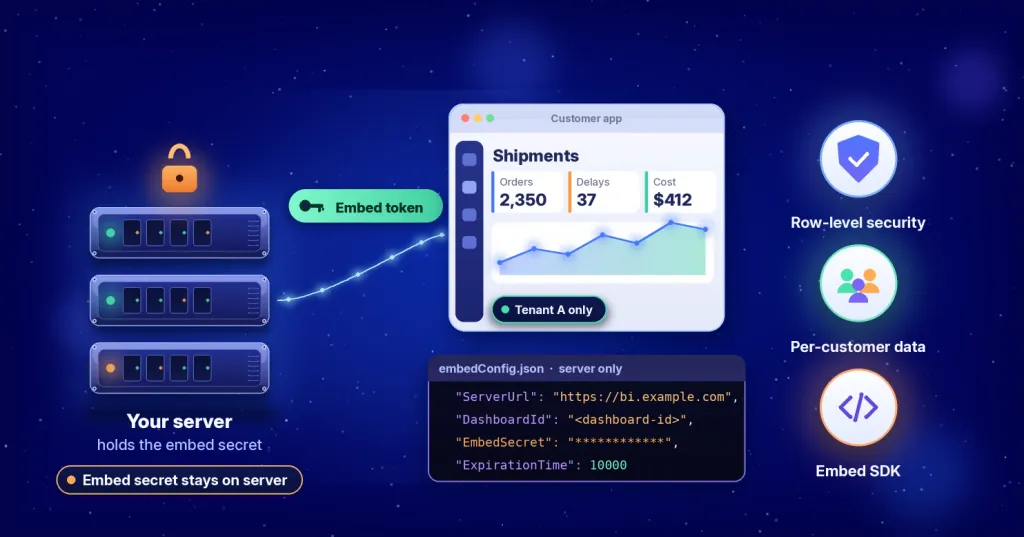
Keep the embed secret on your server and pass only an embed token to your JavaScript app. Follow the sample step by step, then apply row-level security so each customer sees only its own data.
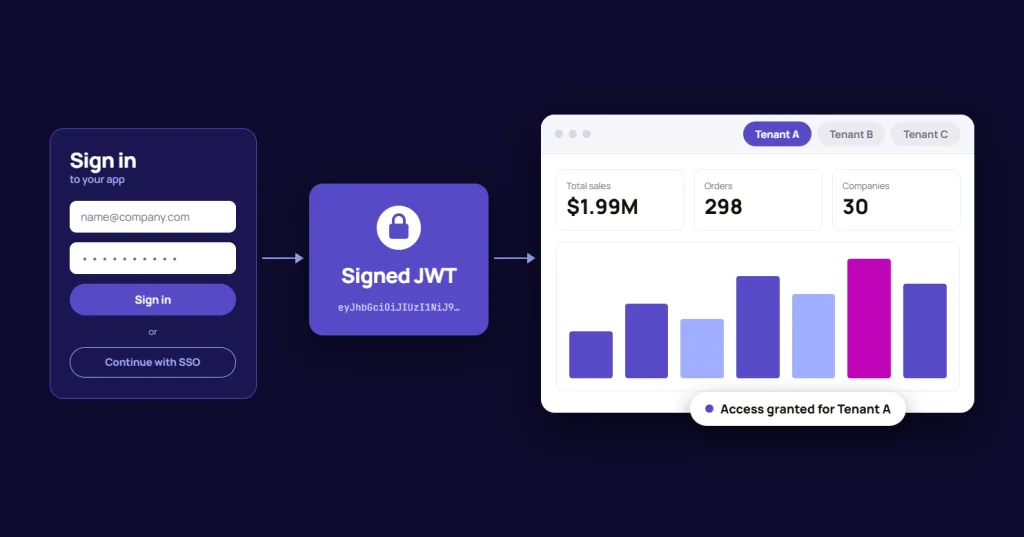
JWT authentication passes signed user identity from your application to embedded dashboards, so users sign in once and see only what they are allowed to. See how it works and how to set it up in Bold BI.
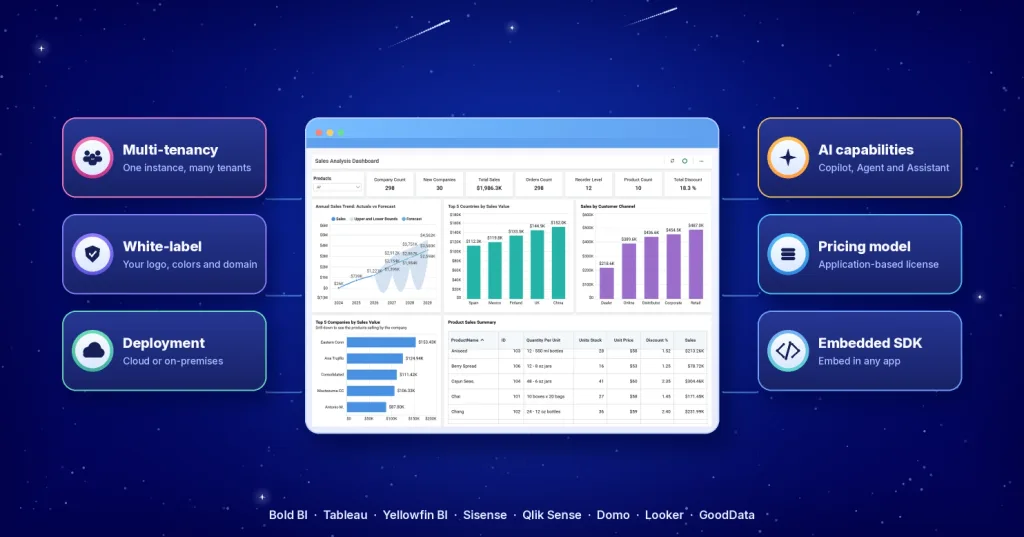
Compare 8 Power BI alternatives for embedded analytics, including Bold BI, by pricing model, deployment, multi-tenancy and white-labeling.
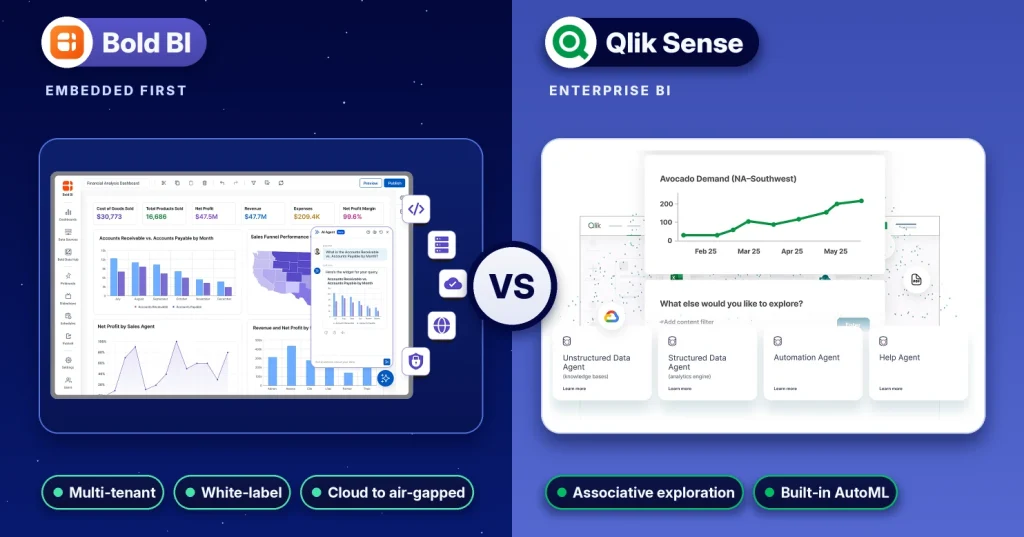
Bold BI vs. Qlik Sense compared on embedding, multitenancy, pricing model, deployment, AI and security, with sources checked in October 2026.
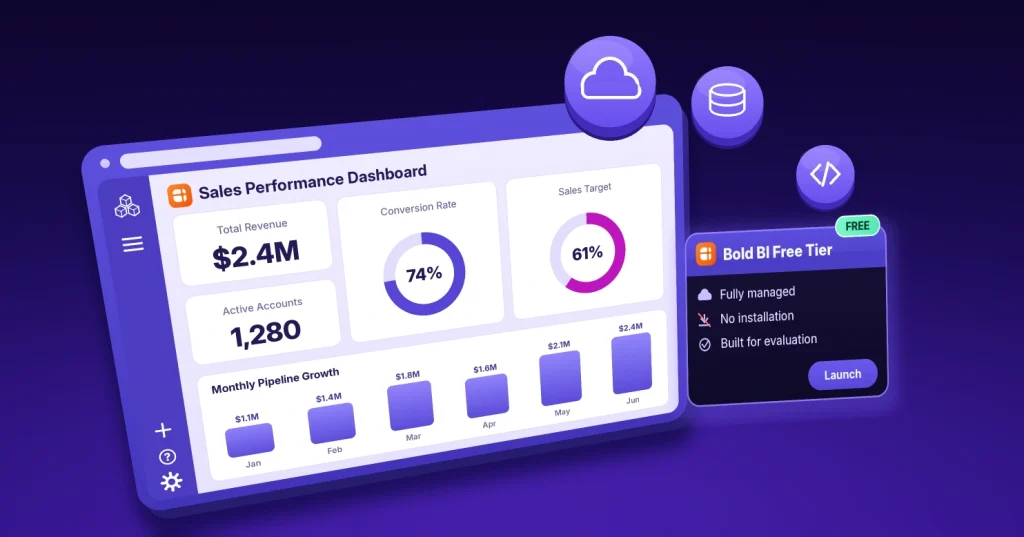
Discover the Bold BI Free Tier, a fully managed evaluation environment that helps you explore dashboards and embedded analytics without installation.
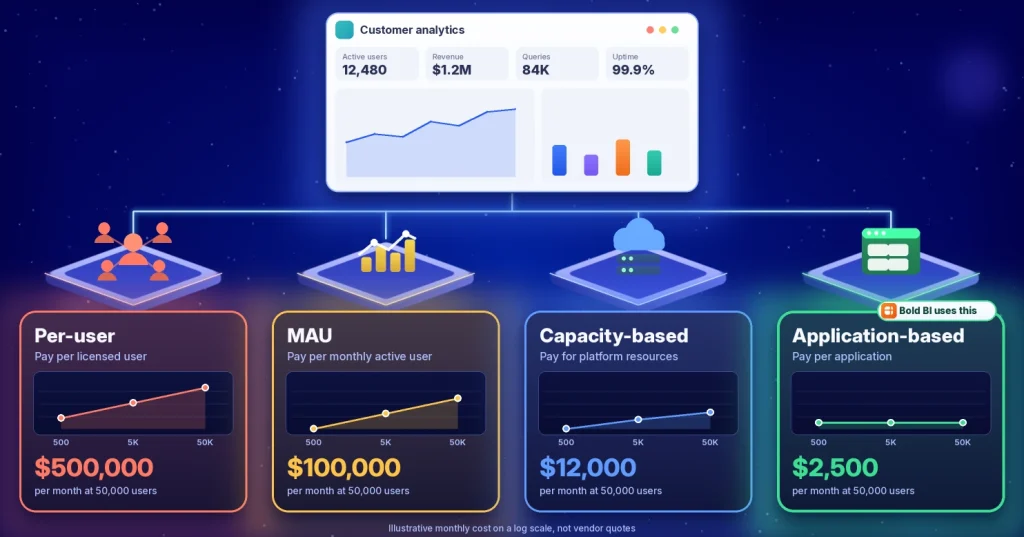
Compare embedded analytics pricing models, see how per-user, MAU, capacity, and application-based costs scale, and choose the right strategy.
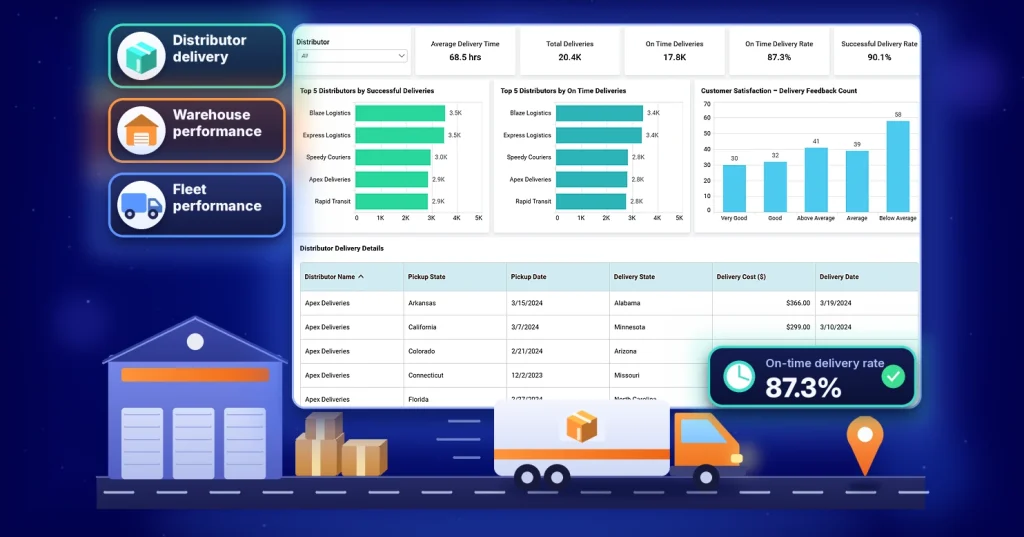
See 3 logistics dashboards and KPIs with formulas and definitions to stop teams reporting conflicting numbers and improve operational visibility.
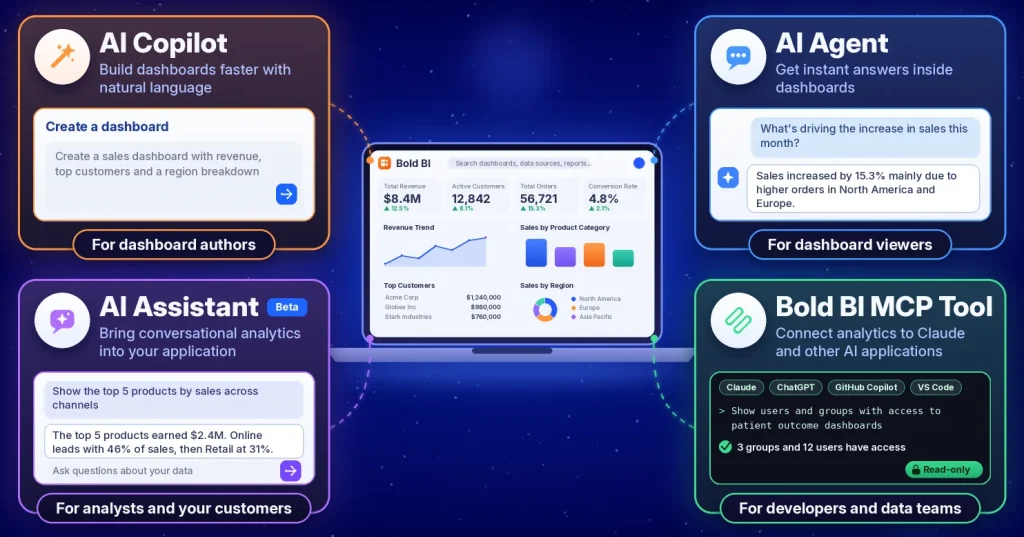
Compare the Bold BI MCP Tool with AI Assistant, AI Agent, and AI Copilot: what each does, who uses it, and the limits to plan around.
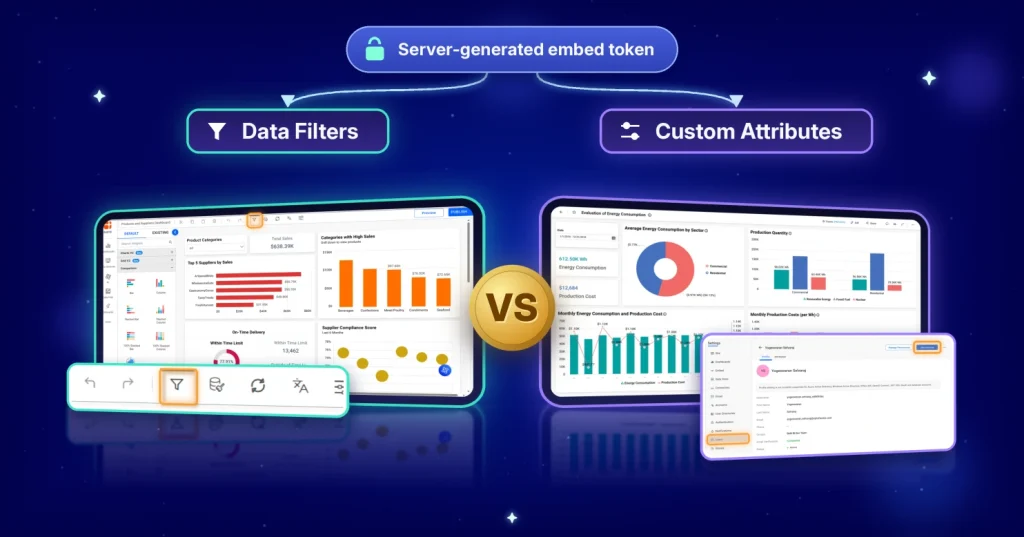
Learn when to use data filters vs. custom attributes in Bold BI, compare use cases, review code examples, and avoid tenant data leakage risks.