
Bold BI as Self-Service Business Intelligence
Discover how Bold BI empowers self-service business intelligence, enabling users to explore data, create dashboards, and gain insights independently.
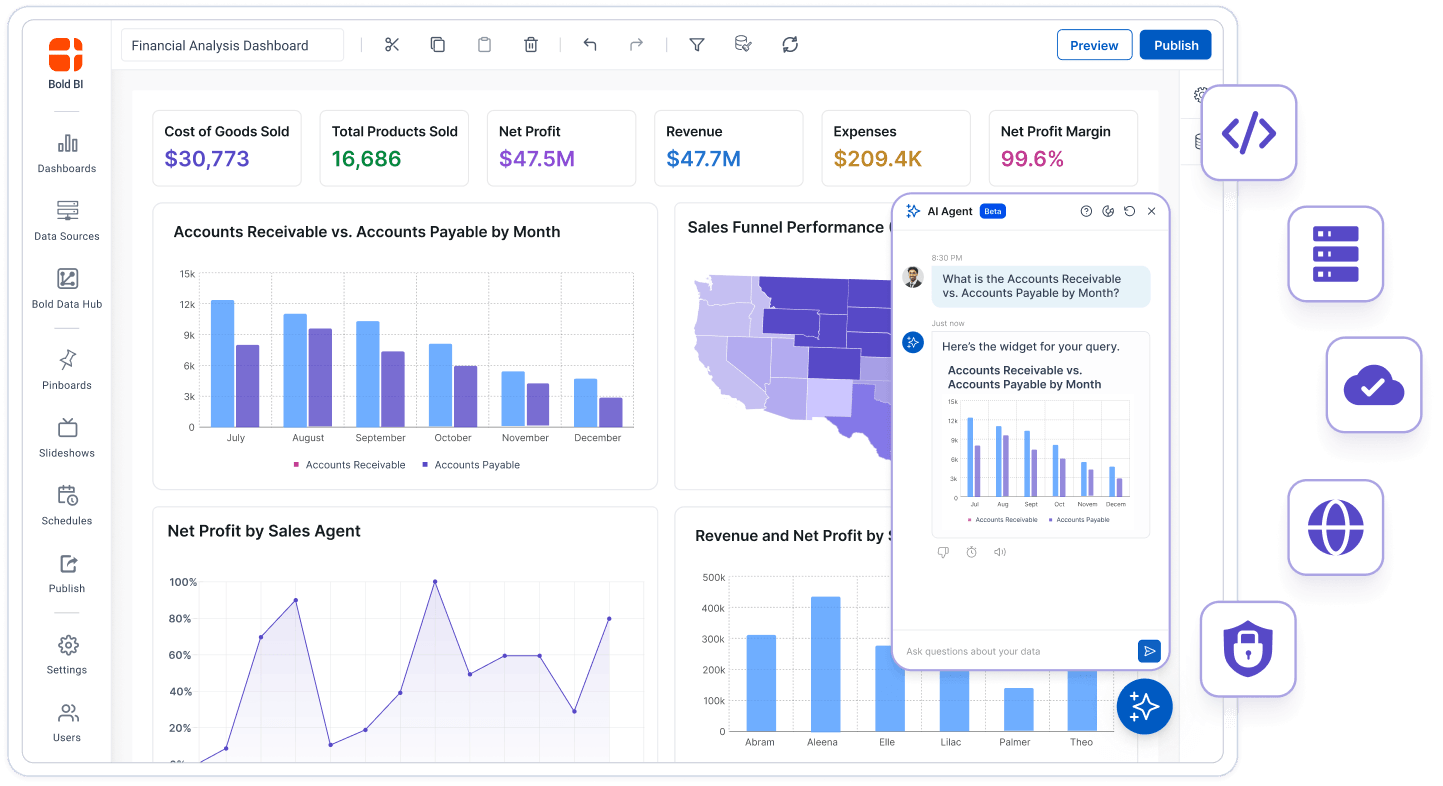
Bold BI is a self-service analytics platform from Syncfusion, Inc. that lets business teams build dashboards with drag and drop and no code. It connects to 145 documented data connectors and adds AI Copilot in the Dashboard Designer and AI Agent in the Dashboard Viewer. It deploys on Cloud, on-premises on Windows or Linux, Docker or Kubernetes.
30 days, no credit card required.
Customers featured by Bold BI
Why Bold BI
Bold BI gives self-service teams published pricing, support included in every edition and a 30-day free trial.

Bold BI prices start at $499 a month for self-hosted and $999 a month for Cloud. The license is not consumption or usage-metered, AI credits are bought separately, and subscriptions are billed monthly or annually. See Bold BI pricing

All editions include customer support by chat, email and WhatsApp, guided onboarding and unlimited support tickets. Hours follow your SLA tier. Support is not a paid add-on, with no per-ticket fee.

The free trial runs 30 days with full feature access and no credit card. Purchases carry a 30-day money-back guarantee.
Key features
Bold BI groups its self-service features into 5 areas, from 145 data connectors and AI features to deployment on Windows, Linux, Docker and Kubernetes.
Bold BI connects to 145 documented data connectors, from SQL databases such as Snowflake, Google BigQuery and PostgreSQL to cloud apps such as Salesforce and HubSpot.
Query a data source live, or extract it and schedule refreshes hourly, daily, weekly or monthly.
The Files category covers CSV, Excel, JSON, XML, EDI and Parquet.
Connect a source that is not on the supported connector list through the Generic WEB API connector.
Bold Data Hub, the ETL component inside Bold BI, moves data from many sources into one central data store. It is optional: Bold BI also connects to sources directly.
The Bold BI Dashboard Designer is no-code: you drag and drop widgets onto the canvas, with no waiting on a developer to change a chart.
Pick from 41 Modern widgets in 9 categories, including bar, line and pie charts, maps, pivot grids, heatmaps and KPI cards.
Arrange widgets freely instead of fitting a fixed template.
Rotate dashboards automatically on an office display. Viewers sign in, even for public dashboards.
Schedule email reports with PDF and Excel exports, included in both editions.
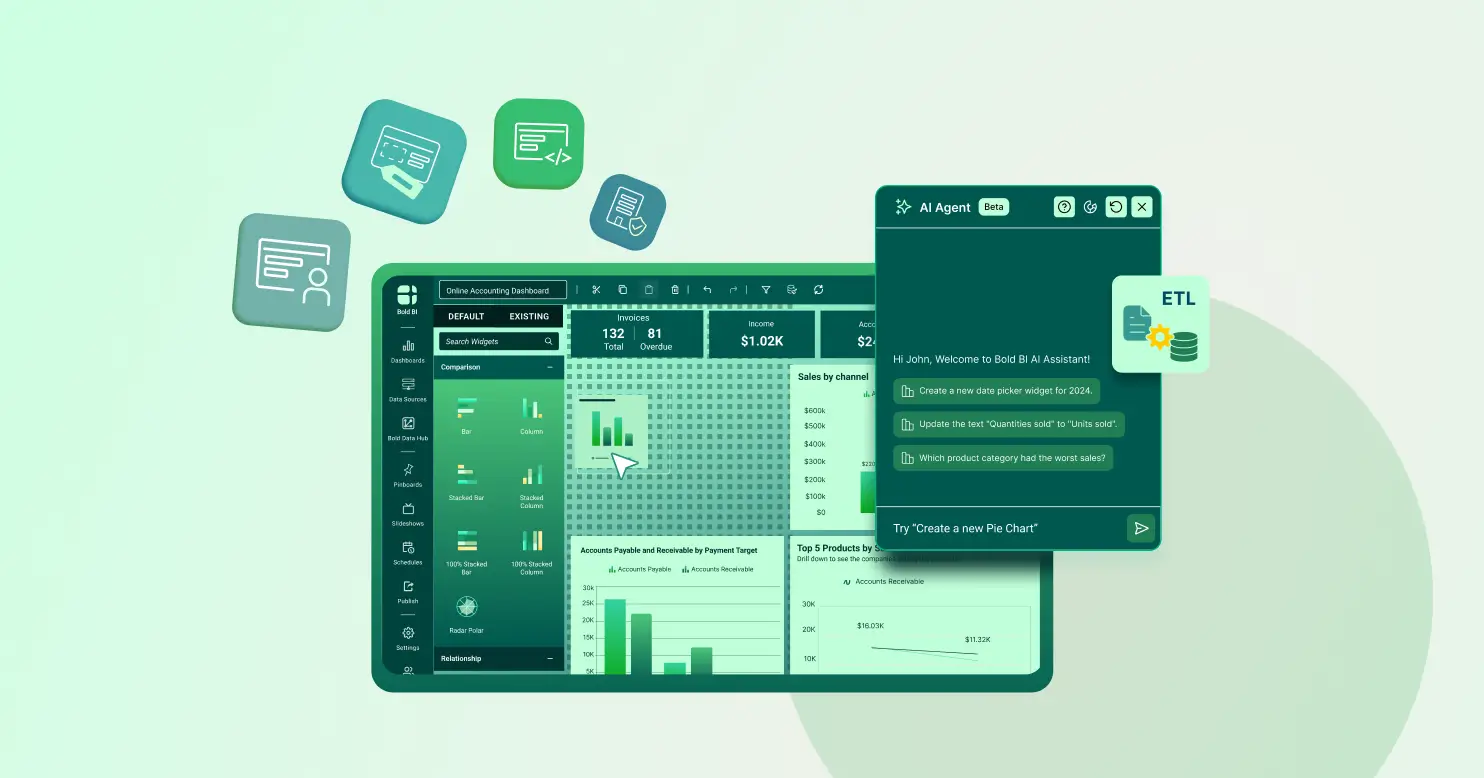
Bold BI has AI in 3 places: AI Copilot in the Dashboard Designer, AI Agent in the Dashboard Viewer and AI Assistant in the Bold BI server. Prompt to Dashboard turns one text prompt into a dashboard of 6 widgets.
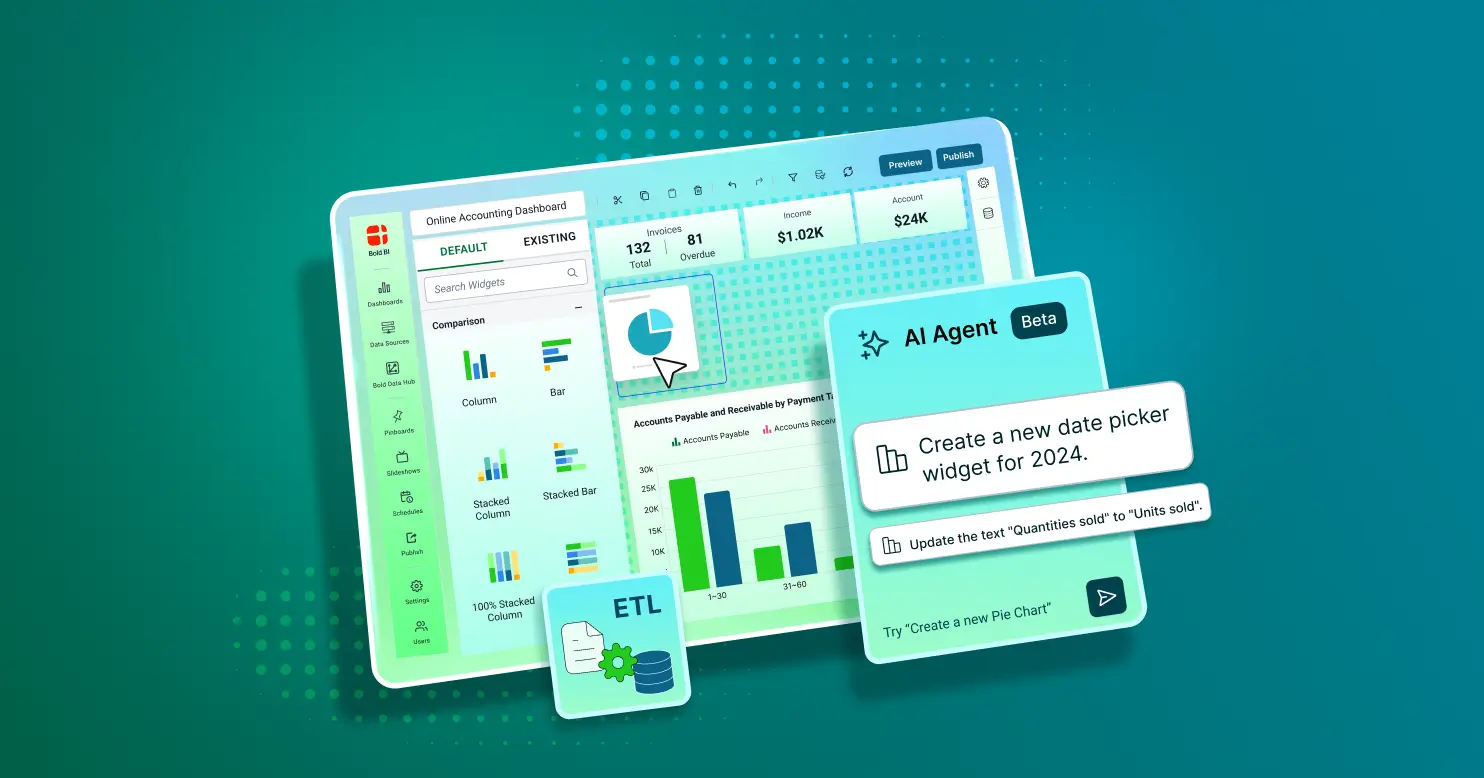
Type a request in plain English and AI Copilot builds the chart from your connected data. Every AI visual stays fully editable.
AI Agent answers questions about the dashboard you are viewing with a chart or a written answer.
Smart Narrations summarize dashboard metrics and trends in plain language, per dashboard or per widget.
Click into any chart to see the exact rows behind it, let one filter update every widget on the page, and save a filtered view as your own default.
Bold BI lets teams comment directly on a dashboard and co-edit it with teammates in real time.
Roll back to an earlier version of a dashboard. Audit trail and version history are included in both editions.
Assign view, edit or admin rights by role.
Row-level security scopes what each person or tenant sees, enforced at the data layer.
From v17.1.30, dashboard views inherit permissions from their parent dashboard.
Bold BI runs on Cloud, on-premises on Windows or Linux, Docker and Kubernetes, and on cloud platforms including Azure, Azure App Service, AWS and GCP.
| Edition | Operated by | Data location |
|---|---|---|
| Cloud Edition | Bold BI | Managed regions |
| On-Premises Edition | You | Your own data center |
Embed dashboards in your own app with an iframe, JavaScript, or SDKs for Angular and React (embedded analytics). White-labeling is included on every edition at no extra cost.
Built-in caching keeps large datasets responsive, and any dashboard can be exported to PowerPoint, image, PDF, Excel or CSV.
Limitations
Bold BI self-service analytics has 6 limits to check before you choose an edition or plan your AI use.
Resources
Bold BI support has 3 SLA tiers, Standard, Business and Enterprise, set out in SLA documents updated in February 2026.

The Bold BI documentation covers the data connectors, the Modern and Classic widgets and Bold Data Hub.
View the Self-Service Analytics Guide
All 3 SLA tiers get unlimited tickets and access to major and minor upgrades.
Create a ticket
Bold BI resources include videos, webinars and the Academy, and a main release ships every 3 months.
Watch tutorials and webinarsQuestions
Self-service analytics in Bold BI lets business teams build their own dashboards with a no-code, drag-and-drop designer. It connects to 145 documented data connectors and offers AI Copilot, AI Agent and AI Assistant.
No. The Bold BI Dashboard Designer is drag and drop, and AI Copilot builds a chart from a request typed in plain English. Every AI visual stays fully editable.
Yes. In Bold BI, row-level security scopes what each person or tenant sees at the data layer, role-based access assigns rights by role, and audit trail and version history are in both editions.
Bold BI has 145 documented data connectors, including Snowflake, Google BigQuery, PostgreSQL, Salesforce, CSV and Excel. A Generic WEB API connector covers sources that are not on the list.
Bold BI is licensed per user, per application or as an enterprise license, with prices from $499 a month for self-hosted and $999 a month for Cloud, in USD. Enterprise licenses are by custom quote. The license is not consumption or usage-metered, AI credits are bought separately, and subscriptions are billed monthly or annually.
Bold BI deploys on Cloud, on-premises on Windows or Linux, Docker and Kubernetes, and on Azure, Azure App Service, AWS and GCP. It is sold as Cloud Edition and On-Premises Edition.
Yes. The Bold BI free trial is 30 days long, needs no credit card and includes full feature access from day one.
Articles
Ready to get started?