
Bold Data Hub
Bold Data Hub (ETL): Extract and Blend Your Data
Bold BI includes Bold Data Hub, its built-in ETL component, which moves data from many sources into one central data store. You transform it with SQL in the Transformation tab, and creating a pipeline automatically creates a Bold BI data source that is live to the destination database.
No credit card required.
Key features
What Bold Data Hub does for Bold BI
Bold Data Hub extracts, transforms and loads your data so Bold BI dashboards read from analytics-ready data in one datastore.
Integration with Bold BI
Bold Data Hub creates the transformed data as a data source in Bold BI.
Flexible Loading Options
One pipeline can load into multiple datastore destinations, of the same or different server types.
Custom Extraction
Bold Data Hub has 48 connectors. Incremental refresh covers MongoDB, Zendesk and all SQL connectors.
How it works
How Bold Data Hub fits into Bold BI
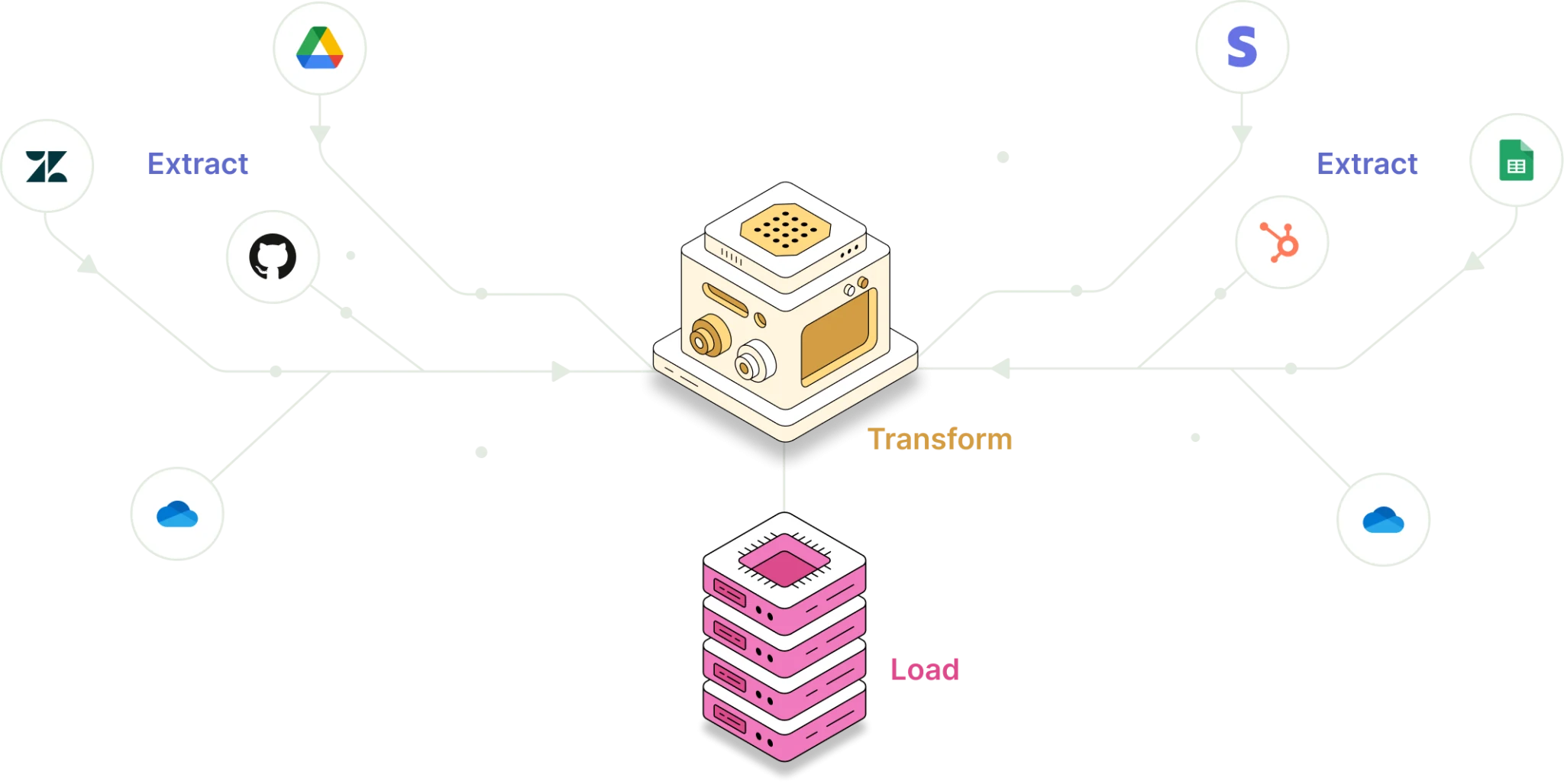
Bold Data Hub is part of Bold BI, so you extract data from sources such as MySQL or MongoDB, transform it with SQL and load it into a datastore in one product, without a separate ETL tool.
- Connect a source, such as a database, web service or file.
- Extract the data from the source.
- Transform it with a custom query in the Transformation tab.
- Load it into a datastore destination.
What you can do
Automate data operations in Bold Data Hub
Bold Data Hub automates extraction and refresh so Bold BI dashboards stay current.
Automation and Scheduling
Automate Bold Data Hub tasks on a schedule. Schedules and refreshes use the last saved destination.
Incremental Refresh
MongoDB, Zendesk and all SQL connectors have incremental refresh support in Bold Data Hub.
No credit card required.
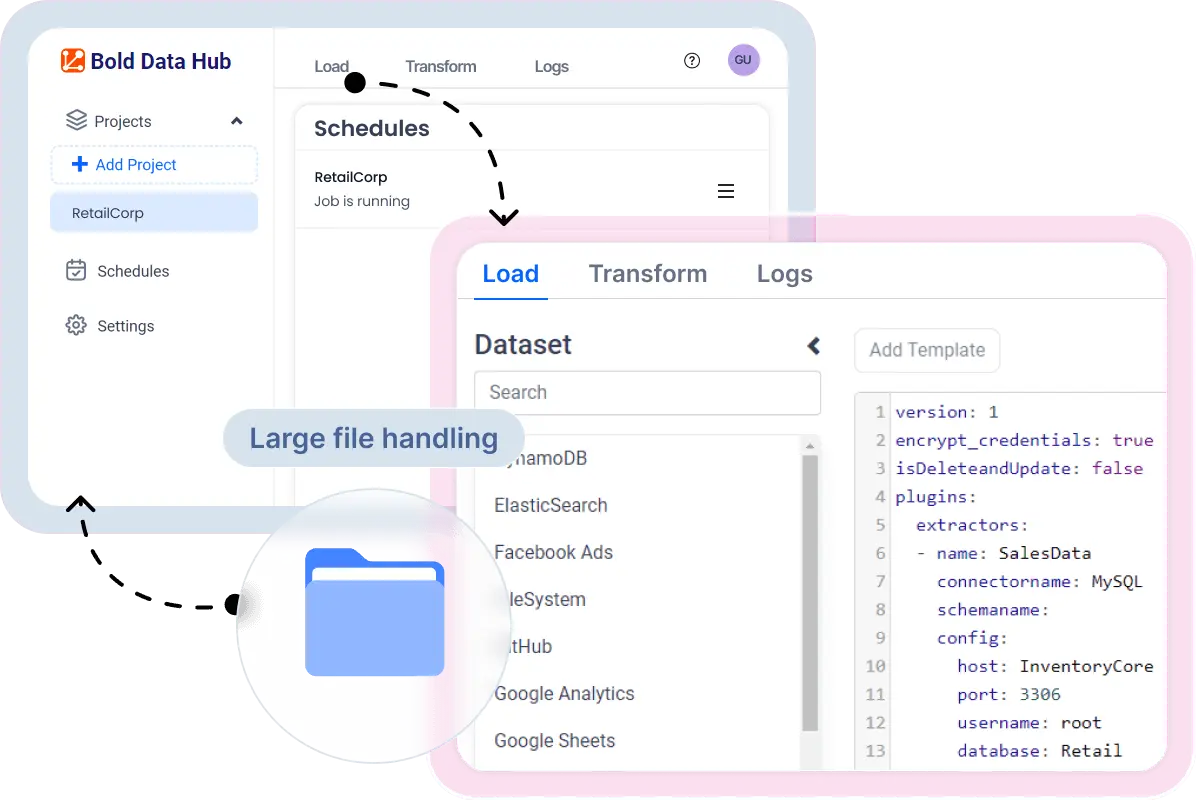
Transform data with SQL in Bold Data Hub
Bold BI transforms data in Bold Data Hub with a custom query in the Transformation tab before it reaches dashboards.
| Task | How it works in Bold Data Hub |
|---|---|
| Transform data | A custom query in the Transformation tab runs SQL on the extracted data. |
| Calculated fields | Created as custom SQL during transformation. |
| Expressions and relationships | Created in Bold BI on a Bold Data Store data source, after extraction. |
| Several destinations | One pipeline can load into many; schedules and refreshes use the last saved destination. |
| Several pipelines | Data from multiple pipelines can be combined in a data source created from Data Hub, because it is a live connection. |
Read the Bold Data Hub documentation for the setup steps.
Bold Data Hub supported connectors
Bold Data Hub has 48 connectors in Bold BI, such as Asana, CSV, Elastic Search, Facebook Ads, Github, Google Ads, Google Analytics, Google BigQuery, Google Sheets, HubSpot, Jira, Microsoft SQL Server, MongoDB, MySQL, Oracle, Pipedrive, PostgreSQL, Redshift, Salesforce, Slack, Snowflake, Stripe, Zendesk Support and more. An Open API connector and a Python script connector let you move your own data in with scripts.


Good to know
Bold Data Hub limitations
Bold BI does not require Bold Data Hub, and Bold Data Hub has limits worth knowing before you plan a SQL pipeline.
Optional for Bold BI
Bold BI connects to many data sources directly, so you only need Bold Data Hub to consolidate or transform data first.No modeling in the UI
Use Bold BI expressions and relationships after extraction.Last saved destination
When a pipeline has several destinations, schedules and refreshes use only the last saved destination.One data source per pipeline
Multiple Bold BI data sources cannot be associated with one pipeline.
Help Center
Bold Data Hub questions, answered
Quick answers about Bold Data Hub in Bold BI. For more, read the full documentation.
What is Bold Data Hub?
Bold Data Hub is the ETL component inside Bold BI. It moves data from many sources into one central data store, with data connectivity, transformation, integration, scheduled automation, aggregation and loading to a destination data store.
Do I need Bold Data Hub to use Bold BI?
No. Bold BI is a standalone business intelligence and data visualization platform that can connect to many data sources directly.
How does Bold Data Hub transform data?
You transform data with a custom query in the Transformation tab. Calculated fields can be created as custom SQL during transformation.
Does Bold Data Hub support data modeling?
Not through the UI. Bold BI expressions and relationships are used in Bold BI, on a Bold Data Store data source, after extraction.
Where is the transformed data stored?
The transformed data is stored in the datastore next to the original dataset. Creating a pipeline automatically creates a Bold BI data source, which is live to the destination database used by the pipeline.
Can one Bold Data Hub pipeline load into more than one destination?
Yes. One pipeline can load into multiple datastore destinations, including different server types, for example separate MySQL or PostgreSQL databases for development, testing, staging and production. Only the last saved destination is used for schedules and refreshes.
Which sources support incremental refresh in Bold Data Hub?
MongoDB, Zendesk and all SQL connectors have incremental refresh support in Bold Data Hub.
Which connectors does Bold Data Hub include?
Bold Data Hub has 48 connectors, such as MySQL, PostgreSQL, MongoDB and Zendesk, plus an Open API connector and a Python script connector so users can move their own data in with scripts.
Articles
Related articles
Bold BI guides on Bold Data Hub, MySQL and Elasticsearch, and data sources.
Bold Data Hub: Migrate and Optimize Large Datasets
Read how Bold Data Hub moves large datasets into a datastore so Bold BI dashboards can use them.
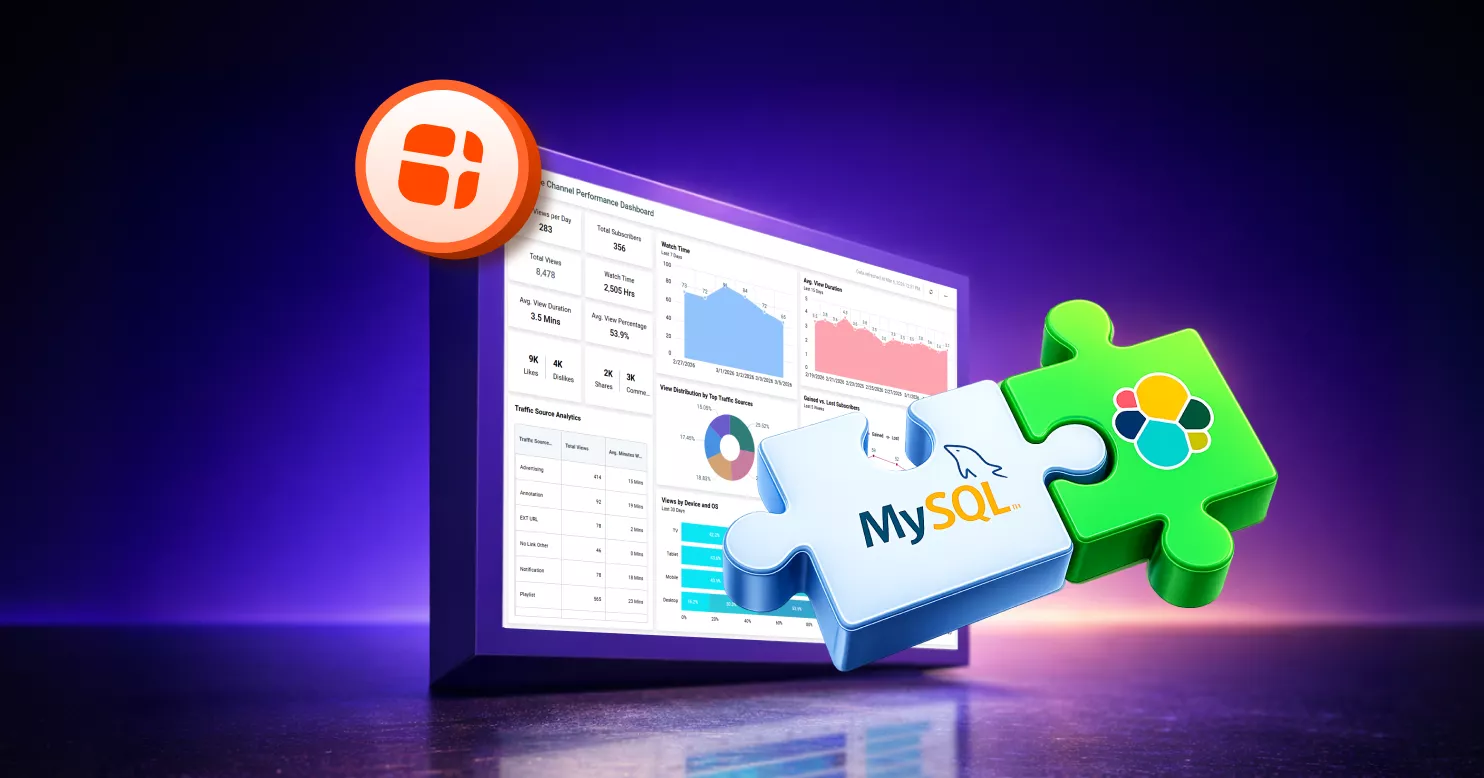
Integrate MySQL with Elasticsearch Using Bold Data Hub
Step-by-step: integrate MySQL and Elasticsearch with Bold Data Hub and build one unified dashboard from both sources.

Introduction to Bold BI Data Sources
Learn how to create data sources from different connection types in Bold BI and turn them into interactive dashboards.
Ready to Get Started?
Experience Bold Data Hub in Action
Start a Bold BI trial and build your first Bold Data Hub pipeline.