Join Our Webinar: Personalize Dashboards Using RBAC and RLS
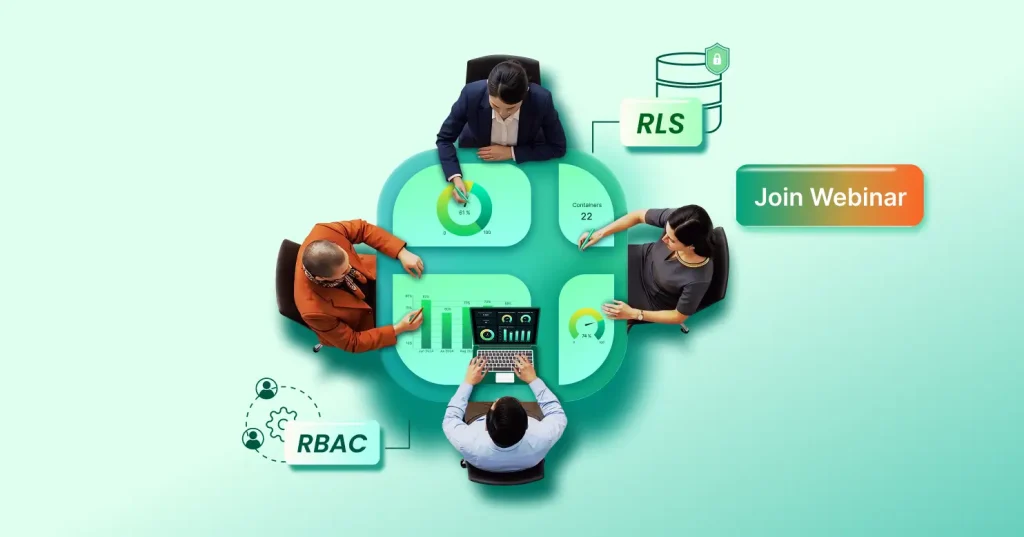
TL;DR: The upcoming April 9 webinar will show how to deliver secure, personalized dashboards at scale. RBAC controls who can see which dashboards, while RLS filters the data behind the scenes, so every user sees only what’s relevant to them.
Modern applications serve different users with different data access needs. A sales manager may need to view revenue for an entire region, while a sales representative should see only their own accounts. When dashboards are shared with many users, managing access manually quickly becomes difficult. Teams often end up creating multiple dashboard copies for different users, which increases maintenance effort and introduces security risks.
To address these challenges, analytics platforms rely on role-based access control (RBAC) and row-level security (RLS) to deliver personalized dashboards securely.
In our upcoming webinar, our Bold BI® experts will explain how these two security approaches work together to ensure every user sees only the dashboards and data they are authorized to access.
Webinar details:
- Date: April 9, 2026
- Time: 10 a.m. EDT
- Host: Dhanasekaran, senior software engineer, Bold BI
- Format: Live online webinar
Who should attend?
This webinar is designed for professionals responsible for delivering analytics securely within applications. It will be especially useful for:
- Product managers and SaaS founders building analytics features.
- Developers embedding dashboards into applications.
- Data engineers managing analytics infrastructure.
- IT and security teams responsible for governance.
- Solution architects designing scalable analytics platforms.
What you’ll learn
This webinar goes straight to implementation, so you can design a scalable, legally compliant, secure analytics experience for every user. During this in-depth session, we will cover:
- An introduction to role-based access control and row-level security: Understand the core concepts of user authorization and data-level protection within embedded analytics workflows.
- User roles and access requirements: Learn how to map application users to roles, define permissions, and structure access levels to support secure and intuitive user experiences.
- How RBAC drives dynamic and secure user experiences: See how RBAC helps determine what dashboards, widgets, features, and actions each user is able to access.
- How RLS filters work: Discover how row-level security ensures individuals and groups only view the datasets they are authorized to access. It’s critical for privacy, legal compliance, and multitenant applications.
- Challenges of managing dashboard security access manually: Understand why manual permissions management becomes error‑prone, inconsistent, and difficult to scale, especially in multitenant environments
- Security benefits of RBAC and RLS: See how combining RBAC and RLS creates a complete, scalable security framework for any embedded analytics environment.
Why dashboard personalization matters
Today’s SaaS platforms often serve thousands of users across departments, roles, and tenants, making manual dashboard management impossible to maintain. RBAC and RLS provide the structure needed to scale personalization safely. They:
- Support multitenant analytics environments where each customer, department, or partner sees only their own data without creating separate dashboards.
- Protect sensitive information automatically by restricting data access based on user roles and security policies.
- Simplify permission management for large user bases, allowing administrators to assign permissions to roles once instead of for each individual.
- Maintain regulatory compliance and governance standards, ensuring embedded analytics systems meet strict data protection requirements while remaining scalable.
Common challenges without RBAC and RLS
Organizations that manage dashboard access manually often face several operational challenges:
- Creating separate dashboards for different users.
- Maintaining duplicate dashboard versions.
- Applying manual data filters.
- Managing permissions individually.
- Scaling analytics across large teams.
Over time, these manual processes increase the risk of data exposure, configuration errors, and operational overhead.
How Bold BI helps deliver secure, personalized dashboards
Bold BI provides built-in capabilities that simplify dashboard security and personalization. Using RBAC, administrators can define roles and control which dashboards, widgets, or features users can access. Using RLS, organizations can apply dataset filters that ensure users see only the data relevant to them. Together, these capabilities help teams:
- Deliver secure dashboards to multiple user groups.
- Support multitenant analytics applications.
- Maintain consistent access policies.
- Reduce manual configuration work.
This approach allows organizations to scale analytics while keeping data access controlled and predictable.
Why both role-based access control and row-level security are needed
RBAC and RLS solve different parts of the security problem.
| Security Layer | What It Controls |
| RBAC | Which dashboards or features a user can access. |
| RLS | Which data rows a user can view within those dashboards. |
When combined, they provide complete dashboard security. This layered approach is widely used in embedded analytics platforms and multitenant applications.
Interactive Q&A session with Bold BI experts
Bring your questions! Our Bold BI experts will be ready to discuss best practices, answer implementation‑specific queries, and share practical strategies you can apply immediately to your embedded analytics solution.
Reserve your seat
Delivering secure, personalized analytics doesn’t have to be complex. Join us to learn how RBAC and RLS work together to automate access control and combine personalization with strong security for a world‑class embedded analytics experience.
If you are not yet a subscriber, start your Bold BI journey with a free trial. If you have questions about this blog or the webinar, leave a comment below or contact us through the Bold BI® website or log in to submit your inquiries if you already have an account.