
Bold BI dashboard designer supports connecting Google Ads web services through REST API.

Release Announcement:
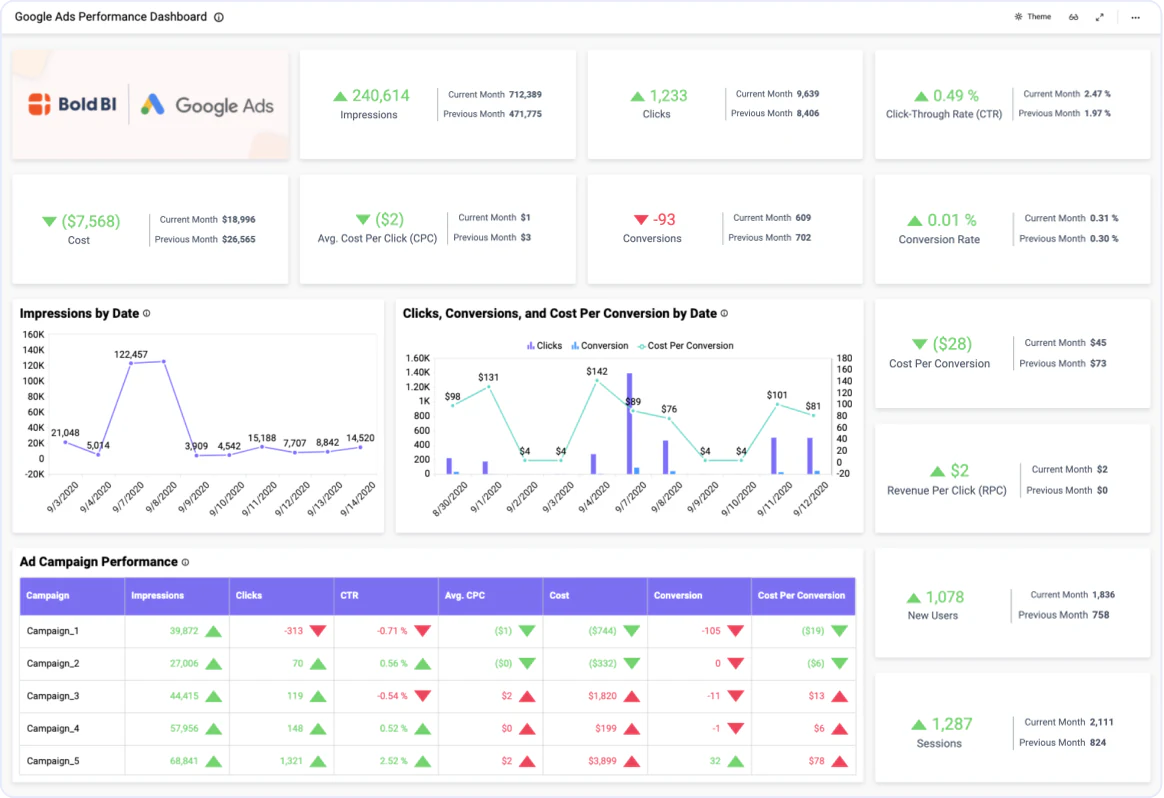
Bring your Google Ads data to Bold BI® and create beautiful dashboards with useful widgets. By embedding dashboards inside your application, you can visualize the story behind your data and make effective business decisions.

Access metrics and dimensions using additional dropdown options to find your insights quickly.

Create your own query URL that retrieves data from the Google Ads account.

Set the maximum number of rows to be fetched from the Google Ads connector.

Configure data refreshes to keep your dashboard up to date.
The Google Ads Performance Dashboard helps you identify your users' interest based on the effectiveness of a campaign. With this dashboard, you can track and enhance business revenue through conversions and achieve your advertising goals with powerful marketing strategies.
Integrate Google Ads data with other integrations, like SQL or web data sources, and create dashboards with multiple data sources. Embed these dashboards into your application for powerful data visualization.
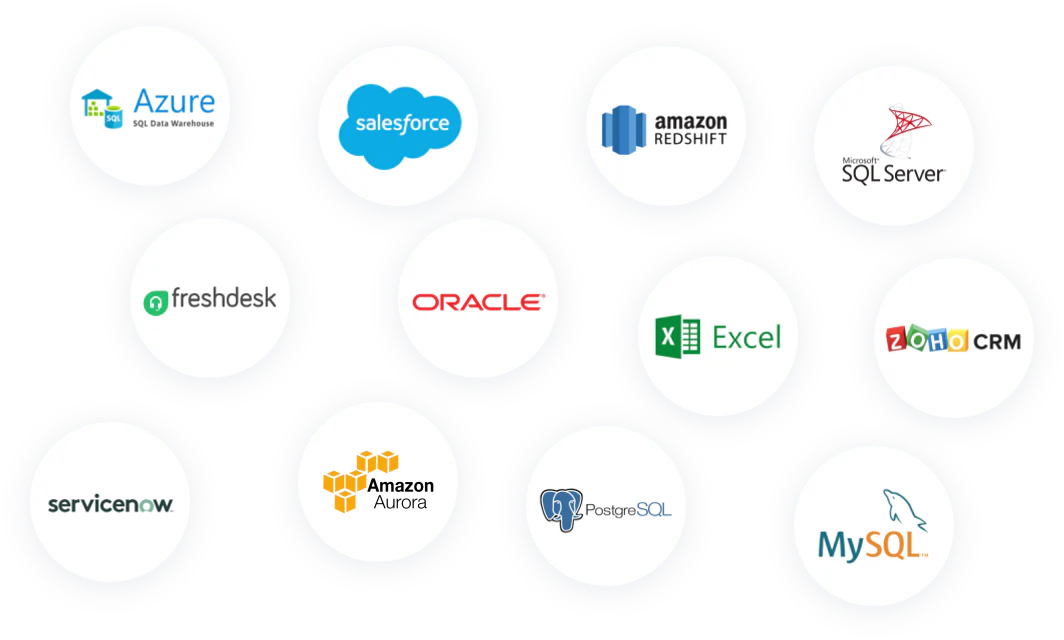
Check Out Our 140+ Supported Integrations
Explore Bold BI with a 30-day free trial. Embed dashboards, connect data sources, and empower your team with actionable insights.
No credit card required.