
What’s New in v11.3.24 for Self-Service & Embedded Analytics

Introduction
We’re thrilled to announce the release of Bold BI® v11.3.24, packed with new features and enhancements for both self-service and embedded analytics. From a Trino data source connector to row-level icon functionality in SQL, MySQL, and Oracle IMDB, this version delivers significant improvements in performance and usability across Windows, Docker, Linux, Kubernetes, and Azure environments.
For those who want to try the new version right away, you can download it or log in to your account. Let’s take a look at the Bold BI v11.3.24 release highlights.
Data Sources and Bold Data Hub Highlights
New connectors: Trino & Oracle NetSuite
New data source connectors have been added—Trino, supported as a subcategory under the Presto connector, and Oracle NetSuite—expanding your options for real-time analytics for enterprise data.
Real-time data alerts for Bold Data Hub
Receive instant email notifications for each schedule in the Bold Data Hub with email alerts. They keep you informed of real-time data changes and enable prompt, data-driven decisions.
Enhanced row-level security with visual indicators
Now, you can use row-level icon functionality in SQL, MySQL, and Oracle IMDB to highlight rows visually based on specific data conditions or thresholds.
Designer and Server Enhancements
Tenant-specific AI settings
Admins now have the ability to enable or disable AI at the tenant level, giving teams full control over when and how AI is used. This ensures a more tailored, secure, and flexible experience for each team.
Export and performance boosts
Export widget-specific data directly to Excel from view mode for faster, more targeted reporting. Improve your presentations with enhanced PowerPoint export quality. Additionally, dashboards load more smoothly with improved grid performance with the new Fit to Content option.
Enhanced widget usability
Now, you can set maximum date limits in the date picker for better control. Enjoy clearer visuals with label text wrapping support in the tree map widget, making it easier to display longer labels.
Streamlined URL and parameter linking
Simplify dashboard navigation by using default parameter linking in button widgets. You can also choose to exclude all query parameter values from URLs for a cleaner, more secure sharing experience.
AI Improvement
Enhanced design flexibility for AI widgets
Designers can now easily resize and drag AI-generated widgets to place alongside custom visuals for cleaner layouts and improved storytelling.
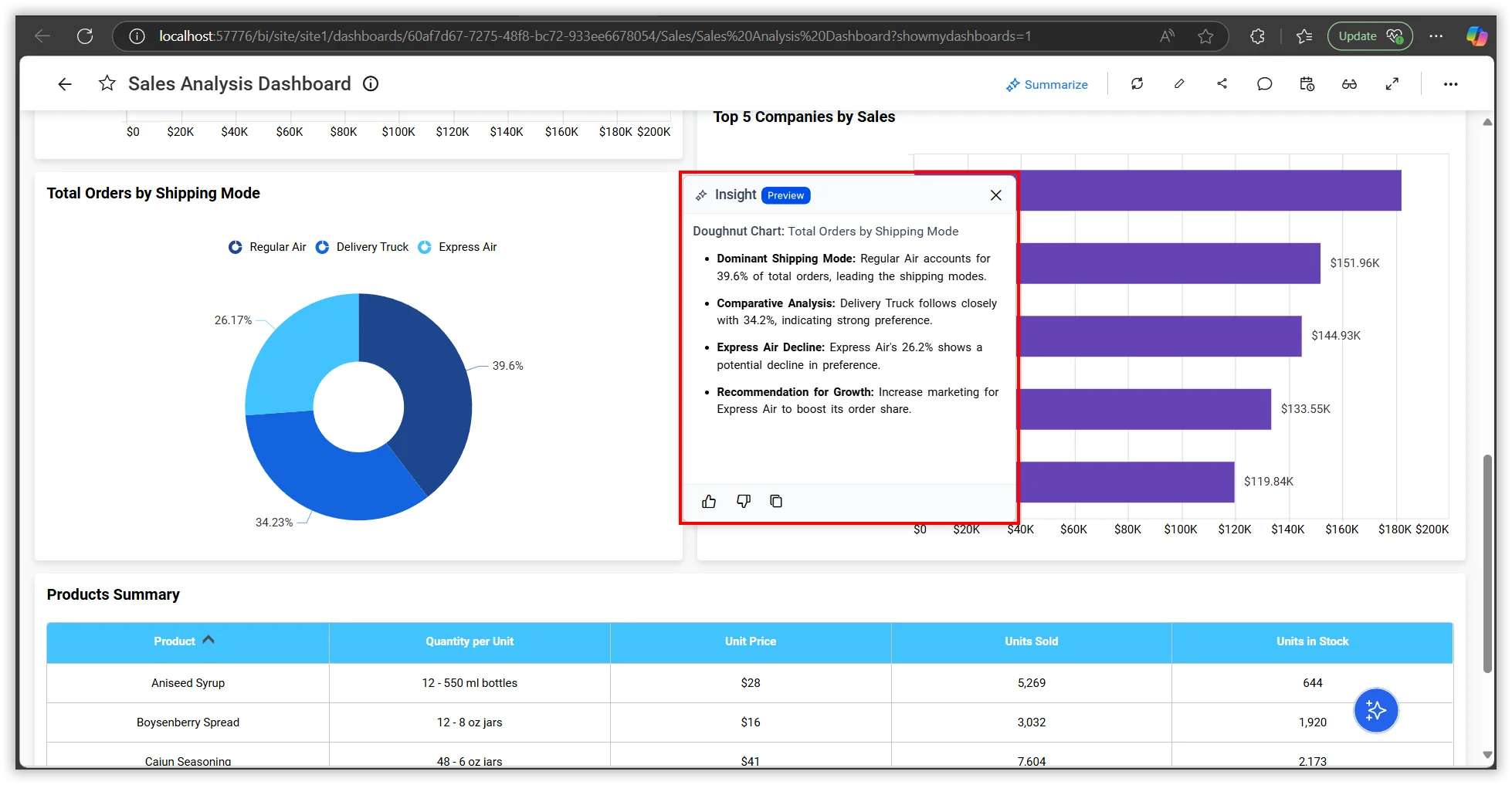
Accurate and consistent widget summaries
AI-driven insights are now more reliable. This update ensures that the same widget generates consistent summaries for the same data, providing you with trustworthy overviews every time.
Other Improvements and Minor Fixes
In addition to the major updates, we have introduced numerous optimizations and bug fixes. Here are just a few examples:
- Performance: The quality of PowerPoint exports for dashboards has been improved, ensuring clearer, high-resolution presentations that preserve the integrity of your visual data.
- Bug fixes: The limitation for creating a data source with a custom attribute in a table name using the API in data sources has been resolved. Other issues with scheduled exporting, displaying field drop down parameters, the scroll bar, and UI visibility have also been solved.
- Security: The ability to back up configuration files has been provided, enhancing security and providing additional recovery options.
For a full list of all the new features, enhancements, and bug fixes, visit our release history page.
Conclusion
We hope these new updates in Bold BI® v11.3.24 will make your analytics process smoother, faster, and more secure. If you’re not yet a customer, sign up for a free trial on our website to see what Bold BI can do for you.
If you have any questions or need assistance, feel free to reach out via the Bold BI website or log in to submit inquiries if you already have an account.