One conversation. All your data questions.
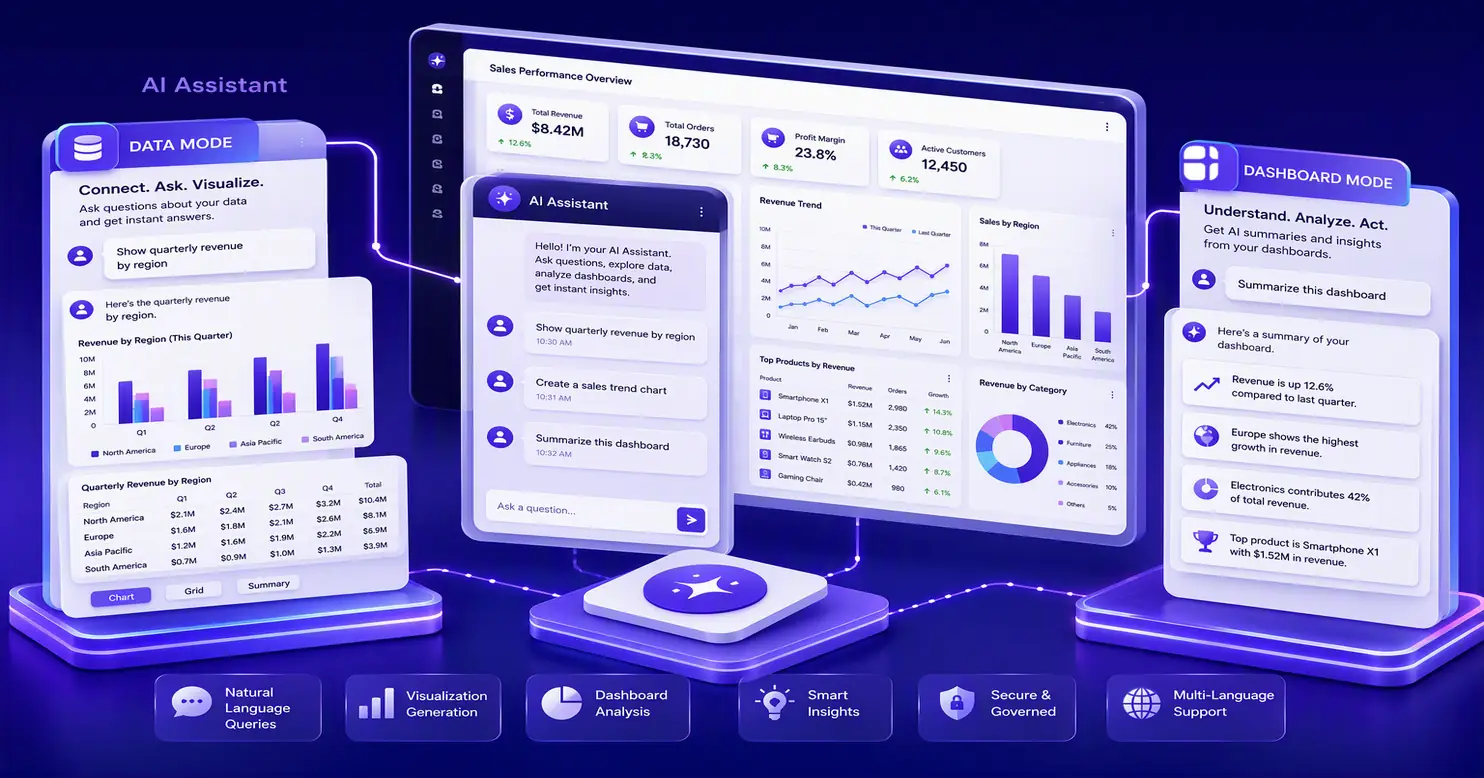
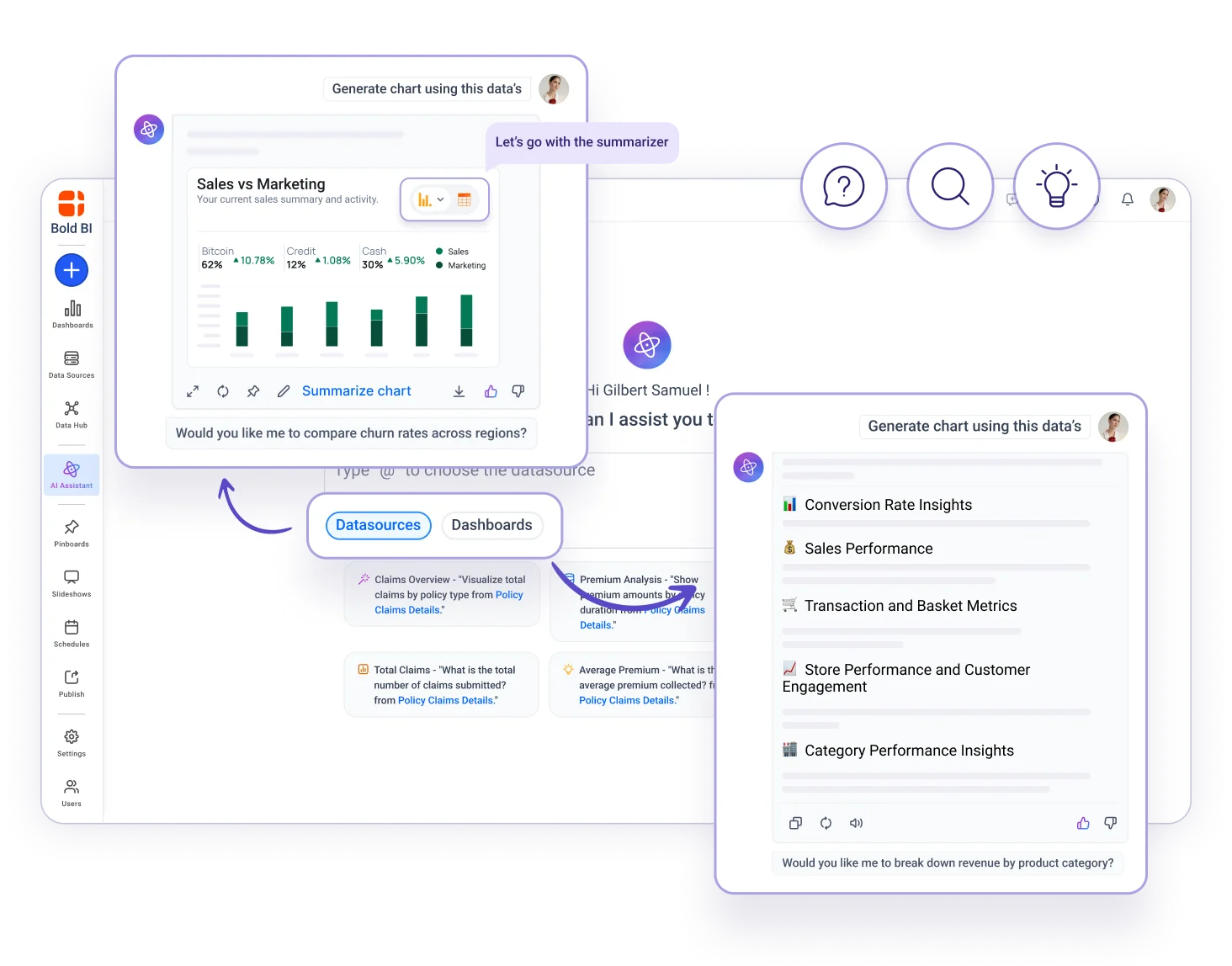
Bold BI AI Assistant is a standalone conversational workspace — not tied to a single dashboard. Pick a datasource or a dashboard, ask in plain English, and get back a visual, a grid, or a written summary.
Its own workspace
A dedicated chat experience, separate from any one dashboard — open it on its own, or inside your product.
Two modes, one chat
Data mode queries one datasource. Dashboard mode summarises what a dashboard is showing.
Nothing is lost
Saved, resumable chat history. Rename what matters, delete what doesn't.
Query a datasource. Or read a dashboard.
One chat, two ways to point it. Switch mode when the question changes — the conversation stays intact.
One selected datasource or dashboard at a time. Cross-datasource querying isn't supported.
Data mode
Select one datasource and ask questions directly against it: trends, comparisons, aggregates. Answers return as a chart, a grid, or a written explanation.
Dashboard mode
Ask a dashboard what it shows. Smart Narrations — Widget Insights and Dashboard Summary — explain patterns and likely contributors in plain language, without asserting cause.
Never start at a blank prompt box.
New to a datasource or dashboard? AI Assistant offers suggested questions generated from the connected metadata, so there's always a way in.
- Generated from connected datasource and dashboard metadata
- Editable before you send — treat them as a draft
- Or ignore them entirely and type your own
What were the top five products by revenue last quarter?
Which regions fell behind plan, and by how much?
How did new customer count trend month over month?
Or type your own question…
See the answer your way.
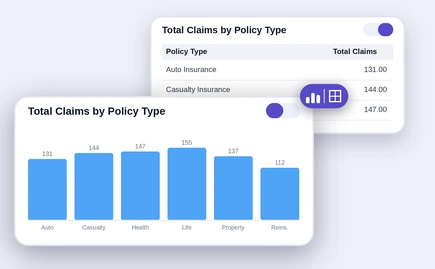
Every answer in Data mode can be viewed as a visual or a grid — toggle between them without re-asking the question. Use the grid to check exact values behind a chart, or the chart to spot a trend the grid doesn't surface as clearly.
- Visual — the shape of the trend
- Grid — the exact values behind it
- Toggle either way — no re-asking, no re-running
Your conversations, saved.
Not a transient panel that forgets. AI Assistant conversations persist as named, manageable sessions — the opposite of AI Agent's per-dashboard chat.
Resume
Reopen any past conversation exactly where you left it.
Rename
Label a thread so the next person knows what it covers.
Delete
Clear out what you no longer need, whenever you want.
Ask in your language.
-
Application language — the AI Assistant interface itself
-
Data language — how questions about the data are interpreted and answered
Both levels need configuring for full multilingual support.
Feedback you control.
-
Like or dislike any answer to help improve future responses. Feedback is subject to the platform's data-sharing and retention disclosures.
- Useful
- Missed it
It only answers with data the user already has.
Data handling is specific to the operation — there is no single "raw data is never sent" rule. Here's what leaves your instance, and the controls around it.
Visual or dashboard generation
User prompt and datasource schema — table names, column names, data types.
Textual data answer
Schema, plus processed or aggregated query results.
Widget or dashboard summary
Widget metadata and the displayed data points.
Governed by the permissions you already set.
Access control, tenancy and model choice stay in your hands — AI Assistant inherits them rather than working around them.
Role-based access
Only surfaces data the user is already permitted to see.
SSO carries through
OAuth and SAML sessions extend into AI Assistant.
Usage at license level
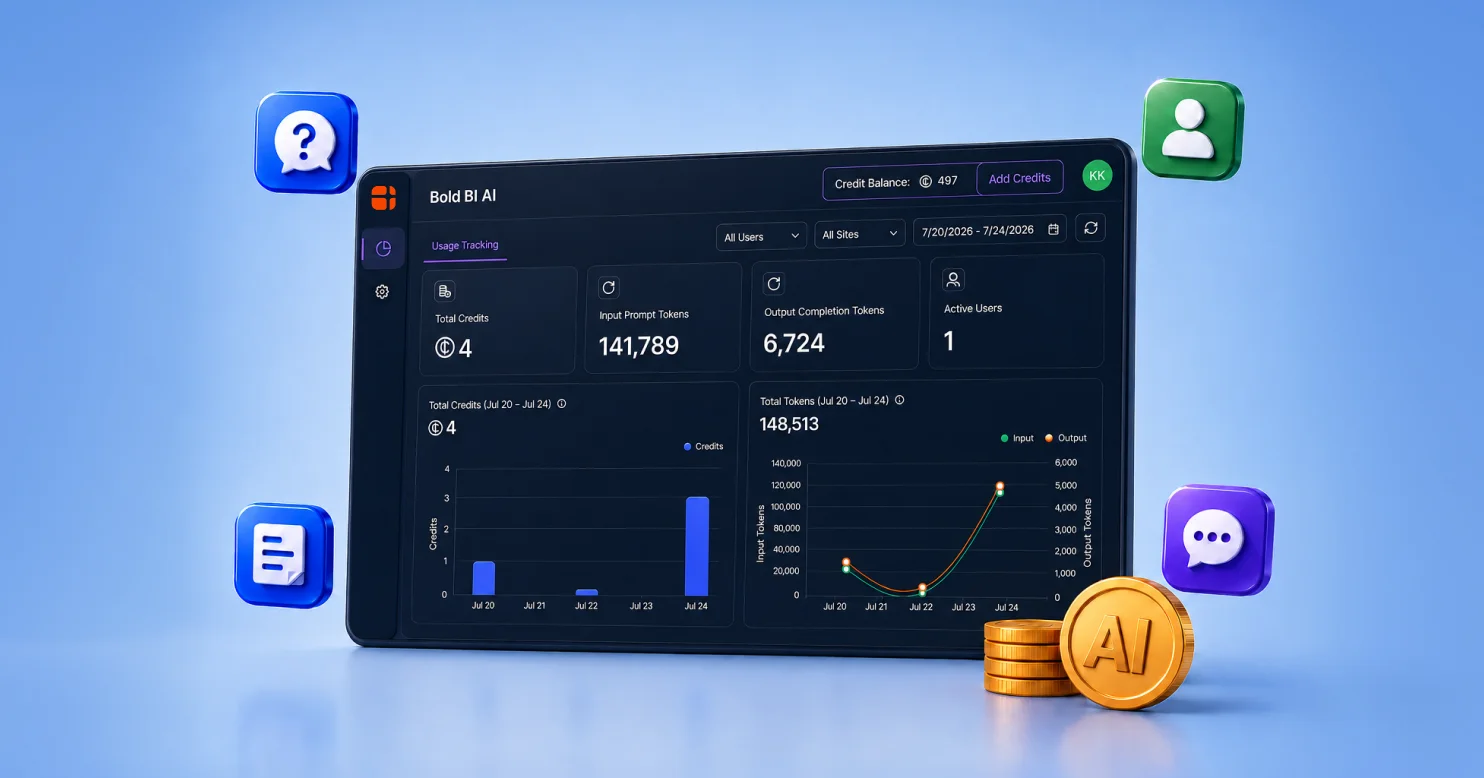
Admins monitor consumption and manage the shared credit balance.
Row-level security
Enforced on results in both Data and Dashboard modes.
BYOK providers
OpenAI and Azure OpenAI; Anthropic Claude needs v16.1.90+.
Audit visibility
Dashboard Usage Insights for on-premises administrators.
Built to fit your stack.
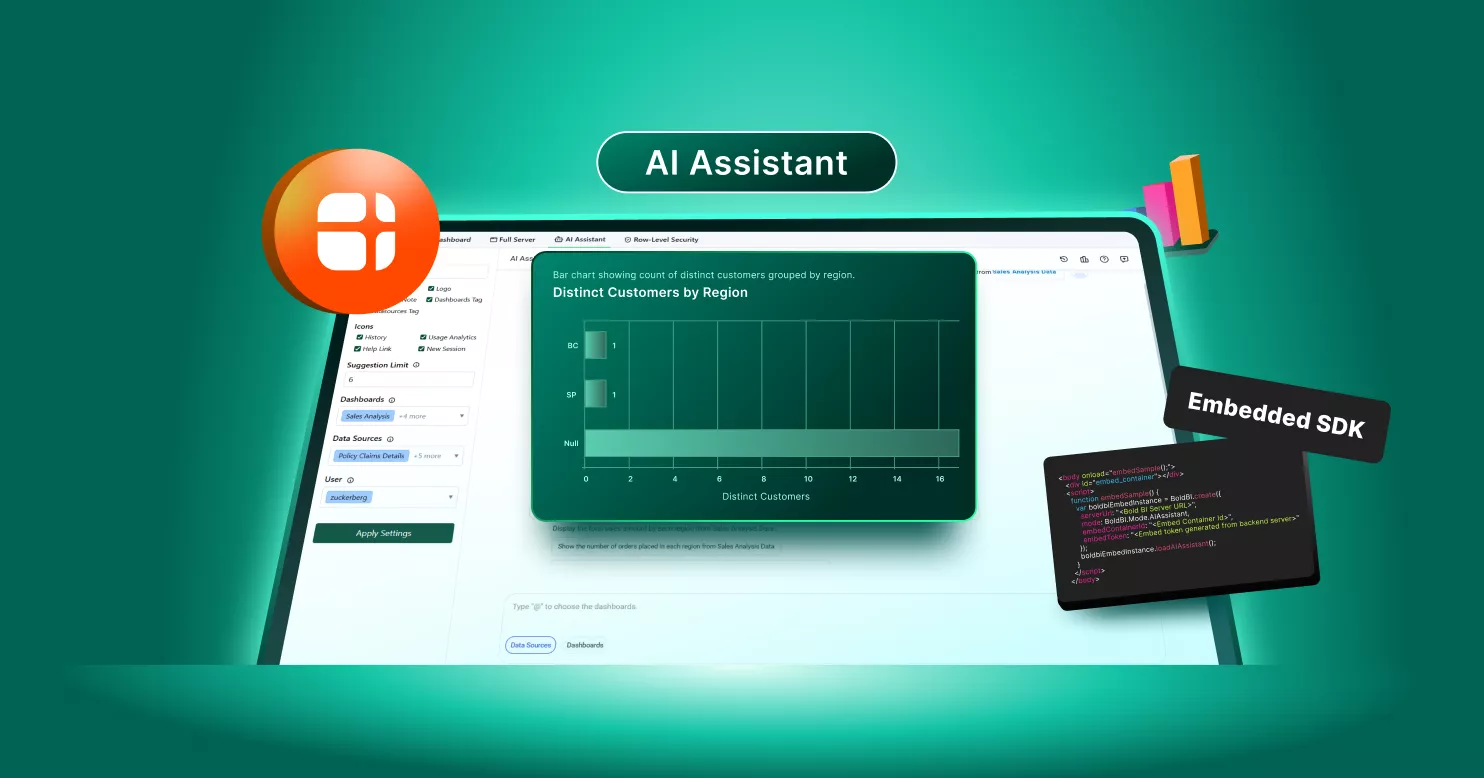
Drop the standalone AI Assistant into your own application with the Bold BI embedded SDK. The embed token is generated on your server.
- No third-party AI branding — the Assistant looks like part of your product
- SSO and row-level security carry into embedded sessions
- Standalone embedding requires Bold BI 14.1 or later
- The in-dashboard AI Agent embeds with the Dashboard Viewer — not through loadAIAssistant()
import { BoldBI } from '@boldbi/boldbi-embedded-sdk';
const assistant = BoldBI.create({
serverUrl,
mode: BoldBI.Mode.AIAssistant,
embedContainerId: 'ai-assistant',
embedToken // generated on your server
});
assistant.loadAIAssistant();
Governed by the permissions you already set.
Access control, tenancy and model choice stay in your hands — AI Assistant inherits them rather than working around them.
AI Agent
Surface
Dashboard Viewer
Scope
The dashboard you're looking at
History
Not saved as a named conversation
Edits dashboards
No
AI Assistant
Surface
Standalone workspace
Scope
One datasource, or dashboard summaries
History
Saved, resumable, renameable, deletable
Edits dashboards
No, unless separately documented
Prompt-to-Dashboard
AI Copilot
Documentation MCP Server
Operational MCP Tool
Know before you roll it out.
Minimum version
Current release for standalone use; v14.1+ for embedding; Anthropic BYOK needs v16.1.90+.
Availability
Cloud and on-premises, including Docker and Kubernetes.
Enablement
AI features on, and permission to the selected datasource or dashboard.
Not supported
Multi-datasource queries in one conversation; editing dashboards from the Assistant.
Before you ask your first question.
A standalone conversational workspace, separate from any one dashboard. Select a datasource (Data mode) or a dashboard (Dashboard mode), ask questions in plain English, and get a chart, grid, or written explanation.
AI Agent lives inside the Dashboard Viewer and answers questions about the dashboard currently open. AI Assistant is its own workspace with saved, resumable conversations, not tied to one dashboard view.
No — AI Assistant operates on one selected datasource or dashboard at a time.
They're saved. You can resume, rename, or delete them at any time.
No — suggested questions, generated from the connected metadata, give you a starting point.
Yes — toggle between visual and grid views on any Data-mode answer.
Yes, with both application-language and data-language configuration required.
BYOK supports OpenAI and Azure OpenAI; Anthropic Claude BYOK requires Bold BI v16.1.90 or later.
Usage is metered through AI credits calculated from model token consumption, managed at the subscription-license level.
Start one conversation with all your data.
Pick a datasource, ask your first question, and keep the conversation going.
No credit card required