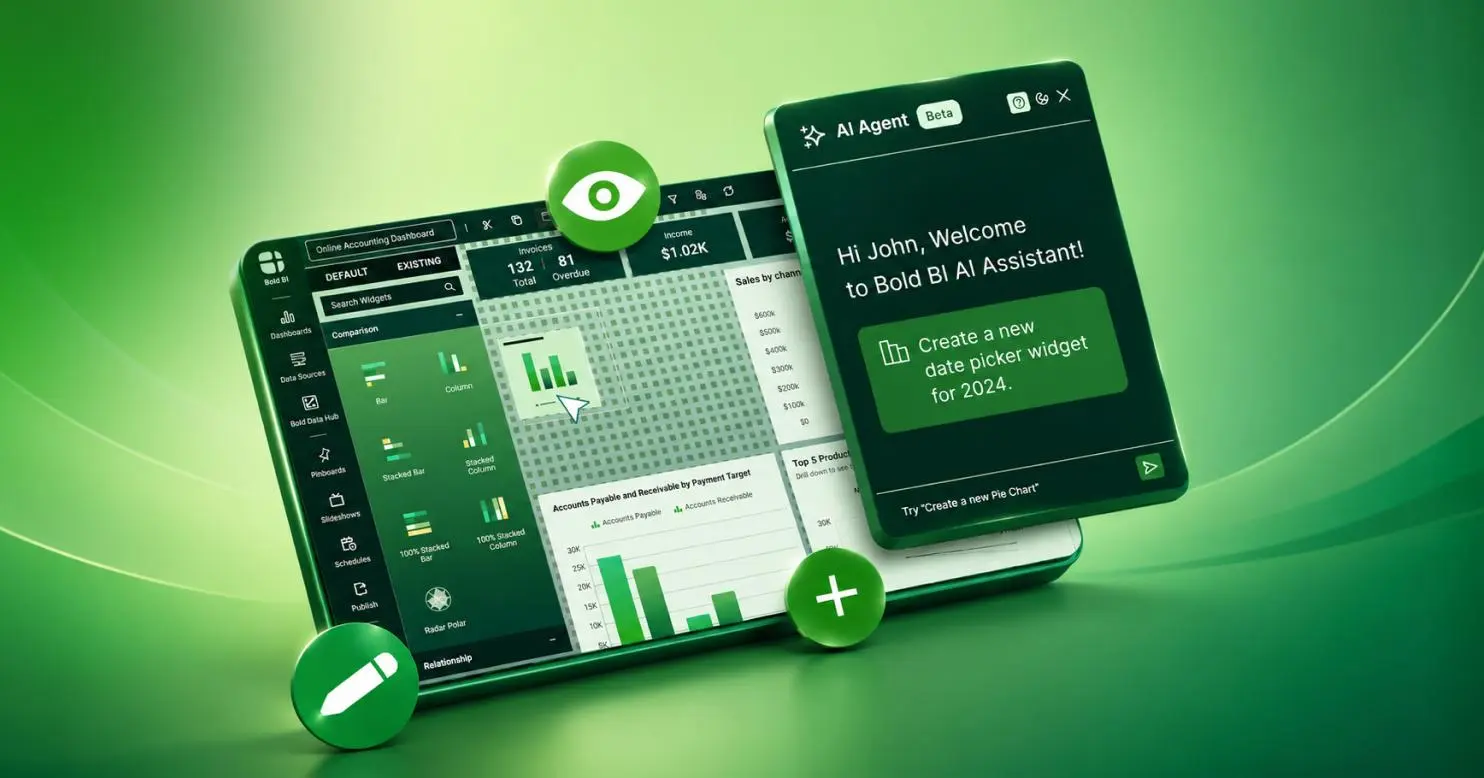
Bold BI AI Agent

Ask your dashboard. Get an answer, not homework.

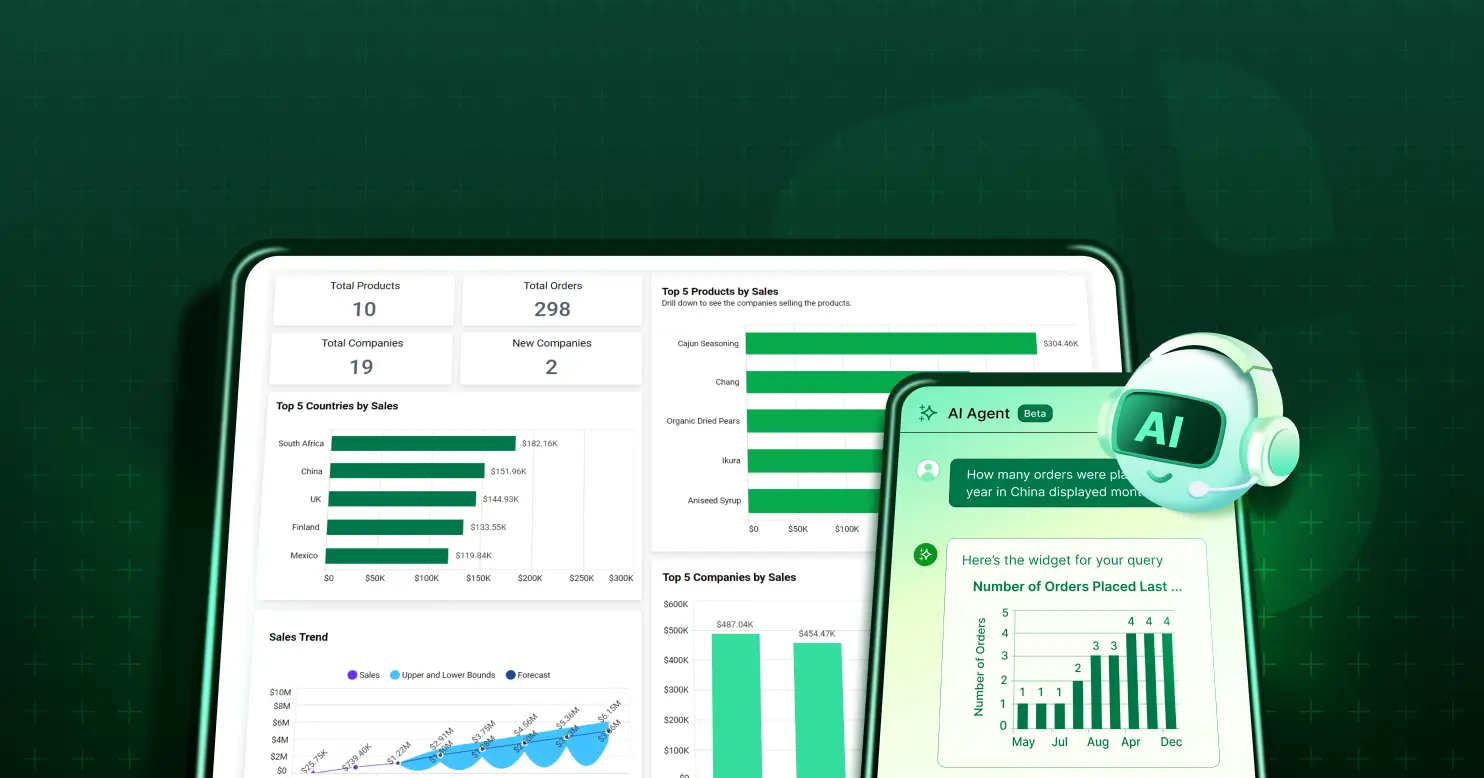
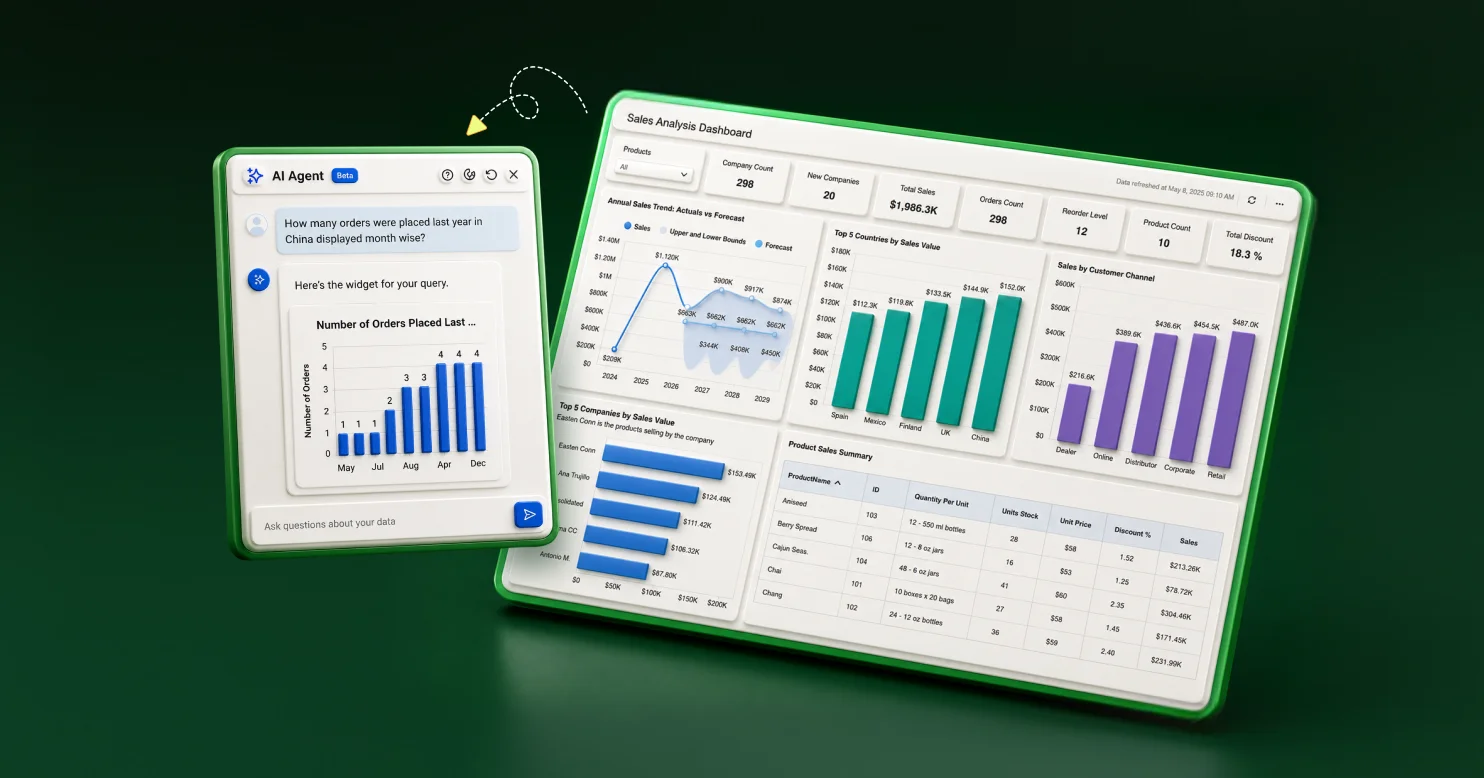
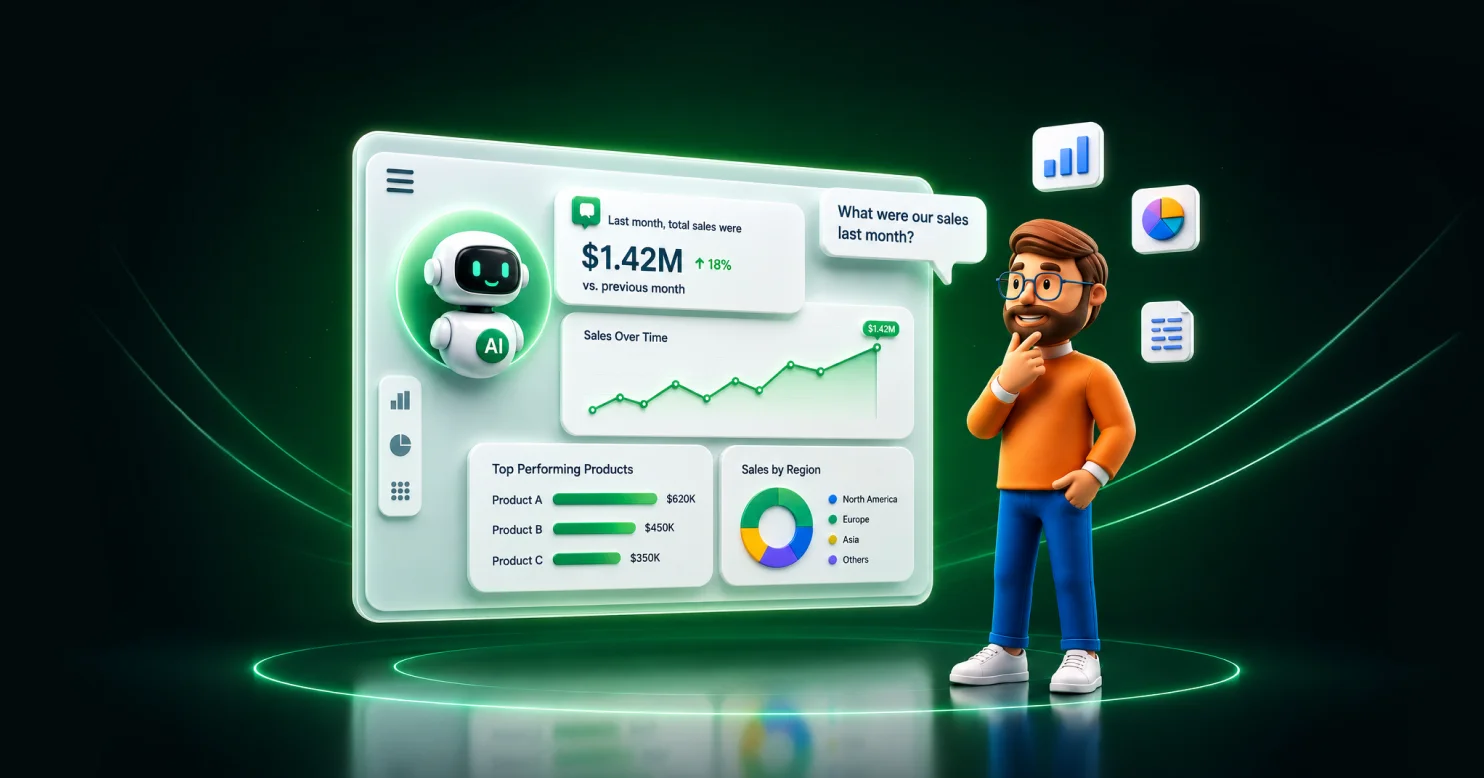
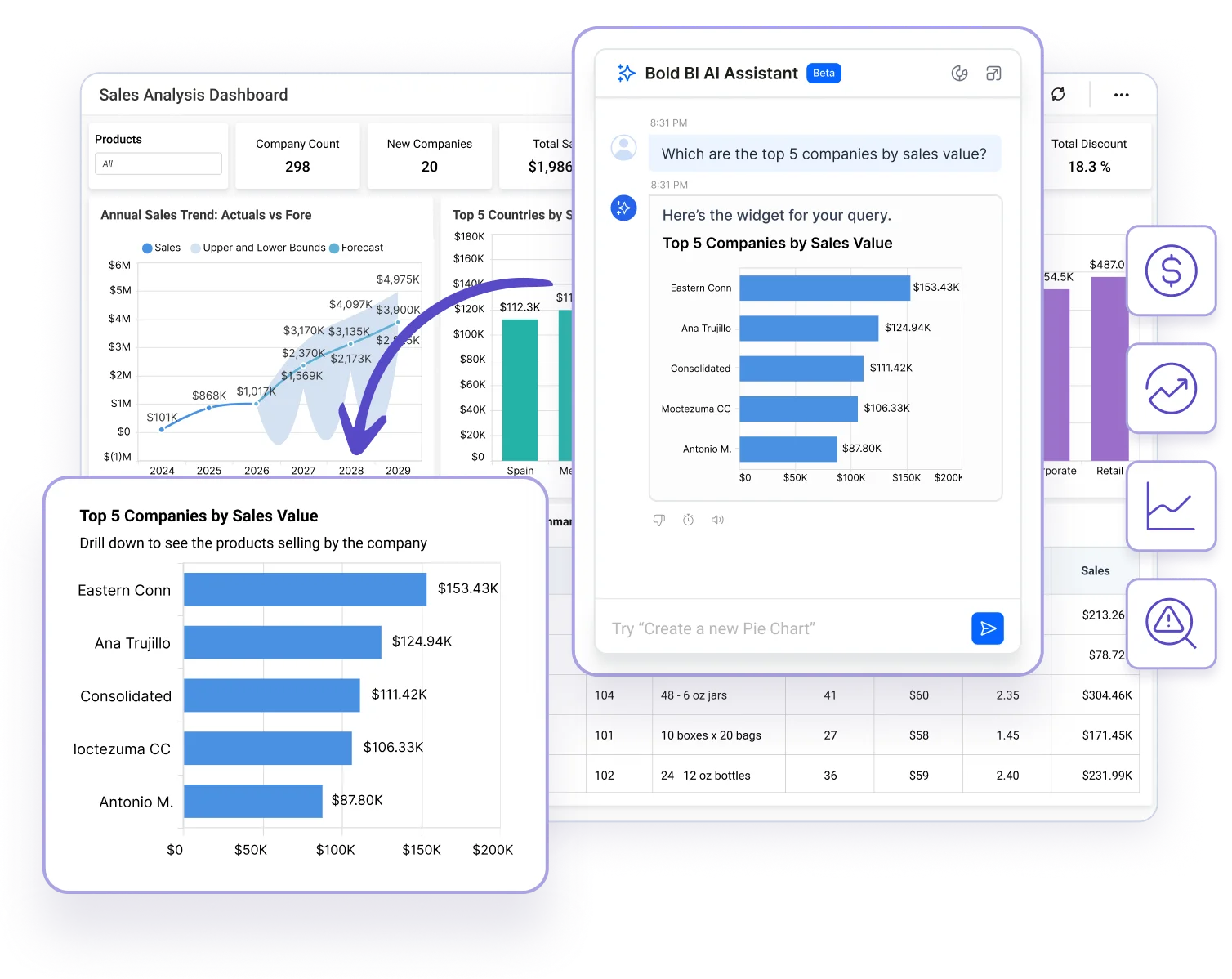
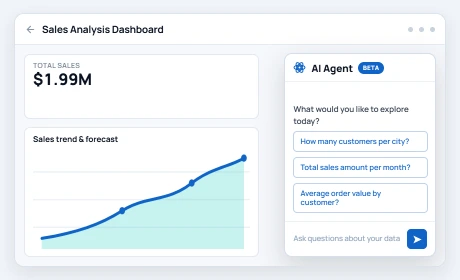
Type a question into any Bold BI dashboard — "Which region lost the most revenue last quarter?" — and get a chart or a direct answer, plus a plain-English read of the changes and likely contributors. In seconds, without a ticket.

  • Ask in plain English — no SQL, no filters, no report request
  • Get a chart or a written answer, side by side
  • Keep asking — the Agent considers your recent questions and builds on them
Trusted by leading companies

Syscon

Networxc

A4B

DigiQuip

CarNow

Revver

Smartway2

GeniusVets

Talentegy

Trust & security

Grounded in your data. Governed by your rules.

G2 4.4/5 (91 reviews) · Capterra 4.9/5

Rated by teams running Bold BI in production

SOC 2-aligned security model

SSO and row-level security govern every AI answer, same as any dashboard

Bring your own key

OpenAI and Azure OpenAI; Anthropic Claude BYOK requires Bold BI v16.1.90+

The problem

You have a question. Someone else has the query language.

"Why did churn spike in March?" shouldn't require a ticket. By the time IT builds the report, the moment to act is gone. The AI Agent skips the ticket — ask it inside the dashboard you're already looking at.

Before — file a request

  • File a request with whoever owns the BI tool
  • Wait for the report to be built
  • Read it after the moment to act has passed
  • Ask a follow-up start the queue again

After — just ask

  • Skip the request queue entirely
  • No dependency on whoever owns the BI tool
  • Ask again immediately if the first answer raises a new question
How it works

Type. It checks your access. You get an answer.

The same three steps behind every question, whether it's a quick count or a written explanation.

1

Ask

"Show me top 5 products by margin this quarter." Plain English, the way you'd ask a coworker.

Understands business terms, not just field names

2

Checked

The Agent maps your words to your data using schema context and enforces your row-level security before it retrieves anything.

Row-level security enforced automatically, every time

3

Answered

A chart or a direct written answer. Where Widget Insights or Dashboard Summary are enabled, you also get a plain-English read of the trends and likely contributors — same thread, keep asking.

Multi-turn — the Agent considers your recent questions

What you can ask

Answers, not just charts

Everything here is read-only analysis of data on your dashboard — the Agent never edits widgets or the layout.

Ask about your data

Trends, comparisons, counts, and likely contributors to a change. You get a real answer, not a chart you still have to decode.

Business terminology

The Agent uses your schema as context; clear field names and explicit column references improve accuracy.

Plain-English explanations

Where Widget Insights (per-widget) and Dashboard Summary (whole-dashboard) are enabled, answers can include a written summary of what the data shows.

Keep the thread going

Refine and drill with follow-up questions instead of starting over.
  • Need to build or change the dashboard itself? The Agent only reads. To build visuals by asking, see AI Copilot; to generate a whole dashboard from one prompt, see Prompt to Dashboard. (The Unified AI Agent is a separate standalone conversational workspace with Data and Dashboard modes and saved chat history — the in-dashboard AI Agent described here is the read-only viewer experience.)

AI-generated output should be reviewed before it's used for business decisions.

See it in action

Watch a question turn into a decision

A real question, a real chart, a real follow-up that sharpens the answer.

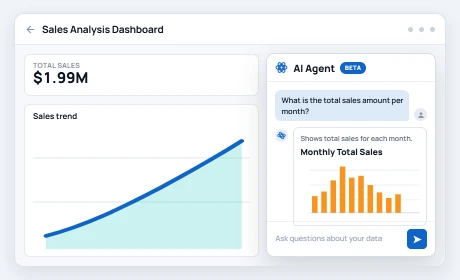
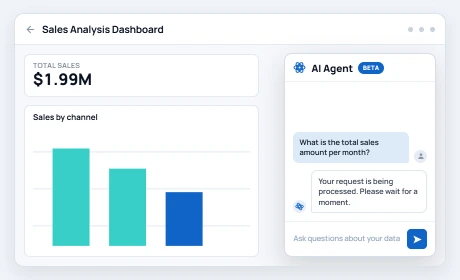
Question

1

The question

Chart

2

The chart
Follow Up

3

The follow-up

Built to fit your stack

Drop it into what you already run

Embed the AI Assistant into your own app with the Bold BI embedded SDK. The embed token is generated on your server; standalone AI Assistant embedding requires Bold BI 14.1 or later.

import { BoldBI } from '@boldbi/boldbi-embedded-sdk';

const assistant = BoldBI.create({
  serverUrl,
  mode: BoldBI.Mode.AIAssistant,
  embedContainerId: 'ai-assistant',
  embedToken // generated on your server
});

assistant.loadAIAssistant();
Bring Your Own Key

OpenAI and Azure OpenAI; Anthropic Claude BYOK requires Bold BI v16.1.90+.

White-labeled

Your logo, your domain, your colors.

Security inherited

SSO and row-level security apply to AI answers as they do to dashboards.

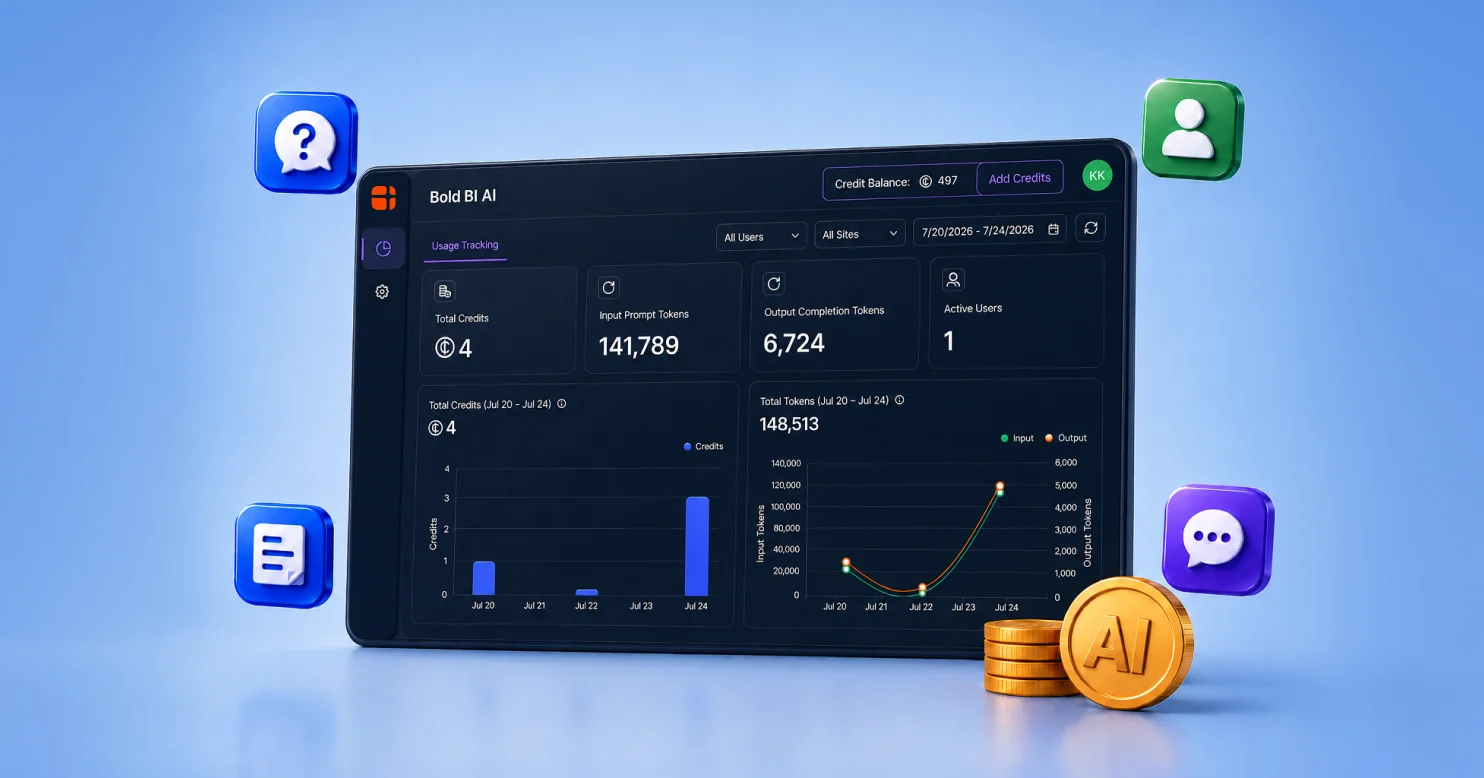
AI usage

Managed at the subscription-license level; administrators can review usage by supported dimensions and manage the shared credit balance.

Who it's for

One agent, every seat at the table

From the exec who wants the number now to the admin who wants control over what it says.

Executives

Ask a question, read the explanation, skip the analyst meeting.

BI / data teams

Every question the Agent answers is one less ticket in your queue.

SaaS product teams

Embed it, white-label it, ship conversational analytics as your feature.

IT / security

Roll it out on the permission model you already built.

Proof

Answers before the meeting, not after

Teams get from question to decision without filing a report request. Non-technical users get answers straight from a dashboard no developer, no query language.

Teams get from question to decision without filing a report request.

Non-technical users get answers straight from a dashboard — no developer, no query language.

FAQ

Frequently asked questions

A chat-style feature inside the Dashboard Viewer. Ask about the data on your dashboard in plain English and get a chart or a direct answer. It's read-only — it never changes the dashboard.

No. To build visuals, use AI Copilot; to generate a dashboard, use Prompt to Dashboard.

The AI Agent here is the read-only, in-dashboard viewer experience. The Unified AI Agent is a separate standalone conversational workspace with Data and Dashboard modes and saved chat history.

No. Ask it the way you'd ask a colleague.

No. Plain-English explanations come from Widget Insights and Dashboard Summary, which are configured features — they aren't attached to every answer.

SSO and row-level security apply to AI answers. For written answers, the Agent sends your schema plus a small amount of processed (aggregated) values to the model to phrase the reply — never your raw rows.

Counts, sums, min/max, and averages. Advanced statistics like median or variance aren't supported yet.


BYOK supports OpenAI and Azure OpenAI; Anthropic Claude BYOK requires Bold BI v16.1.90+.

Yes — the Bold BI embedded SDK, fully white-labeled (Bold BI 14.1+ for standalone AI Assistant embedding).

At the subscription-license level; administrators review usage by supported dimensions and manage the shared credit balance.


On-premises administrators can use the AI-powered Dashboard Usage Insights dashboard for supported usage and audit views. Cloud availability and coverage may differ.

Get started

Ask it something. See what happens.

Free 30-day trial. No credit card. Connect your data and ask your first question today.