

Your AI assistant, connected to your BI environment.
Ask Claude, ChatGPT, GitHub Copilot, or VS Code anything about your dashboards, data sources, users, and permissions — and get a real answer from your live Bold BI site. No admin console. No manual lookups.
No credit card required.
Syscon
Networcx
A4B
DigiQuip
CarNow
Revver
Smartway2
GeniusVets
Talentegy
What your AI assistant can do with Bold BI
AI Smart Actions are governed MCP operations across 53 tools spanning dashboards, datasources, users, groups, permissions, and schedules — discovering, inspecting, querying, exporting, and monitoring Bold BI content, never creating, editing, or deleting it.
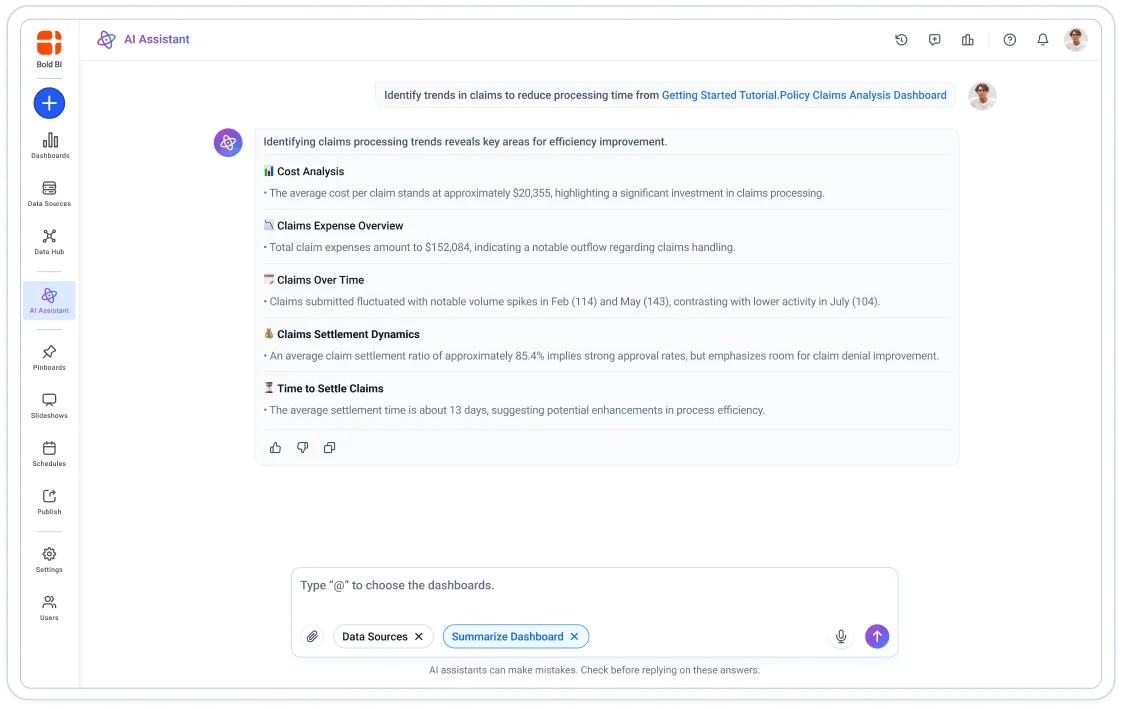
Find any dashboard without opening the console
Ask "list all dashboards," "show me the Finance team's favorites," or "which dashboards are public?" Your AI assistant pulls the live list straight from your Bold BI site — no navigation, no filtering, no screen switching.
-
List all dashboards, favorites, drafts, and public dashboards instantly.
-
Check widget details for any dashboard in one question.
-
View dashboard settings and deployment info.
-
Works across every dashboard on your site, not just the ones you remember.
Know what breaks before you touch anything
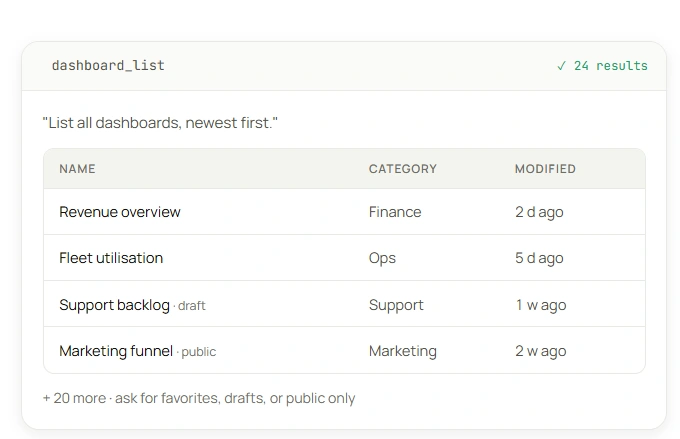
Before rotating a credential, changing a schema, or migrating a data source — ask your assistant what depends on it. Get the full list of linked dashboards, their widgets, and who has access, in one conversation instead of twenty minutes of clicking.
-
See every dashboard linked to a specific data source.
-
Check widget-level impact before making changes
-
Review data source columns and schema.
-
Track recent activity on any data source.
Answer "who can see what?"
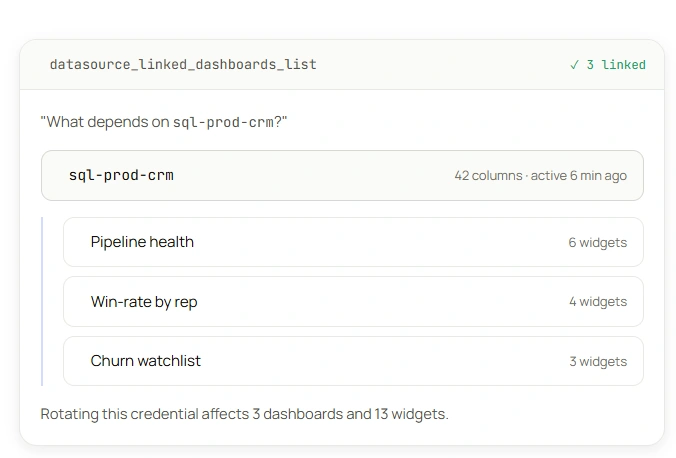
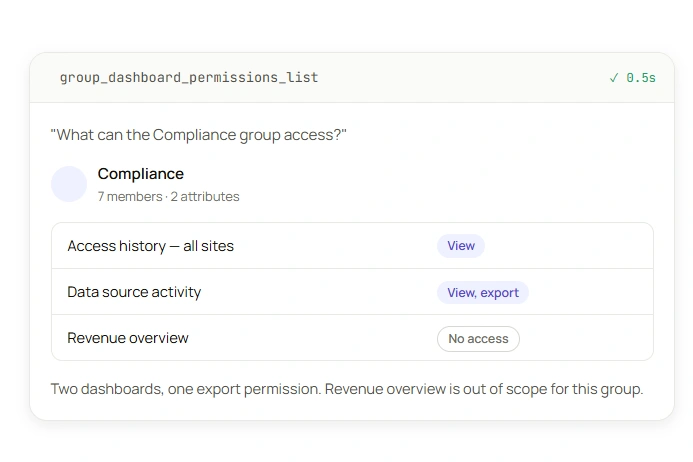
No more digging through permission screens. Ask your assistant which groups can access a dashboard, which dashboards a user can see, or what permissions a group has — and get a current, accurate answer.Before rotating a credential, changing a schema, or migrating a data source — ask your assistant what depends on it. Get the full list of linked dashboards, their widgets, and who has access, in one conversation instead of twenty minutes of clicking.
-
Check dashboard permissions by user or by group.
-
List all users in a group, or all groups a user belongs to.
-
Review user and group attributes.
-
Confirm access before a security audit or compliance review.
Export dashboards and pull audit history — from the chat
Export dashboards as PDF, Excel, or image files, and export selected datasource content as Excel, CSV, or JSON.
-
Export dashboards and data sources
-
Pull dashboard access history for any time range.
-
Review data source activity logs.
-
Monitor schedules, slideshows, webhooks, and published content.
Connect. Ask. Done.
Three steps. No SDK. No REST client code. Just your AI client, your Bold BI API key, and one endpoint.

Connect your AI client
Connect using a user-bound Bold BI API key and your Bold BI site URL. MCP operations run with the permissions associated with that user — no additional MCP-specific account is required.

Ask in plain language
"List dashboards the Finance group can see."
'What depends on this data source?"
Your assistant selects the right tools automatically.

Get live results, fully logged
The answer comes back from your actual Bold BI site — not a cached copy. Supported Bold BI activities are recorded according to the auditing capabilities available for your deployment.
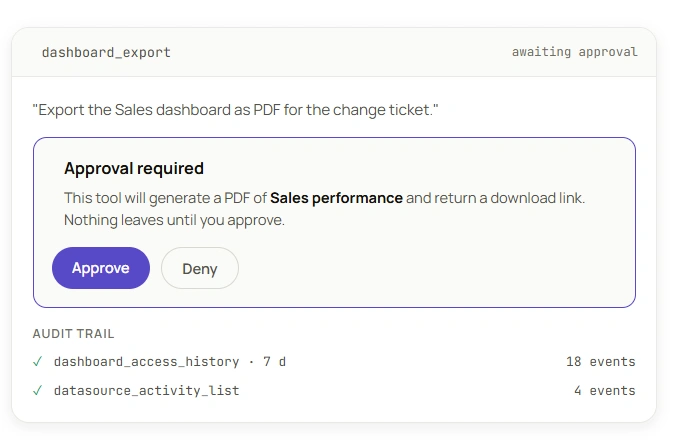
Same permissions. Same rules. Extended to AI.
Your AI assistant sees exactly what the API key allows — nothing more. No service-account shortcut that bypasses row-level security. The current external toolset does not create, edit, or delete Bold BI content. It supports retrieval, guarded querying, exports, downloads, and status operations.
-
Calls use the Bold BI credentials you configure — access follows the same permission model as that credential in the Bold BI UI.
-
53 tools oriented around reading, inspection, querying, export, and status — not content creation or deletion.
-
Audit activity is reviewable via Dashboard Usage Insights (on-premises); cloud coverage may differ.
-
SOC 2-aligned security, HTTPS-only.
-
Works with Cloud and on-premises deployments.
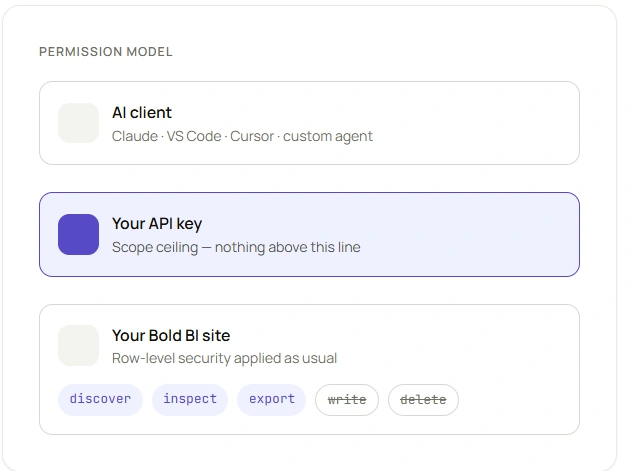
Works with the AI client you already use
Connect in minutes. No plugins to install, no new tools to learn.

Claude
Anthropic's reasoning assistant

VS Code
AI assistant inside your IDE

Codex
Agentic coding in the terminal

ChatGPT
OpenAI's conversational assistant

GitHub Copilot
AI pair programmer in your repo

Code Studio
Cloud-based AI coding workspace
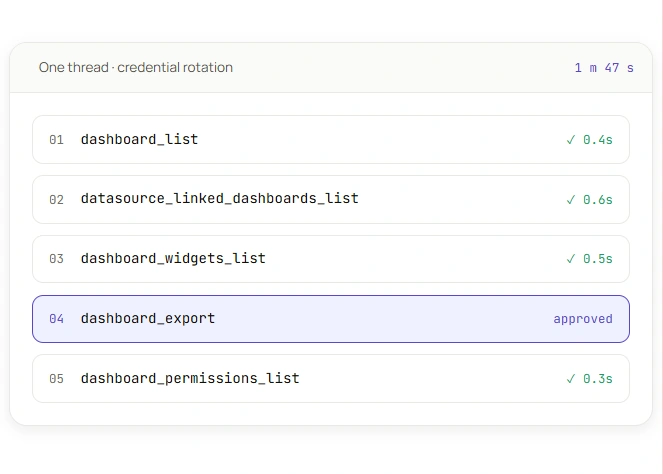
Multi-Step Admin-Console Lookups With One Guided Conversation.
A BI admin planning a credential rotation used the MCP Tool to list dashboards, confirm dependencies, check widgets, export a PDF for the change ticket, and pull the access list — one conversation, every step logged.
Built for teams embedding analytics into their own product
Already embedding white-labeled Bold BI dashboards in your SaaS product? Same Bold BI MCP Server, pointed at your own team's tooling.
Audit what each tenant can see, per tenant
Trace data source dependencies before a schema change
Pull access history for a customer's security review
Runs alongside Bold BI's embedded designer and REST APIs
The Bold BI MCP Server is one part of Bold BI AI
All AI features are included in every plan — never billed by the prompt.


Frequently asked questions
Any Bold BI Cloud or on-premises customer with a valid API key.
Tested with Claude, ChatGPT, Codex, GitHub Copilot, VS Code, and Code Studio. Other clients that support MCP over Streamable HTTP and custom headers are expected to work; client-specific validation is ongoing.
The 53 externally available tools are oriented around reading, inspection, querying, export, and status — not content creation or deletion.
Calls use the Bold BI credentials you configure, following that credential's existing permission model.
No — it's a configuration step, not a coding task. You need someone who can generate an API key and confirm your site's URL.
Related articles
Explore expert guides, use cases, and best practices to help your team get more from Bold BI and turn data into decisions faster.
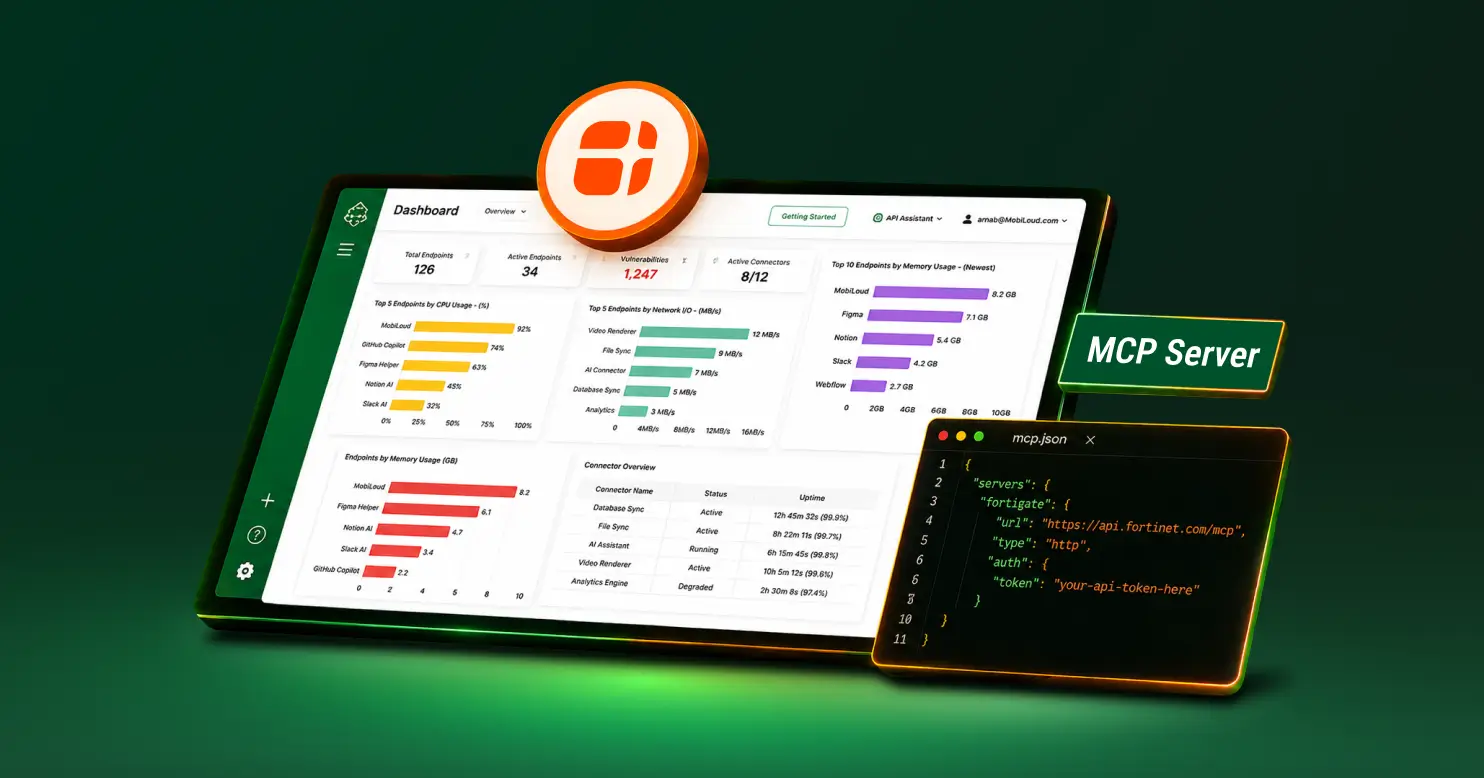
Start asking your BI environment questions
Connect the Bold BI MCP Server and let your AI assistant handle the governance questions your team answers by hand today. Free 30-day trial, no credit card required.
No credit card required.