
Bold BI Enterprise Edition March 2020 Update Released

This release covers in-demand features, from major additions like new data connections, to smaller ones like improved usability in widgets. Let’s briefly discuss the new features and enhancements included in Bold BI® with this update.
Feature summary
New data connections
Connect Microsoft SSAS, Google BigQuery, and Podio with Bold BI using new built-in connectors.

64-bit driver support in ODBC connector
You can now use 64-bit ODBC drivers to create an ODBC data source with the Bold BI ODBC connector. To use this, you have to run Bold BI in 64-bit mode.

PostgreSQL as metadata storage
PostgreSQL can now be used as a metadata store. This overcomes the SQL Server requirement for handling files and web data sources.
SSO support for embedding
Now your application can share authentication with the embedded dashboard through Single Sign-On functionality.

Paging for REST-based web data
Data paging is now supported for the following data sources:
Custom identity providers for authentication and authorization
You can now configure OAuth and OpenID based custom identity providers in Bold BI for authentication and authorization.
Color customization
The number card widget supports conditional formatting now. You can customize the colors in the number card based on conditions you specify.
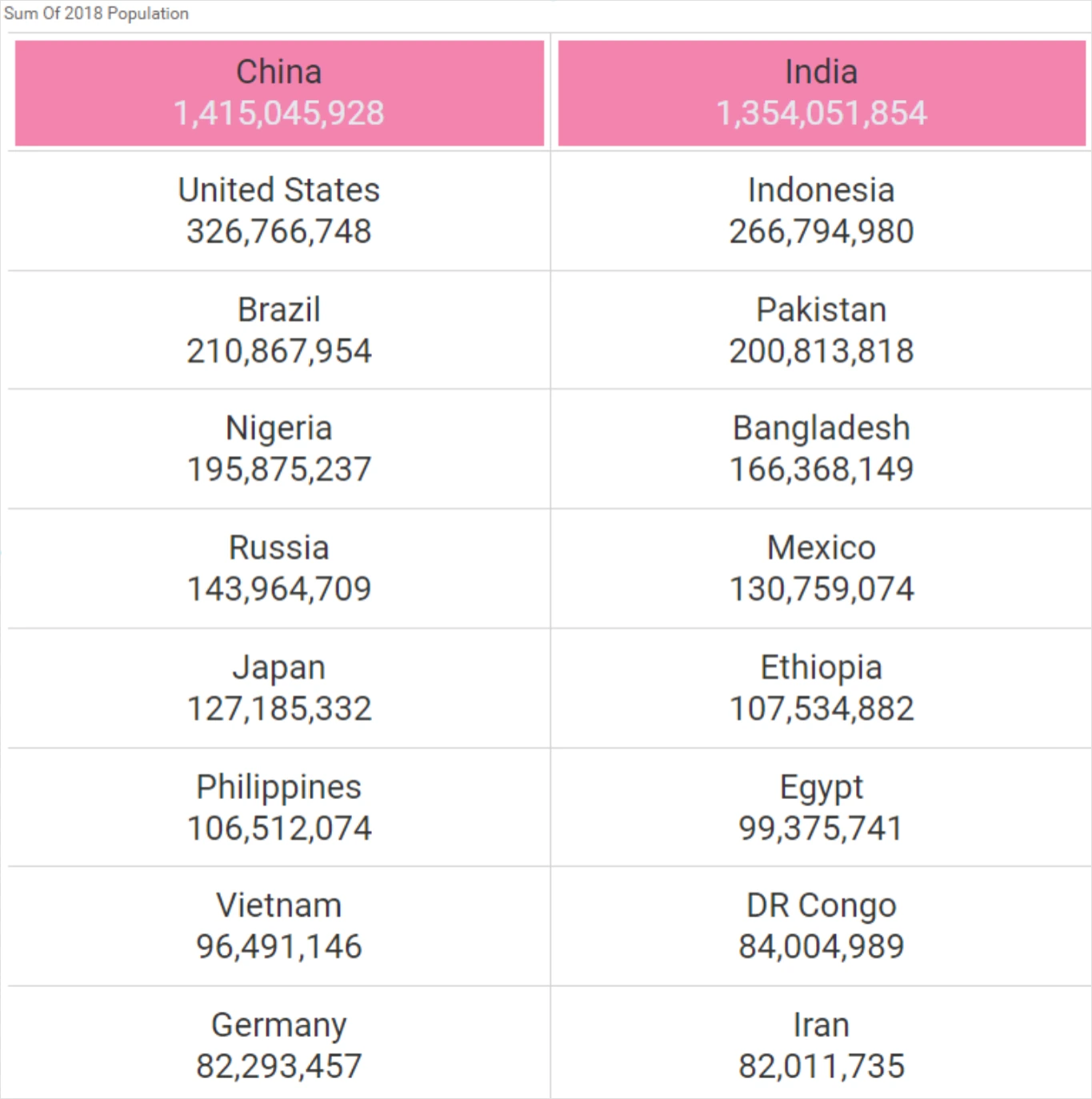
In the heatmap widget, color customization can be done across the table row-wise or column-wise based on conditions.

Display column binding
You can now bind a display column to the list box and combo box widgets. This lets you show the row value of a display column when referencing the row value of the underlying value column.
Indicator positioning and placement
The ability to define the KPI symbol position and placement has been added to the KPI card widget.
Field-based sorting in pivot grid
In the pivot grid, sorting can be applied based on different fields.
Hidden column support in pivot grid
In the pivot grid, a column can be bound in hidden mode such that all other operations like sorting can be handled in the display view based on these columns.
Conclusion
We hope this article reveals new features and improvements you’re excited about in Bold BI® Enterprise 3.1. Get started with Bold BI by signing up for a free trial and create more interactive business intelligence dashboards.
If you have any questions or need clarification, please use the comments section available below. You can also contact us by submitting your questions on the Bold BI contact page, or if you already have an account, you can log in to submit your support question.